
Dropping a phone in water is one of the most stressful accidents for smartphone users. Whether it falls into a sink, toilet, pool, or gets exposed to rain, water can quickly damage sensitive internal components.
For repair shops and wholesalers, water-damaged phones are also common repair cases that require fast diagnosis and professional repair decisions. Understanding the correct emergency steps can significantly improve the chances of device recovery.
In this guide, we explain exactly what to do if you drop your phone in water, common mistakes to avoid, and how professional repair shops handle phone water damage.
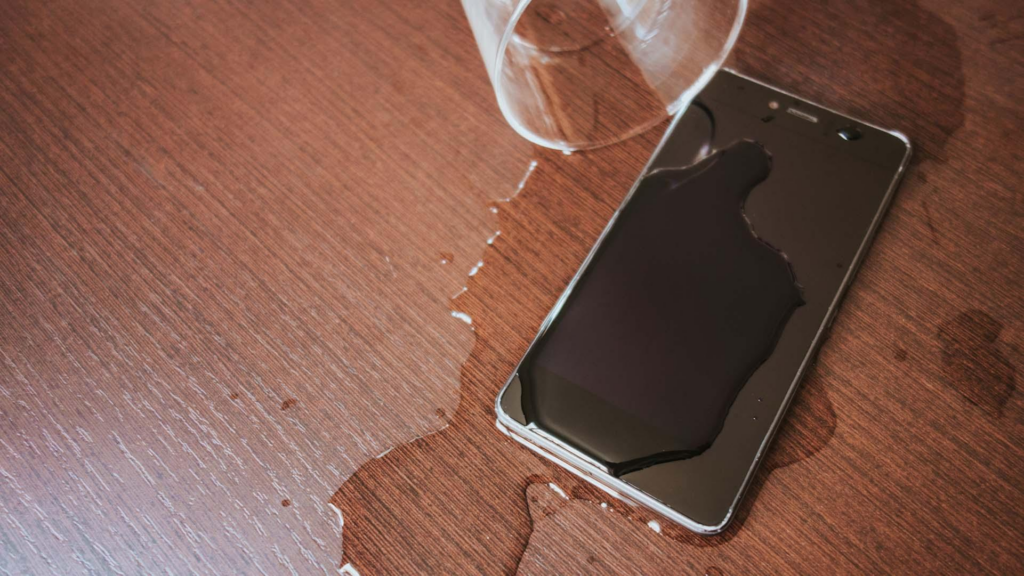
What Happens When a Phone Gets Water Damage?
Modern smartphones contain highly sensitive electronic circuits. When water enters the device, it can cause:
- Short circuits
- Corrosion
- Battery damage
- Charging failure
- Screen malfunction
Even water-resistant phones are not fully waterproof. Over time, seals weaken and allow moisture inside.
Water damage may affect:
- Charging ports
- Batteries
- OLED or LCD displays
- Motherboards
- Speakers and microphones
In many cases, corrosion continues developing even after the phone appears dry.
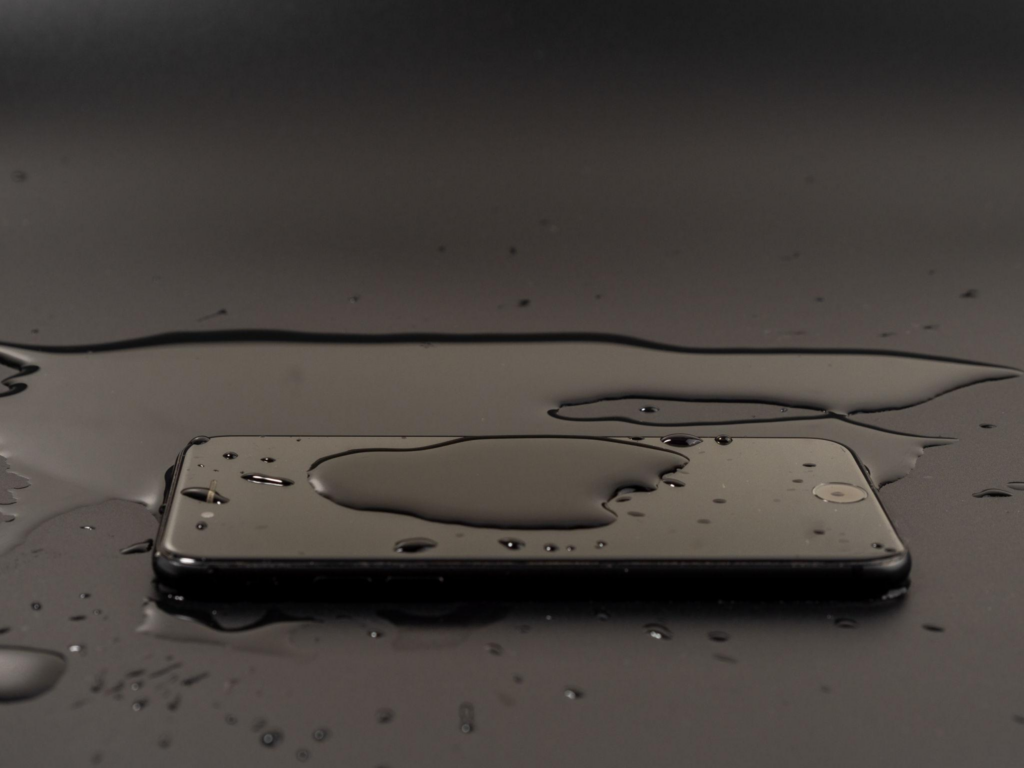
Phone Water Damage Steps: What to Do Immediately
Taking the right action quickly improves the chance of successful repair.
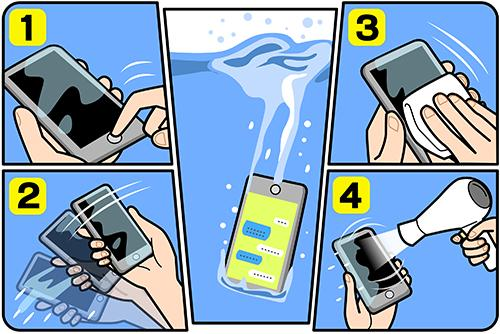
Step 1: Remove the Phone From Water Immediately
The longer the phone stays submerged, the greater the internal damage.
Step 2: Power Off the Device
Do not continue using the phone.
Electric current combined with moisture can permanently damage internal circuits.
Step 3: Remove Accessories and SIM Card
Remove:
- Charging cables
- Cases
- SIM trays
- External accessories
This improves airflow and reduces trapped moisture.
Step 4: Dry the Exterior Carefully
Use a soft microfiber cloth to wipe visible water from the phone surface.
Avoid shaking the phone aggressively because moisture may spread deeper inside.
Step 5: Do NOT Charge the Phone
Charging a wet phone is one of the biggest mistakes users make.
Moisture inside the charging port can create short circuits and charging IC damage.
Water Damaged Phone Repair Success Rate
One common question is:
Can a water-damaged phone be repaired successfully?
The answer depends on several factors.
Higher Repair Success Rate
Recovery chances improve when:
- Phone removed quickly
- Device powered off immediately
- Freshwater exposure only
- Professional repair performed early
Lower Repair Success Rate
Repair becomes more difficult when:
- Saltwater exposure occurs
- Phone remains powered on
- Charging attempted while wet
- Corrosion spreads for days
Saltwater is especially destructive because it accelerates corrosion.
Signs Your Phone Has Serious Water Damage
Even after drying, symptoms may appear later.
Warning signs include:
- Screen flickering
- Charging problems
- Speaker distortion
- Overheating
- Random restarts
- Rapid battery drain
Some water-damaged phones initially work normally before failing later.
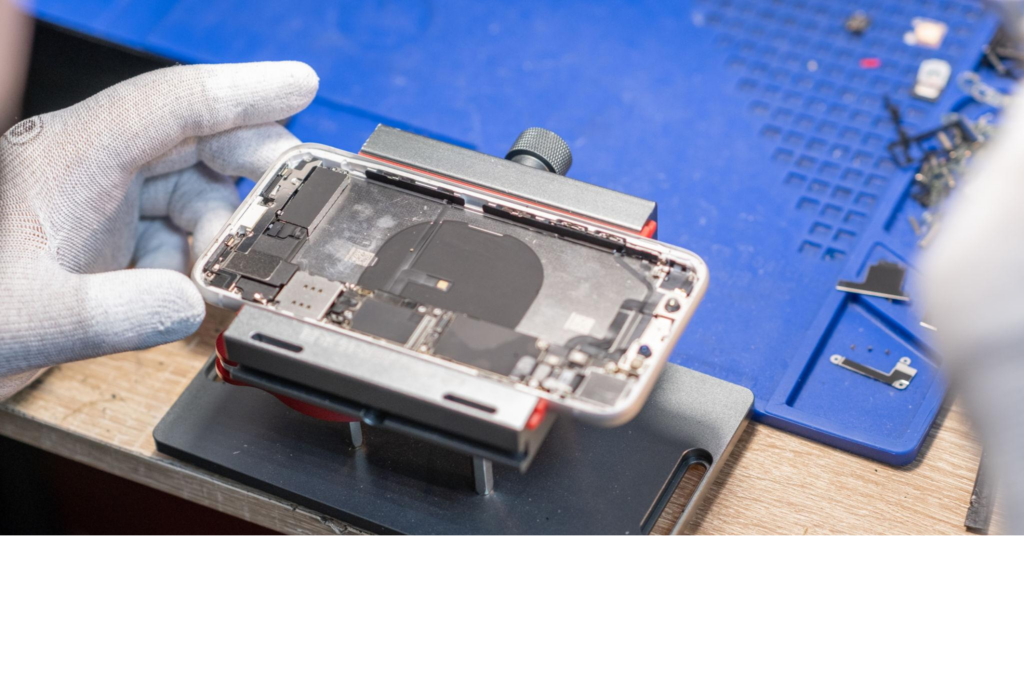
OLED vs LCD Water Damage Differences
Different display technologies react differently to moisture.
OLED Displays
OLED screens are thinner and more sensitive to moisture infiltration.
Water damage may cause:
- Green lines
- Flickering
- Dead pixels
OLED replacement costs are generally higher.
LCD Displays
LCD panels may show:
- Backlight bleeding
- Dark spots
- Touch issues
LCD repairs are usually less expensive than OLED replacements.
Conclusion
Knowing what to do if you drop your phone in water can dramatically improve the chance of successful recovery.
The most important steps are:
- Remove the phone from water immediately
- Power it off
- Avoid charging
- Seek professional diagnosis quickly
While some devices recover fully, water damage can continue causing corrosion over time. Professional repair shops use advanced cleaning and diagnostic methods to improve repair success rates.
For repair businesses and wholesalers, using high-quality replacement batteries, charging components, and OLED/LCD screens is essential for reliable long-term repairs.