
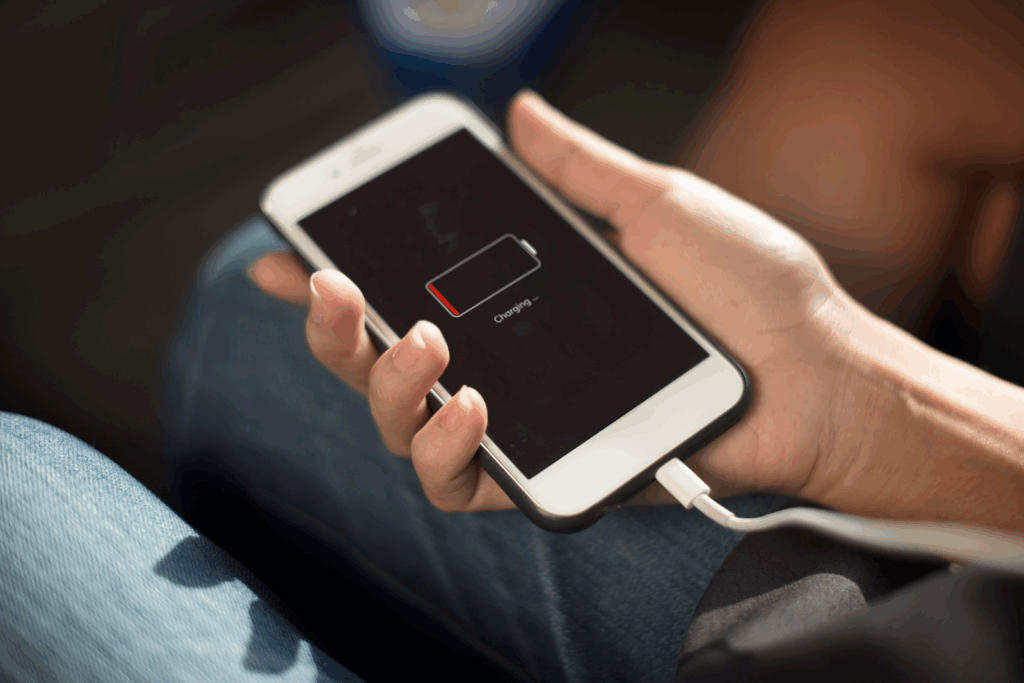
Imagine you’re out with friends and your iPhone hits 5%. Before you go into a state of panic, you see that your friend still has 80% battery. On Android phones, this would be the perfect moment to turn on battery sharing and borrow a quick charge. But with an iPhone in your hand, you suddenly wonder, Can my iPhone do that too?
If you’ve ever asked yourself that question, you’re not alone. iPhone battery sharing is one of those features people hear about online, assume might exist, and then get frustrated trying to find it in settings. Do only newer models support it? Or is Apple saving it for the next update?
This guide is here to clear the confusion once and for all.
We’ll walk you through whether iPhones can actually share battery, which models support any kind of power sharing, how it works, and what alternatives you can use if the feature isn’t available.
Let’s break down the truth about battery share on iPhone – without the myths and rumors.
Can iPhones Share Battery? (Quick Answer)
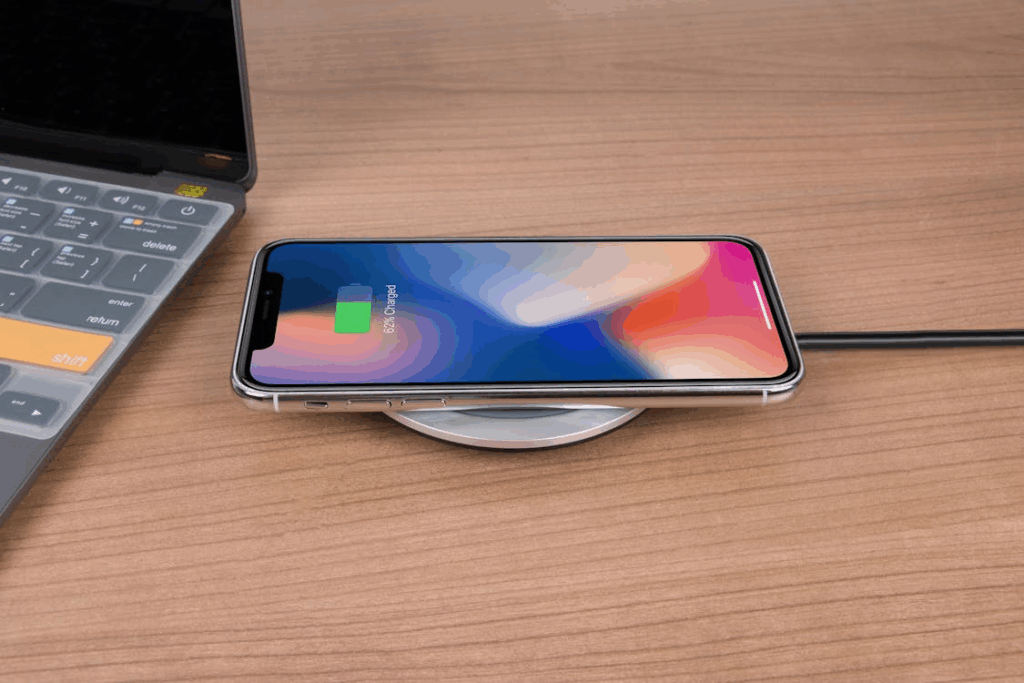
iPhones cannot share battery wirelessly with any device. Apple has not enabled reverse wireless charging, and you can’t transfer power from one iPhone to another the way Samsung or Google phones can. There is no setting, no hidden menu, and no method to make two iPhones charge each other directly.
But that’s not all. Several teardown and firmware reports suggest that Apple has actually built the hardware for reverse wireless charging into newer models (beginning around the iPhone 12). But even though the hardware exists, Apple has never activated the feature through software, likely due to battery efficiency concerns, heat management, and ecosystem strategy.
So for now, iPhones technically have the potential — but battery sharing remains disabled and unavailable for users.
Why iPhone Doesn’t Support Battery Sharing Yet
Before we talk about alternatives, the big question is, Why doesn’t Apple support battery sharing, given how far we have come? Apple has the hardware potential, yet the feature still isn’t active — and here’s why:
Technical Challenges
Reverse wireless charging requires precise power-transfer control, which becomes complicated under Apple’s strict efficiency standards. Even small losses in power transmission can affect overall performance and battery health.
Battery Capacity Limitations
iPhones prioritize thin design and all-day battery life, leaving less extra capacity to safely charge another device. Sharing battery could drain the host iPhone too quickly, leading to a poor user experience.
Heat Management Issues
Wireless charging already generates heat — reversing the process produces even more. Apple avoids features that could cause excessive heat, throttling, or long-term battery wear.
Apple’s Controlled Ecosystem Approach
Apple pushes solutions like MagSafe and optimized charging instead of cross-device power sharing. They prefer features that maintain strict reliability standards across their ecosystem.
Which iPhones Support Battery Sharing?
Now, let’s break down which iPhone models support battery sharing and which do not.
Current iPhone Models (iPhone 12 — 15)
iPhones from the 12 series onward include the internal hardware — specifically the coil and power management components — that could support reverse wireless charging in the future. This means the feature is available, but Apple has disabled it at the software level, so users cannot activate or access it. Despite rumors and FCC filings hinting at hidden capabilities, no iPhone 12, 13, 14, or 15 model currently offers battery sharing in any form.
Older Models (iPhone 8 — 11)
These models lack the necessary hardware for reverse wireless charging. They were not designed with battery sharing in mind, so enabling the feature is physically impossible on these devices.
| iPhone Model | Supports Battery Sharing? | Notes |
| iPhone 15 series | ❌ No | Hardware capable but disabled |
| iPhone 14 series | ❌ No | — |
| iPhone 13 series | ❌ No | — |
| iPhone 12 series | ❌ No | MagSafe supported only |
| iPhone 11 and earlier | ❌ No | No reverse charging hardware |
How to Use Battery Share on iPhone (Workarounds That Actually Work)
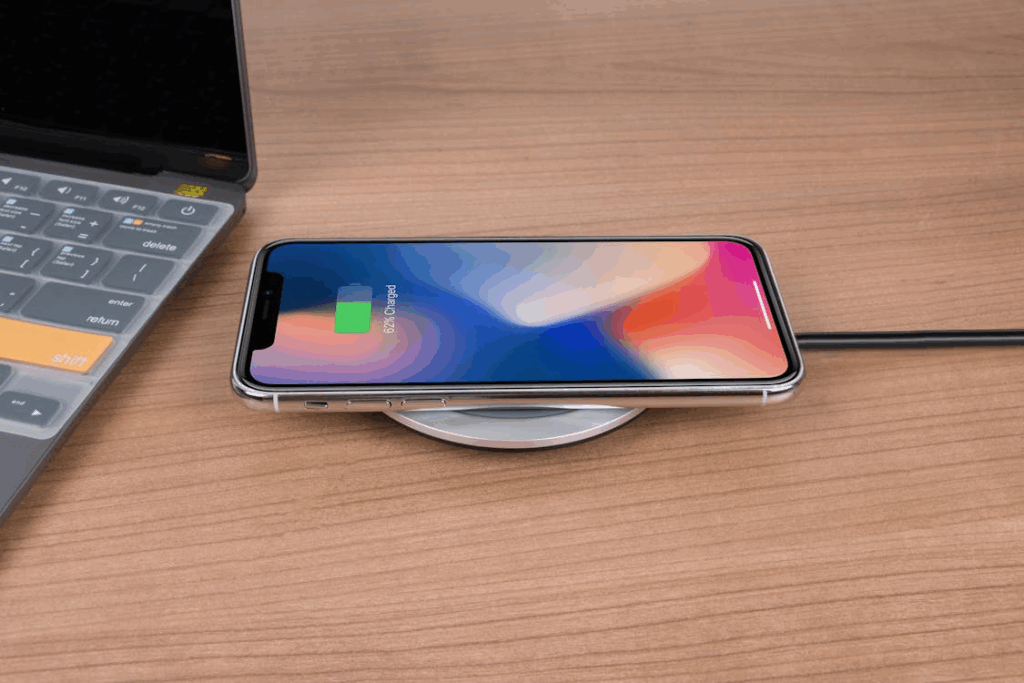
While iPhones don’t offer reverse wireless charging like some Android devices, there are practical ways to share battery power or keep your iPhone and other devices charged when you’re running low. These methods don’t let one iPhone wirelessly charge another iPhone, but they give iPhone users reliable alternatives that fit Apple’s ecosystem.
Use a MagSafe Battery Pack
A MagSafe battery pack snaps magnetically to the back of your iPhone using wireless charging technology. Once attached, the charging process begins automatically, delivering a quick boost without any cable or manual setup. Apple’s official pack and several third-party options offer safe, efficient wireless power for Apple devices, including AirPods cases that support Qi charging. It’s not traditional battery sharing, but it helps your own battery stay powered when you’re away from an outlet.
USB-C to USB-C Power Sharing (iPhone 15 Only)
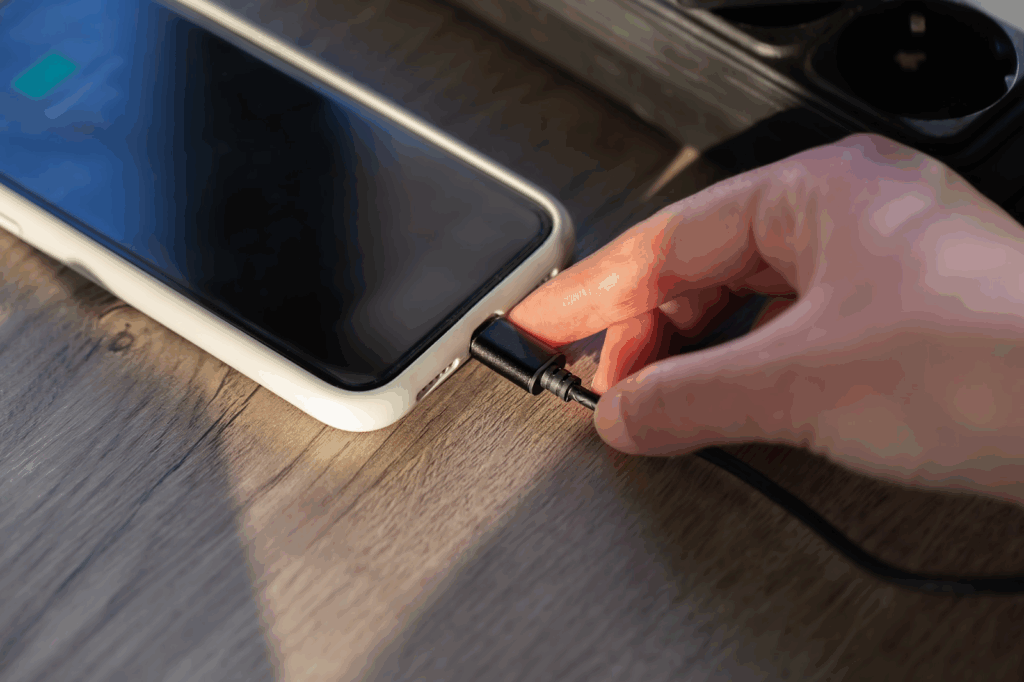
The iPhone 15 series includes a USB-C port, which finally allows limited power sharing through a wired connection. Using a USB-C cable, your iPhone can share battery with smaller accessories like the Apple Watch, AirPods, and other gadgets. This is often confused with reverse charging, but it cannot send power to another iPhone or most Android phones. It’s meant for accessories, not phone-to-phone charging.
Portable Power Banks
If your phone battery drops to a low battery level, a portable power bank is the most reliable fix. These gadgets let you charge other devices, from Galaxy Buds to an iPhone, no matter where you are. They work with older iPhones, newer models, and even Samsung devices, making them the simplest option for users who want a dependable way to stay powered on the go.
What About “Battery Sharing” in iOS? (Feature Clarification)
Many users get confused because iOS includes features that sound like battery sharing, but none of them let an iPhone share battery power with another device.
For example, Share Battery Usage in Settings only shows which apps consume energy — it does not transfer power. Optimize Battery Charging helps protect long-term battery health but doesn’t offer any kind of reverse charging. And Low Power Mode simply reduces background activity to preserve your own battery, not charge someone else’s. These features improve battery efficiency, but they are not power-sharing tools.
Battery Share vs Android Reverse Wireless Charging
When people talk about battery sharing, they often compare iPhones with Android phones, especially Samsung and Google devices.
Android manufacturers have offered reverse wireless charging for years — Samsung calls it Wireless PowerShare — allowing one device to wirelessly charge another by simply placing them back-to-back. This lets users top up wireless earbuds, the Galaxy Watch, or even another phone for a quick boost. Naturally, iPhone users wonder why Apple hasn’t jumped in.
Why Android Phones Offer It, and iPhones Don’t
Android devices generally have larger batteries, different heat management strategies, and a design philosophy focused on feature flexibility. This makes wireless reverse charging easier to implement, even though it’s not very fast or efficient.
Apple, on the other hand, puts strict limits on battery safety, heat control, and long-term battery health. While newer iPhones contain the hardware for potential reverse charging, Apple hasn’t enabled it, likely due to concerns about energy efficiency, heat, and user experience. In short, Android prioritizes versatility; Apple prioritizes controlled performance — the choice depends on your personal preferences.
Power Efficiency Comparison
Here’s a shocker: Android’s reverse charging is convenient but slow. Transferring power wirelessly leads to significant energy loss, meaning the receiving device gets only part of the battery you give up. Compared to wired power sharing via USB-C, wireless methods drain the host phone more quickly and generate more heat. Apple avoids releasing features that compromise battery longevity, so they stick to MagSafe, wired USB-C charging, and accessory-based solutions instead.
How Repair Professionals Can Explain This to Customers
As an iPhone repair expert, you know how difficult it is to explain such intricacies to your customers.
When customers ask why their iPhone can’t “do what Samsung does,” explain that the feature exists on Android because of different battery strategies and fewer restrictions. iPhones focus on battery protection, heat control, and consistent performance. You can also reassure users that they can power accessories via the iPhone 15’s USB-C port, or use MagSafe battery packs for safer, more efficient charging. This keeps expectations realistic while offering practical alternatives.
Best Alternatives for Battery Sharing (Recommended by Repair Shops)
Even though iPhones don’t support battery sharing the way some Android phones do, repair shops and technicians often get questions from customers about keeping their devices powered. Here are the best alternatives you can recommend:
MagSafe Battery Pack
For iPhone 12 and newer, the MagSafe battery pack is the easiest solution. It attaches magnetically to the back of the iPhone, wirelessly charges the device, and starts the charging process automatically.
Wired Reverse Charging for Accessories (iPhone 15)
The iPhone 15 series supports USB-C wired power sharing for smaller accessories. Using a USB-C cable, the iPhone can charge AirPods, Apple Watch, or other Apple gadgets. That said, make sure you clarify to customers that this is not battery sharing between phones — it only works for accessories.
High-Capacity Power Banks
For customers with older iPhones or heavy users, a reliable high-capacity power bank is essential. These devices share power to almost any gadget via USB-C or USB-A, offering portability and flexibility.
Dual USB-C Chargers
Dual-port USB-C chargers allow customers to charge two devices at once while at home or the office. Suggest this as a practical alternative to wireless power sharing, especially for those who want to stay powered without multiple outlets.
Magnetic Wireless Banks for Older Models
For iPhone 8–11, MagSafe isn’t available, but magnetic wireless banks can still charge Qi-enabled Apple devices like AirPods or Apple Watches.
By guiding customers toward these safe, efficient alternatives, technicians can provide practical solutions while setting realistic expectations about battery sharing on iPhone.
Why Customers Ask About Battery Sharing (Insights for Repair Stores & Wholesalers)
We get it — answering customer questions regarding battery share iPhone can become too much. The best thing you can do is offer clear, straightforward answers to help them understand better.
Many customers ask about battery sharing during battery replacements or diagnostics. They often want to know if their iPhone can charge another phone, like Android devices with Wireless PowerShare. These questions usually come from curiosity or seeing friends use Samsung devices and reverse wireless charging. Repair staff need clear explanations to set realistic expectations.
Another reason customers ask is battery health concerns. Those experiencing fast-draining batteries, swelling, or low battery may hope to share power as a workaround. Explaining that iPhones can’t do this, while suggesting alternatives like MagSafe battery packs, portable power banks, or USB-C accessory charging (iPhone 15), helps customers stay powered safely.
Pro tip
A customer inquiring about iPhone battery share is an excellent opportunity to upsell accessories. Recommending MagSafe packs, dual USB-C chargers, or magnetic wireless banks for older iPhones provides practical solutions and improves customer satisfaction.
FAQs
Can iPhone share battery with another iPhone?
No. iPhones cannot wirelessly share battery power with another iPhone or any other phone. Reverse wireless charging is not supported.
Does iPhone 15 support reverse wireless charging?
No. The iPhone 15 does not support wireless reverse charging to other phones. It can only provide wired power to accessories like AirPods or Apple Watch using a USB-C cable.
How can I share battery on iPhone?
While direct battery sharing isn’t possible, you can use a MagSafe battery pack for wireless charging, use a USB-C cable to charge accessories on iPhone 15, or carry a portable power bank for on-the-go charging
Which iPhones support any kind of battery sharing?
iPhones 12–15 include hardware for potential reverse charging, but it’s disabled in software. Older models (iPhone 8–11) do not support any form of battery sharing.
Can iPhone charge AirPods or Apple Watch?
Yes. The iPhone 15 can share battery power via USB-C cable to charge AirPods, Apple Watch, and other small accessories. MagSafe battery packs also work for compatible wireless earbuds and Apple devices.
Will Apple add battery sharing in the future?
Possibly. Rumors and hardware hints suggest Apple may enable reverse wireless charging in future updates or models, but there’s no official confirmation yet.
Final Thoughts: iPhone Battery Sharing Today & Future Expectations
Currently, iPhone-to-iPhone battery sharing does not exist. Users looking for reverse wireless charging must rely on MagSafe battery packs, portable power banks, or, for the iPhone 15, wired accessory charging.
Industry trends suggest Apple may eventually introduce reverse wireless charging, given the hardware potential in iPhone 12–15 models. Until then, practical solutions like MagSafe and USB-C accessory power remain the safest and most efficient ways for iPhone users to stay powered on the go.
Whether you’re a repair expert or a tech enthusiast looking to upgrade your iPhone, explore high-quality iPhone repair parts and accessories from SQLCD. Get reliable, professional solutions every time!