
If water gets into your charging port, stop charging immediately. Do not repeatedly connect the cable to test whether the phone works. Moisture around electrical contacts can cause corrosion, connection problems, or permanent damage. The safest approach is to disconnect the cable, position the charging port downward, and allow the device to dry naturally.
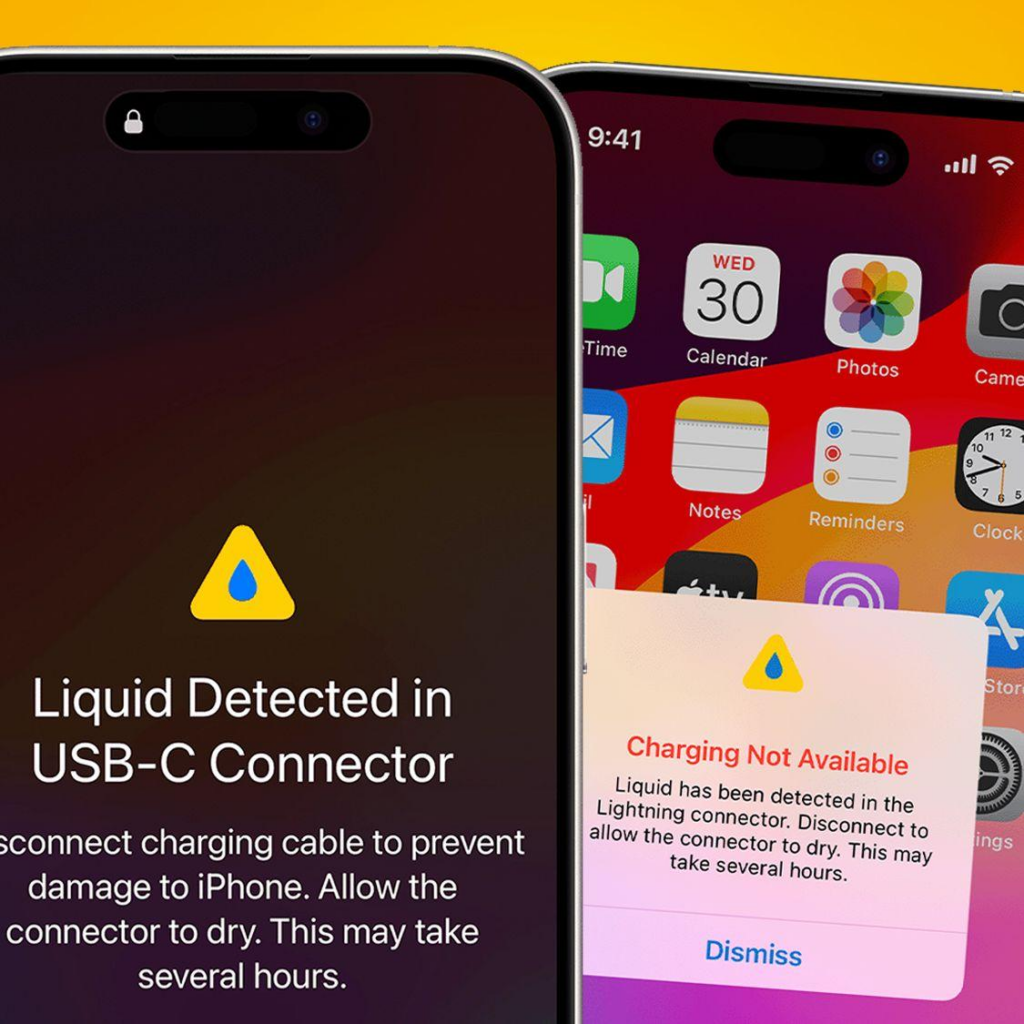
How to Get Water Out of a Charging Port
Follow these steps if your phone’s charging port becomes wet:
1. Disconnect the charging cable. Remove the cable from the phone and power adapter immediately.
2. Keep the port facing down. Hold the phone with the charging port pointing toward the floor.
3. Gently tap the phone. Lightly tap the phone against your hand to help excess liquid escape. Do not shake it aggressively.
4. Let it air dry. Place the phone in a dry, well-ventilated area and allow natural airflow to remove remaining moisture. Apple recommends waiting at least 30 minutes before trying to connect a cable again, while complete drying can take up to 24 hours.
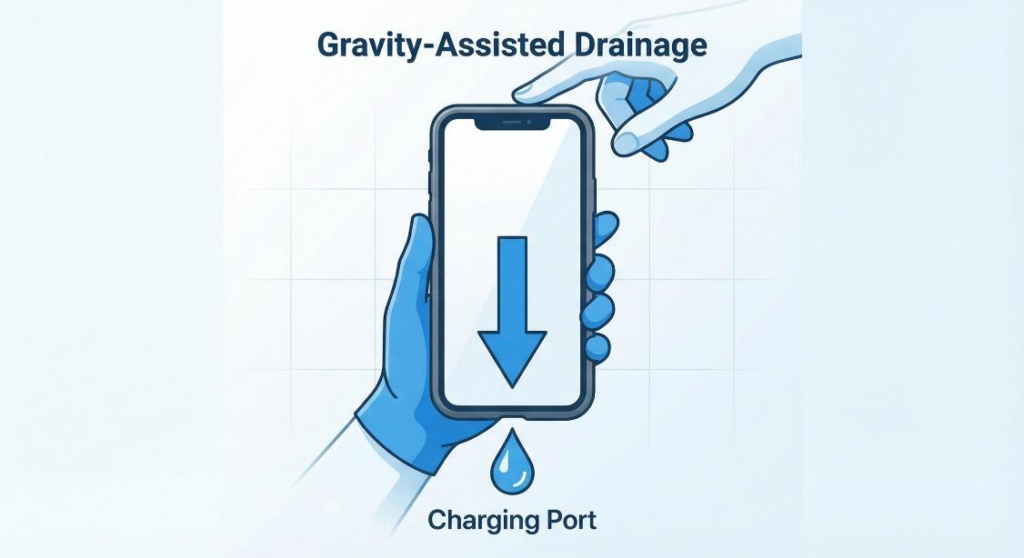
How to Dry a Charging Port Safely
When learning how to dry a charging port, patience is more important than using aggressive drying methods. Keep the device at room temperature in an area with good airflow. Check both the charging port and cable connector before reconnecting them.
If your phone continues to show a liquid-detection warning, do not keep testing the charger. Continue allowing the phone and cable to dry.
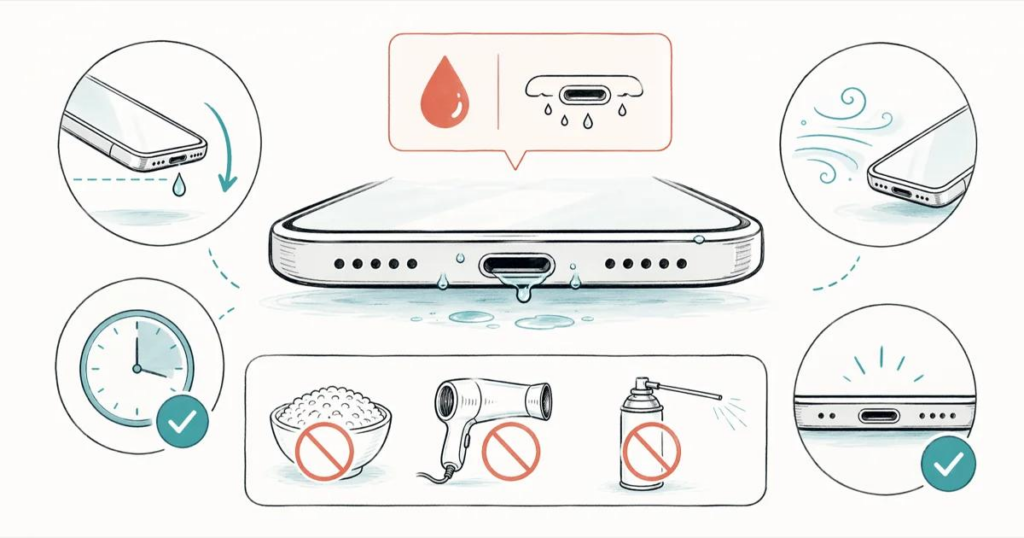
What Not to Do When Your Charging Port Is Wet
Avoid common methods that can make the problem worse:
- Do not use a hair dryer or external heat source.
- Do not use compressed air.
- Do not insert cotton swabs, tissues, paper towels, or metal tools into the port.
- Do not put the phone in rice.
- Do not repeatedly reconnect the charging cable.
Apple specifically warns against heat, compressed air, foreign objects, and rice because they can damage the connector or introduce particles into the port.
What Does a Liquid Detected Charging Port Warning Mean?
Modern iPhones can detect liquid in Lightning or USB-C connectors and may temporarily prevent charging. The warning can also indicate moisture on the cable or accessory rather than inside the phone itself.
If the warning continues after the phone has completely dried, test with a known-good, dry cable. A damaged cable or charging port may require further inspection.
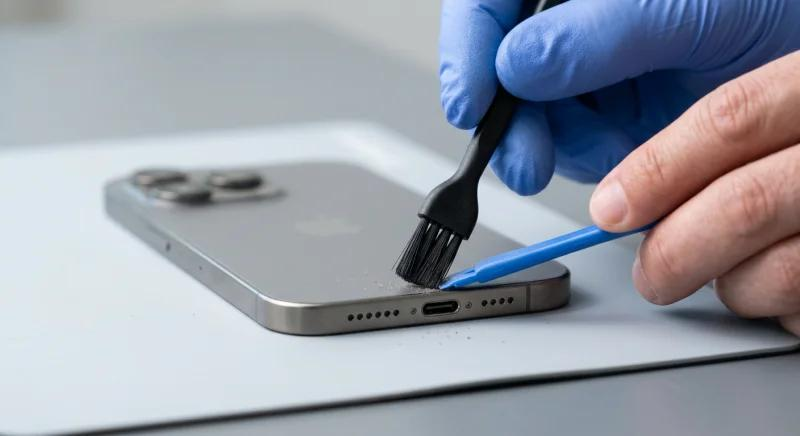
When Does a Wet Charging Port Need Professional Repair?
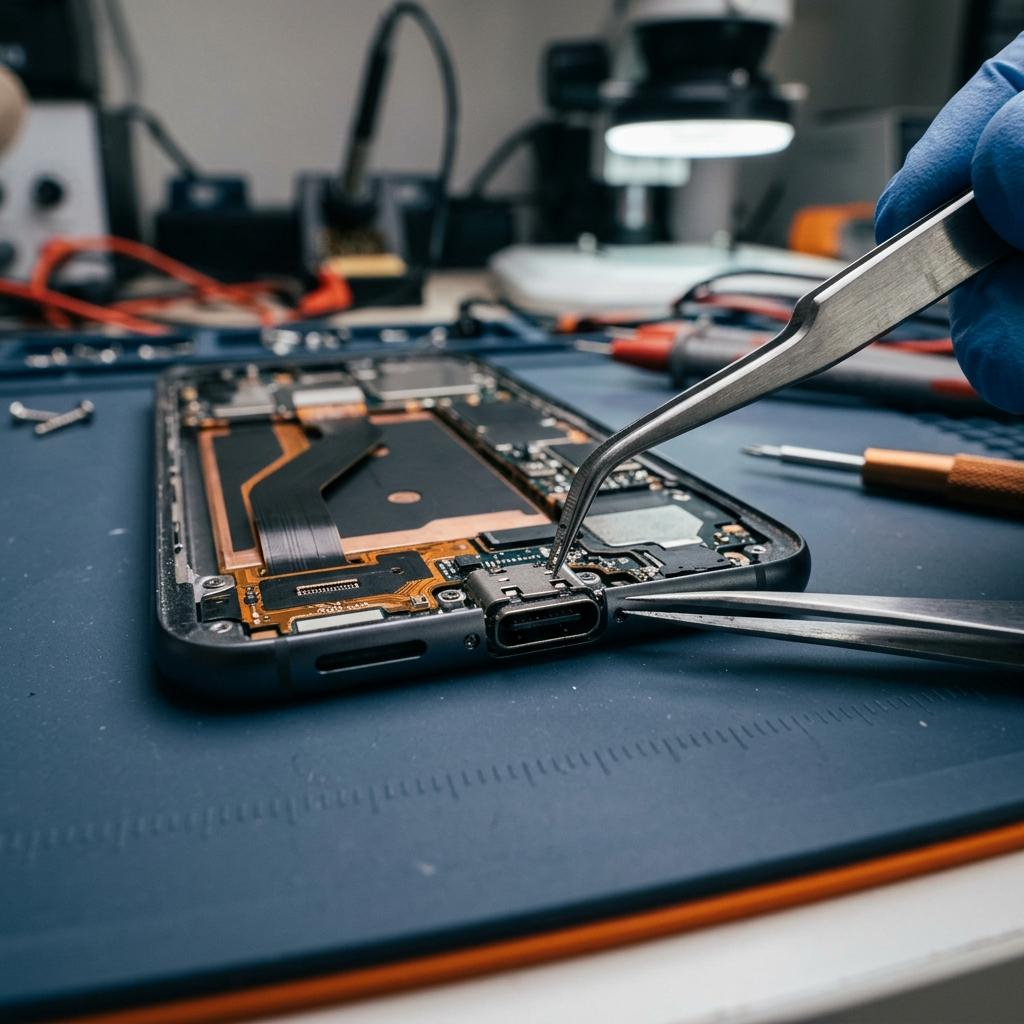
If the phone still cannot charge after thorough drying, or you notice corrosion, intermittent charging, overheating, a loose connector, or repeated moisture warnings, professional inspection is recommended.
For repair shops, technicians should inspect the charging port, connector contacts, charging flex, and related components before deciding whether a charging port replacement is necessary. Proper diagnosis helps prevent unnecessary part replacement and improves repair reliability.
Conclusion
Knowing how to get water out of a charging port can help prevent unnecessary charging-port damage. Disconnect the cable, keep the port facing downward, gently remove excess liquid, and allow sufficient time for natural drying. If charging problems remain after the port is dry, professional diagnosis may be the safest next step.