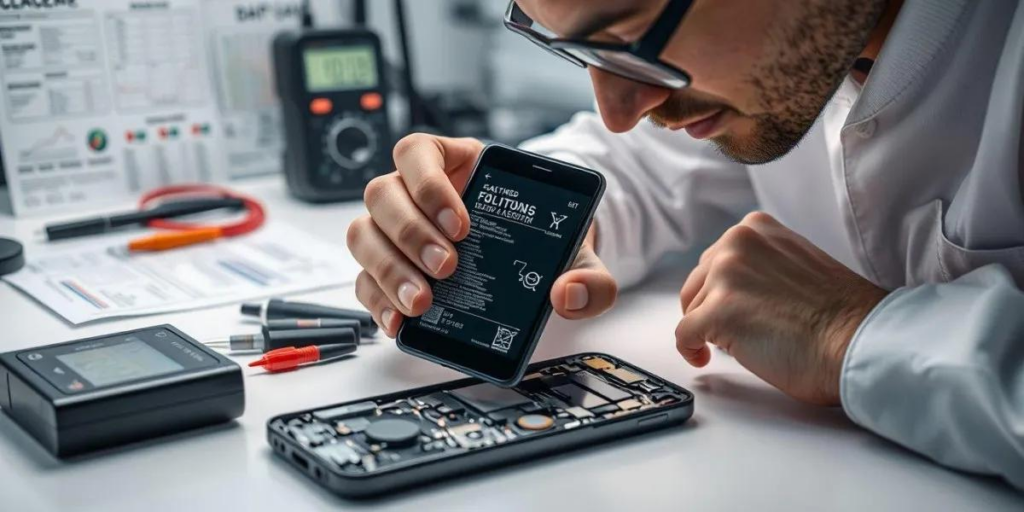
Your iPhone’s battery is one of its most important components, and proper care can significantly extend its lifespan. If you’ve noticed your battery draining faster than before, don’t worry—there are several proven ways to improve battery performance. Whether you’re an everyday user, a phone repair technician, or a mobile parts wholesaler, understanding iPhone battery optimization helps reduce battery wear and improve long-term reliability.
Why Does iPhone Battery Health Decline?
iPhones use lithium-ion batteries, which naturally lose capacity over time. Apple measures battery condition through Battery Health, indicating the maximum capacity compared to when the battery was new.
Common factors that reduce battery lifespan include:
- Frequent fast charging
- High operating temperatures
- Keeping the battery at 100% for long periods
- Heavy gaming or demanding apps
- Charging with uncertified accessories
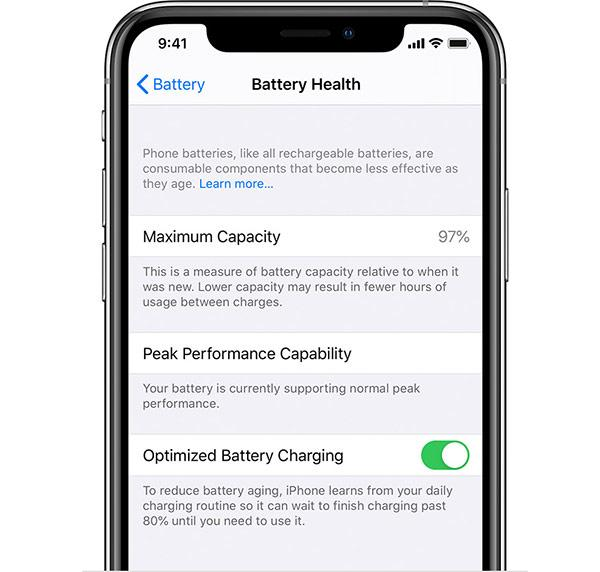
Enable Optimized Battery Charging
One of the easiest ways to prolong iPhone battery life is by enabling Optimized Battery Charging.
This feature learns your charging habits and pauses charging at 80%, completing the remaining charge just before you typically unplug your phone. This reduces battery aging caused by prolonged high-voltage charging.
Path:
Settings → Battery → Battery Health & Charging → Optimized Battery Charging
Reduce Screen Brightness
The display is the largest power consumer on an iPhone.
To reduce battery usage:
- Lower screen brightness manually
- Turn on Auto-Brightness
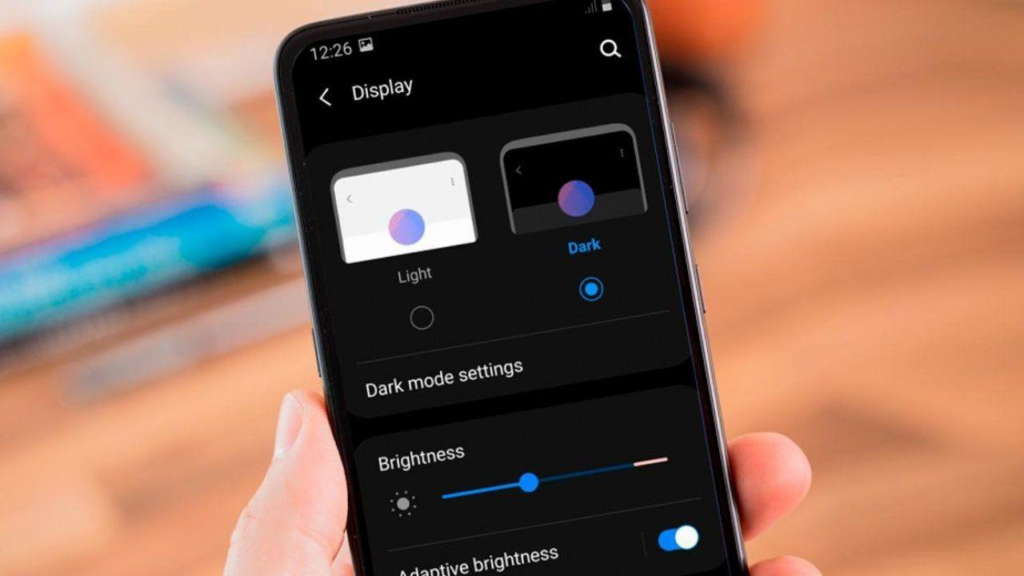
- Use Dark Mode on OLED iPhones
- Reduce Auto-Lock time
These simple adjustments can noticeably improve battery life throughout the day.
Limit Background Activity
Many apps continue running even when you’re not using them.
Improve battery efficiency by:
- Disabling unnecessary Background App Refresh
- Limiting Location Services
- Turning off push notifications for unused apps
- Closing apps that constantly consume power
These settings reduce unnecessary battery drain without affecting normal performance.
Optimized Battery Charging vs Fast Charging
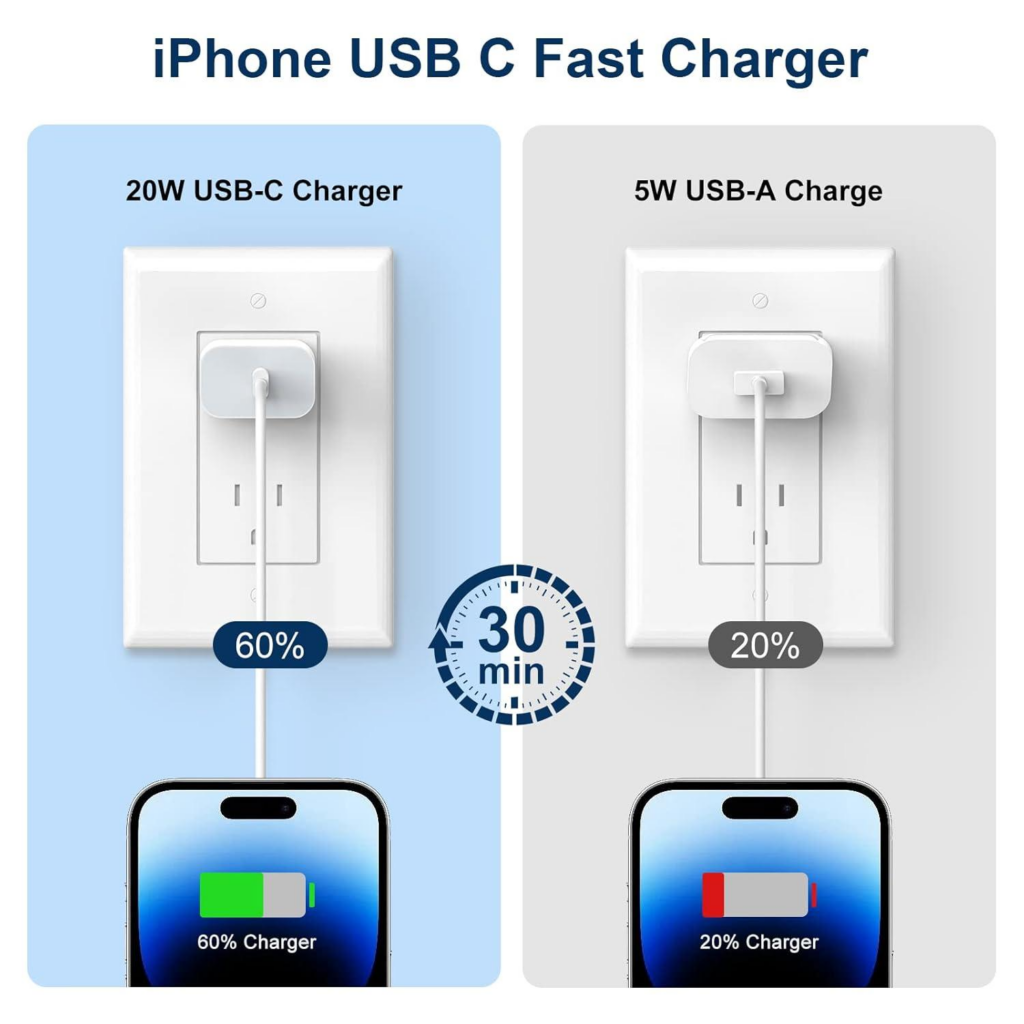
Fast charging is convenient, but it generates more heat than standard charging.
| Feature | Optimized Battery Charging | Fast Charging |
|---|---|---|
| Charging Speed | Moderate | Fast |
| Heat Generation | Lower | Higher |
| Battery Lifespan | Better | Slightly Shorter |
| Daily Convenience | Excellent | Excellent |
Fast charging is safe when using certified accessories, but using Optimized Battery Charging regularly is better for long-term battery health.
Keep Your iPhone Cool
Heat is one of the biggest enemies of lithium-ion batteries.
Avoid:
- Leaving your iPhone in direct sunlight
- Charging inside hot cars
- Heavy gaming while charging
- Using thick cases if the phone becomes excessively hot
Maintaining a moderate operating temperature helps preserve battery capacity.
When Should You Replace Your iPhone Battery?
Even with excellent care, every battery eventually reaches the end of its service life.
Consider replacing your battery if you notice:
- Battery Health below 80%
- Unexpected shutdowns
- Rapid battery drain
- Slow overall performance
- Swollen battery
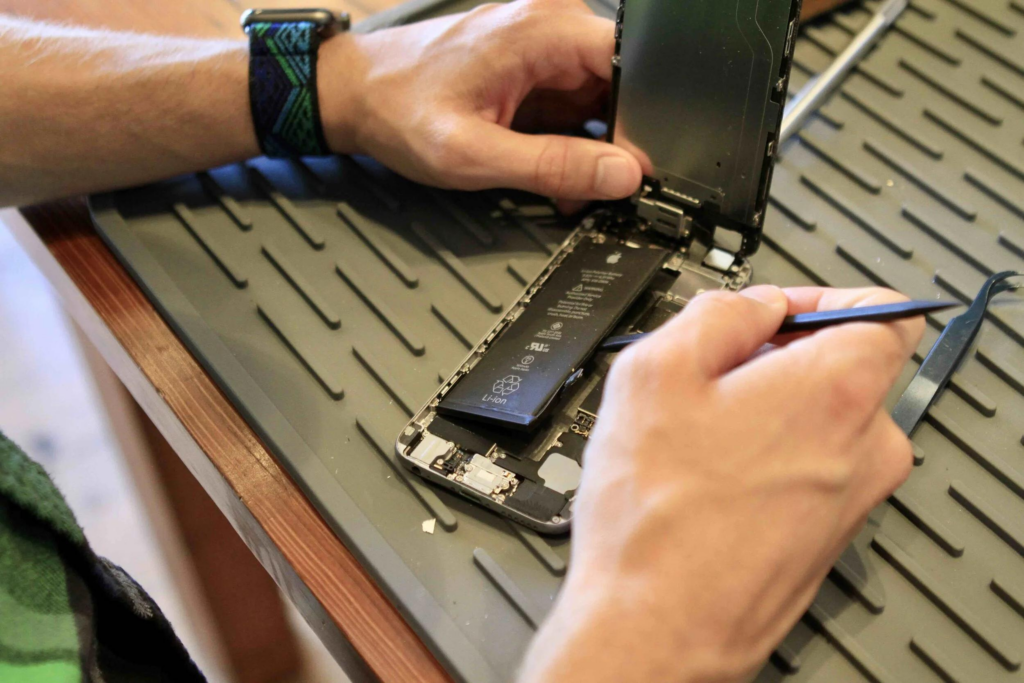
For repair shops and wholesalers, offering high-quality OEM or premium aftermarket replacement batteries ensures reliable repairs and customer satisfaction.
Conclusion
Learning how to prolong iPhone battery life is simple with the right habits. Enabling Optimized Battery Charging, reducing screen brightness, minimizing background activity, and avoiding excessive heat can significantly extend your battery’s lifespan.
For phone repair businesses and parts distributors, understanding battery optimization also helps educate customers and identify the right time for replacement. High-quality replacement batteries and professional installation ensure your customers enjoy safe, reliable performance for years to come.