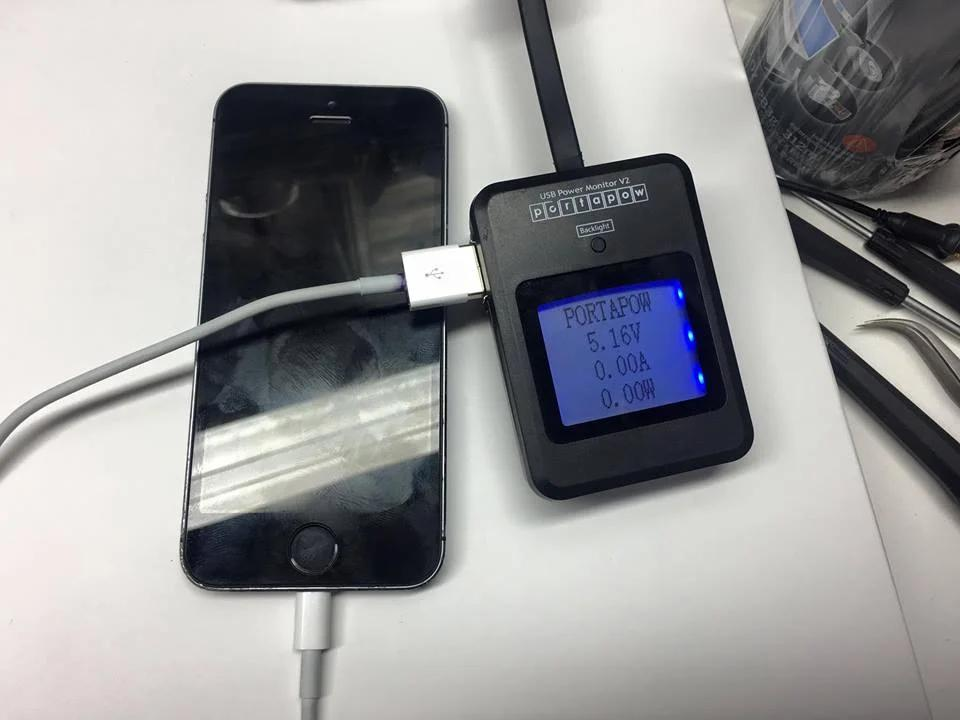
If your iPhone is not charging when plugged in, the problem may come from the charging cable, power adapter, outlet, charging port, software, battery, or internal hardware. Before replacing a part, it is important to identify the actual cause. This guide explains what to check when your iPhone is plugged in but not charging and when professional repair may be necessary.
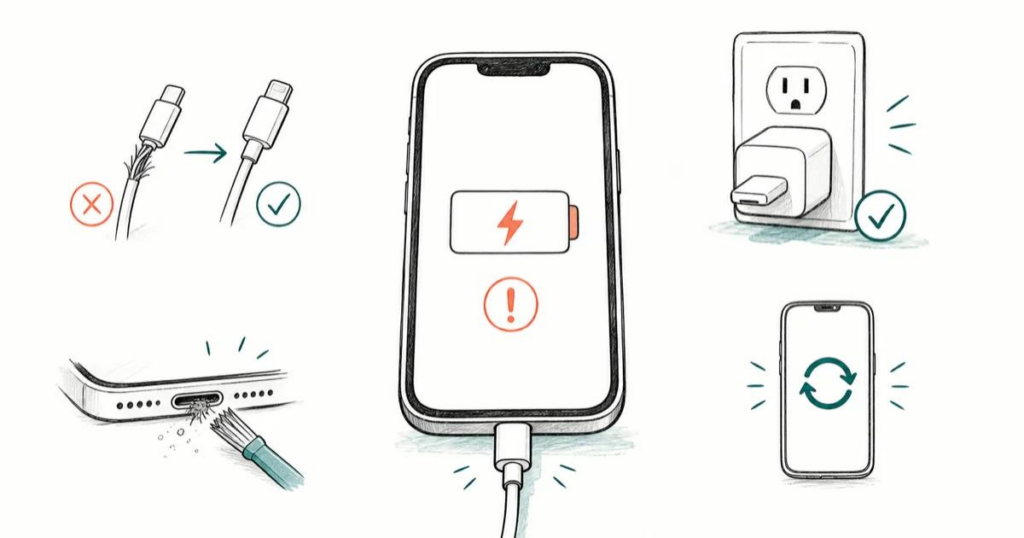
Why Is My iPhone Not Charging When Plugged In?
One of the most common causes is a damaged or incompatible charging cable or power adapter. Try another known-good cable, adapter, and wall outlet. Apple also recommends checking cables and adapters for damage such as breaks or bent connectors.
Another common problem is debris inside the charging port. Dust and lint can prevent the connector from making proper contact. If the iPhone charging port is not working, inspect it carefully and remove debris safely.
Software problems can also temporarily prevent normal charging. Restart the iPhone and test charging again. If the device remains unresponsive, Apple recommends allowing it to charge for about 30 minutes and then using the appropriate force-restart procedure.
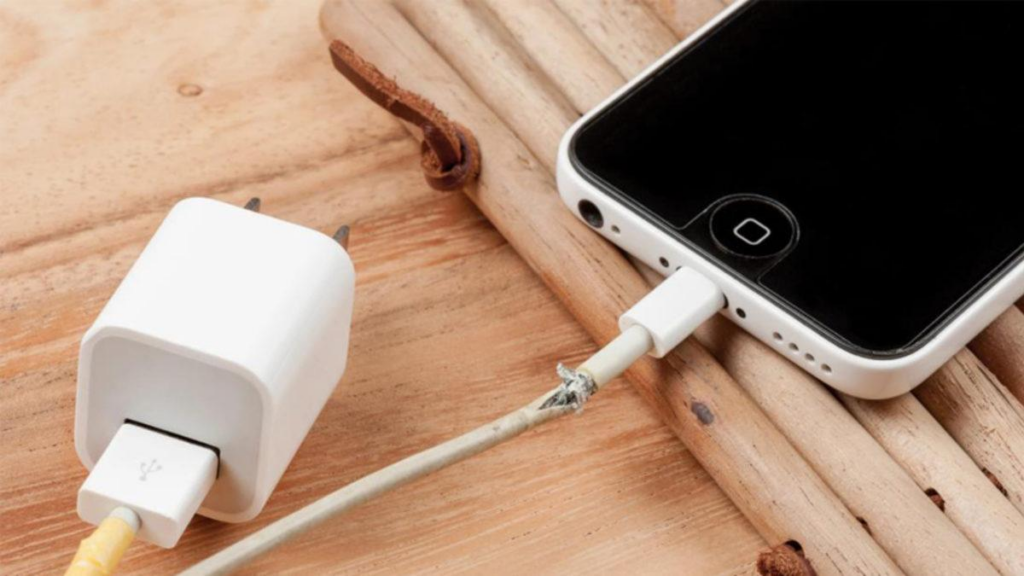
iPhone Plugged In but Not Charging? Try These Fixes
Follow this troubleshooting sequence:
- Test another charging cable.
- Try another compatible power adapter.
- Connect directly to a wall outlet.
- Inspect the charging port for debris or visible damage.
- Restart the iPhone.
- Leave the device charging for approximately 30 minutes.
- Try a force restart if the iPhone still does not respond.
For iPhone 15 and later, USB-C charging accessories must also be compatible with the device. Apple notes that damaged accessories or a dirty or damaged port can trigger charging-related warnings.
iPhone Charging Port Not Working: Repair Diagnosis
If multiple known-good chargers fail, the problem may be inside the phone rather than the charger. A worn or damaged charging port, charging flex assembly, battery, or charging circuit can cause intermittent or completely failed charging.
Typical warning signs include charging only at certain angles, repeated connect-and-disconnect behavior, a loose connector, or no response from multiple chargers.
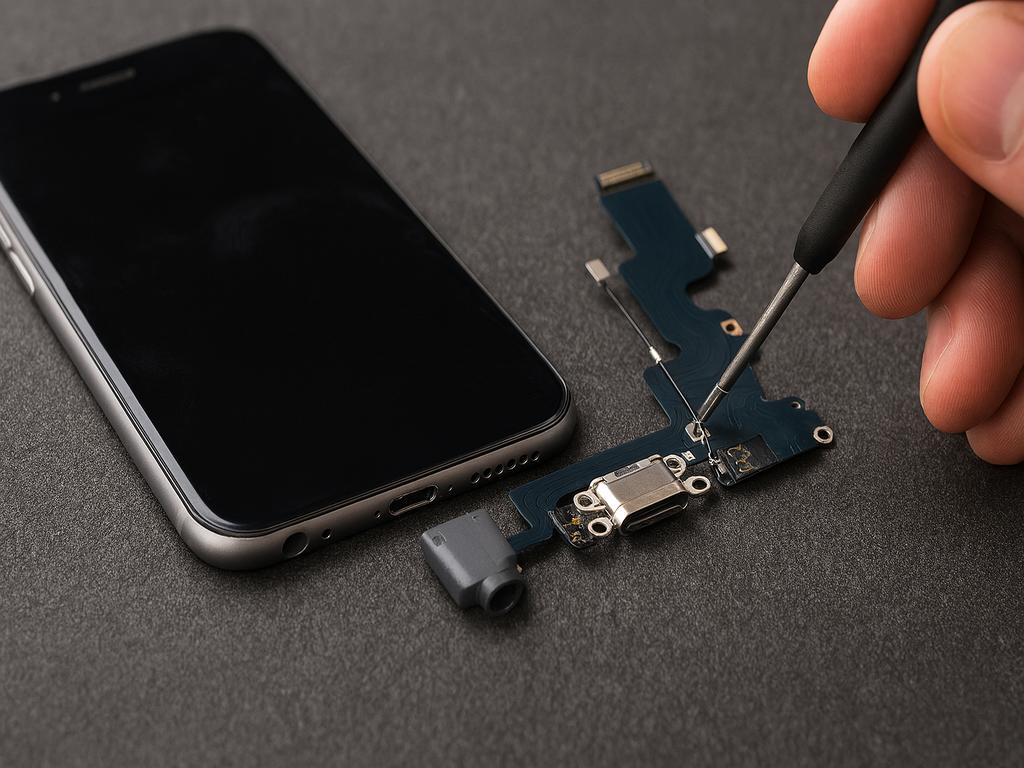
When Should You Replace the Charging Port?
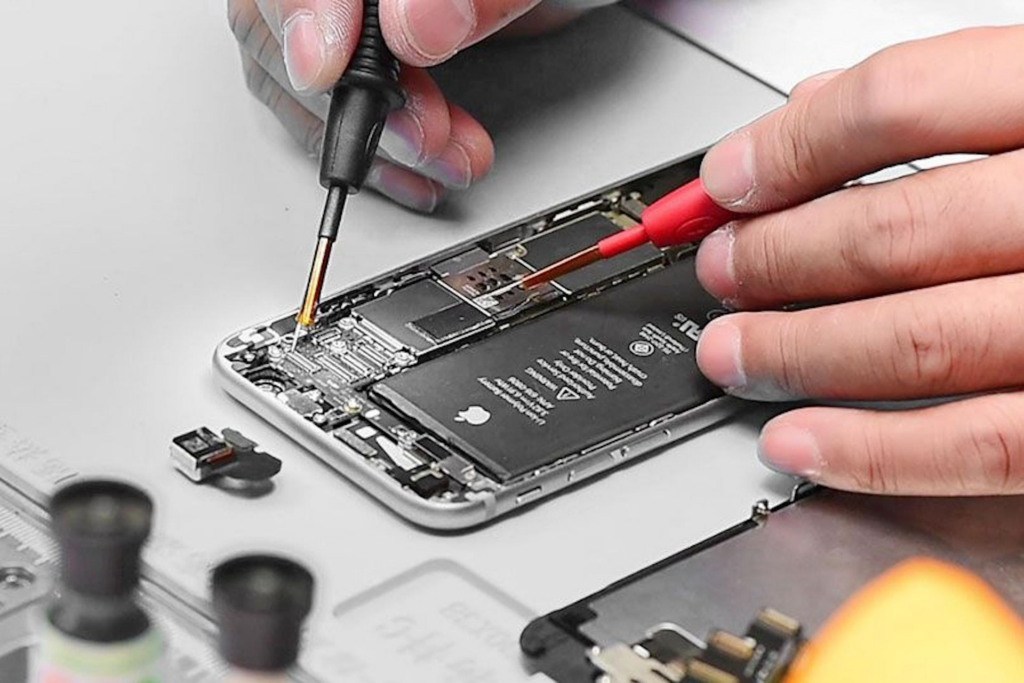
Repair shops should verify the exact iPhone model and test the charging path before replacing parts. A professional diagnosis can include checking the charging port, flex assembly, battery condition, charging current, and motherboard-level components.
For replacement parts, compatibility, connector quality, flex durability, and batch consistency are important. Professional QC testing can help repair shops reduce repeat repairs and customer returns.
Conclusion
When your iPhone is not charging when plugged in, start with the cable, adapter, outlet, charging port, and software. If basic troubleshooting does not work, the issue may require charging-port, battery, flex, or board-level diagnosis. Identifying the actual failure before replacing parts helps repair shops provide a more reliable solution.