
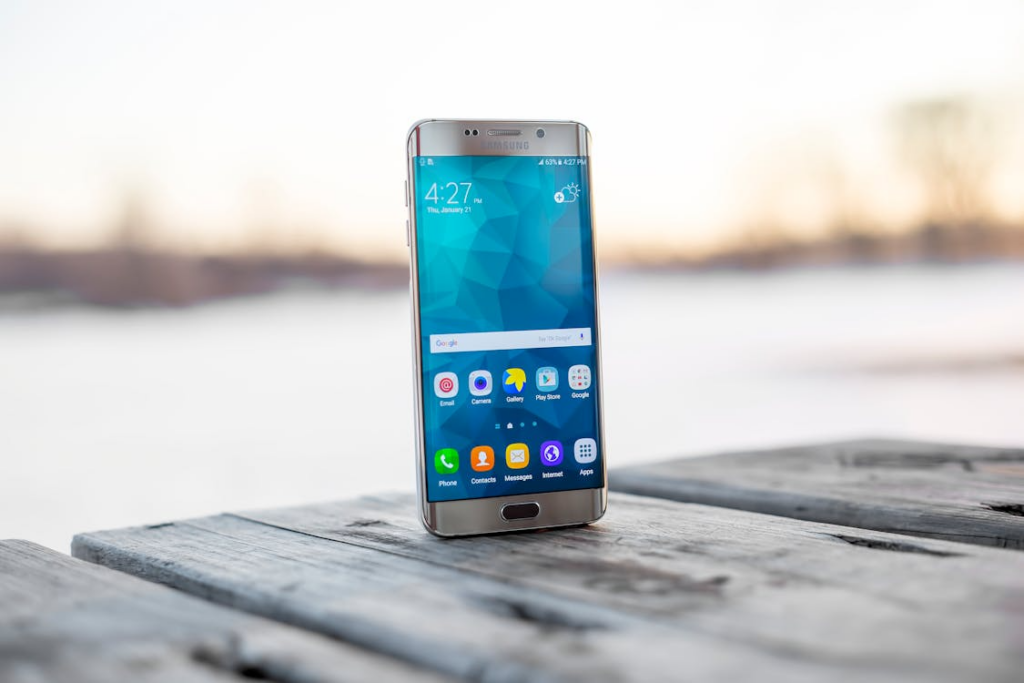
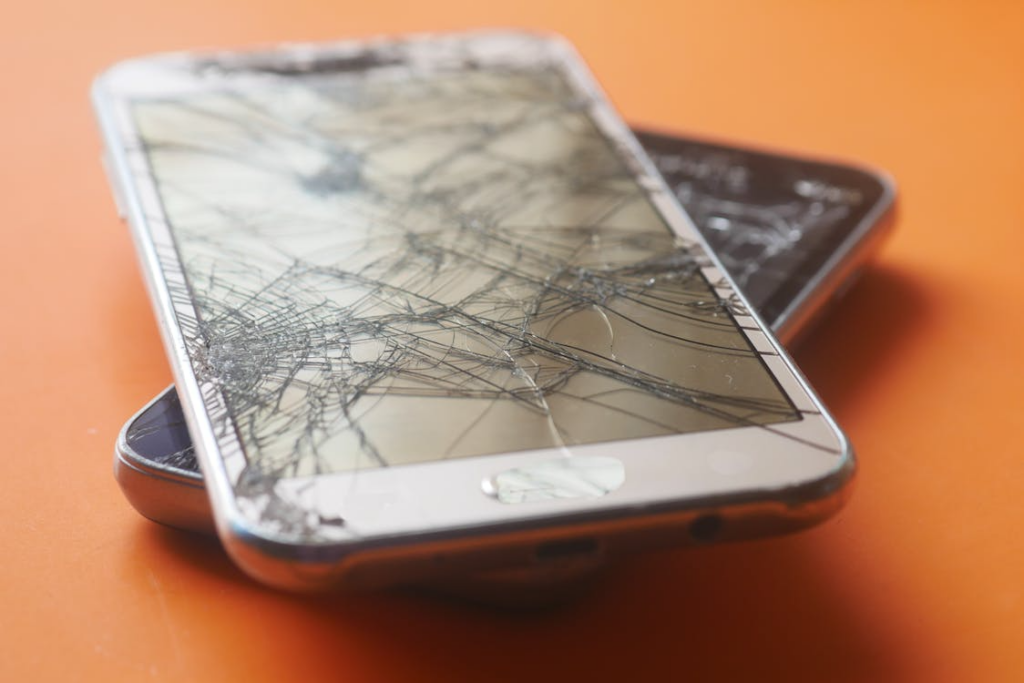
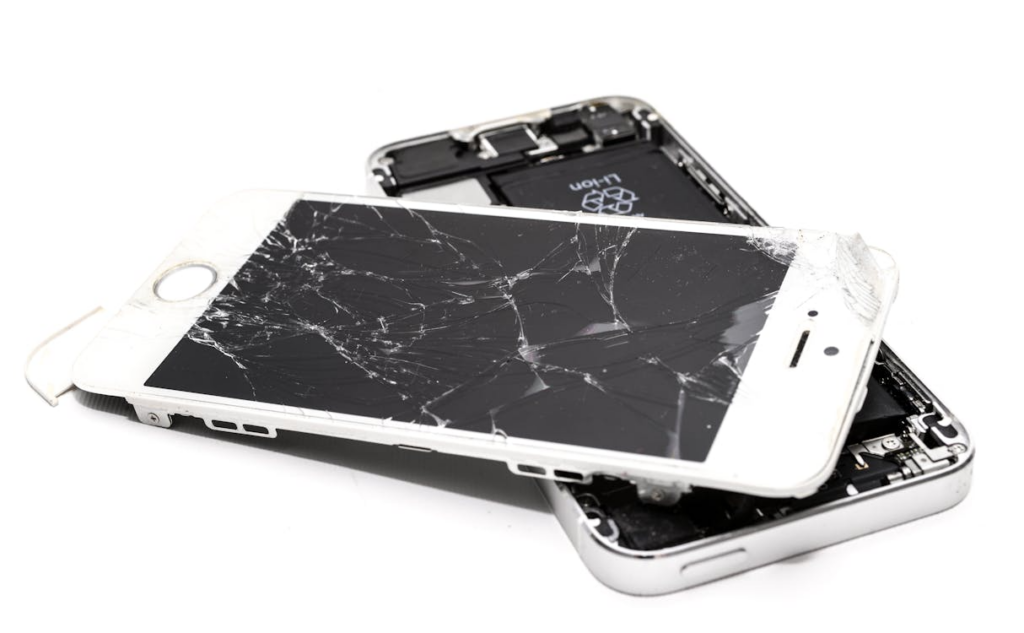
Imagine a customer walks into a repair shop carrying a Samsung tablet with a cracked screen. The device still powers on. The features still respond. But the damage is visible. And expectations are high.
For a repair business, a Samsung Galaxy Tab new screen is not just a part. It is a decision. The right product protects your margins. The wrong one increases return rates. Customers compare your service with authorized service centers. They expect quality. They expect reliability. They expect confidence.
This guide is built for professionals. It explains screen replacement options, required parts, testing standards, and sourcing strategies. So you can repair every device with precision, protect your reputation, and grow your business with confidence.
Overview of Samsung Galaxy Screen Replacement
A screen replacement becomes necessary when the device shows visible cracks, touch failure, display flickering, dead pixels, or backlight damage. In many cases, a cracked panel still works, but long-term use increases internal risk. Moisture, dust, and pressure can damage the display layers and internal parts. For professional repair shops, early replacement protects both the product and the customer relationship.
There are clear differences between Galaxy Tab and phone screens. Tablets use larger panels and different adhesive structures. Phones often include curved AMOLED and in-display sensors.
For B2B repairs, technicians must test brightness, touch accuracy, and compatibility before sealing the device. Proper diagnostics reduce return rates and increase service confidence.
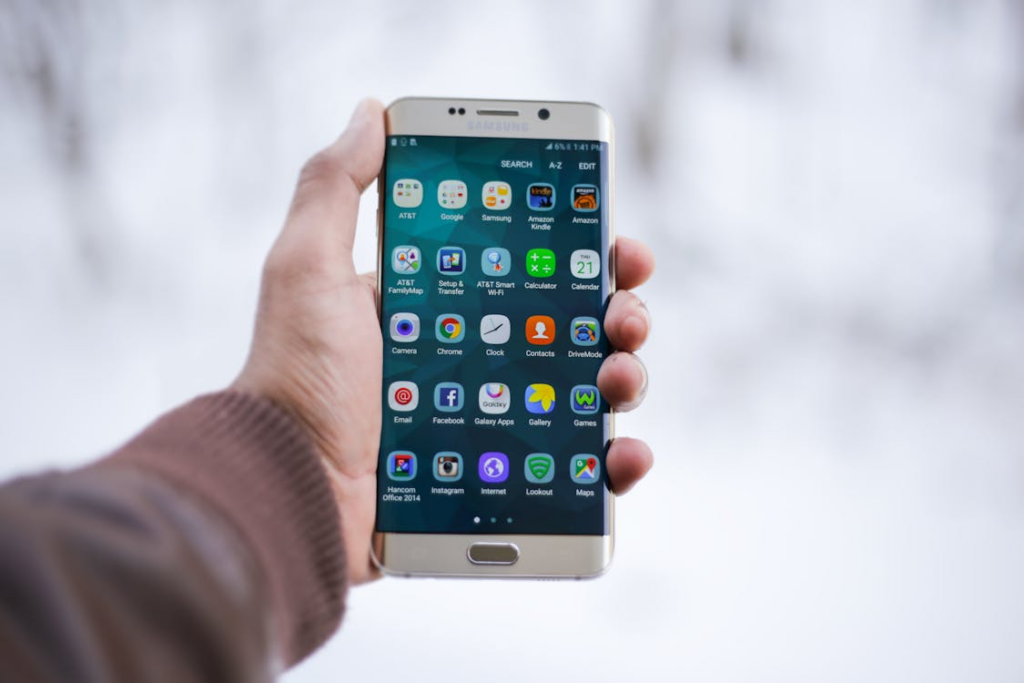
Types of Samsung Screens
Choosing the correct display type is critical for professional Samsung Galaxy screen replacement and Samsung phone display replacement operations. The wrong panel affects brightness, touch response, battery efficiency, and long-term durability. For repair shops and wholesalers, understanding display technology is directly linked to profit margins and return rates.
LCD vs AMOLED vs OLED
Samsung tablets and phones use different panel technologies depending on the model and market segment. Each has performance and sourcing implications.
LCD (TFT / PLS LCD)
Common in mid-range Galaxy Tab and A-series devices. Performance characteristics include:
- Requires backlight
- Moderate brightness levels
- Lower contrast ratio
- No burn-in risk
However, there are replacement complexities, such as:
- Thicker structure
- Easier to handle during repair
- Less sensitive to heat during separation
Pricing & Supply:
- Lower cost in most regions
- Stable bulk availability
- Ideal for high-volume repair shops
LCD replacements are practical for education fleets and commercial tablet deployments where cost control matters more than premium display features.
AMOLED (Active-Matrix OLED)
Used in higher-end Galaxy Tab S and Galaxy S series devices.
Performance Characteristics:
- Each pixel emits light
- Deep blacks and high contrast
- Better energy efficiency in dark mode
- Risk of burn-in over time
Replacement Complexity:
- Thinner and more fragile
- Sensitive to excessive heat
- Requires precise alignment during installation
Pricing & Supply:
- 30–60% higher cost than LCD
- Higher resale value impact
- Greater demand in premium device markets
AMOLED panels are common in professional Samsung phone display replacement jobs, especially for flagship models.
Standard OLED (Non-AMOLED Variants)
While AMOLED is technically a type of OLED, some aftermarket replacements are marketed simply as OLED panels.
Key Considerations:
- May not match original brightness levels
- Color calibration can vary
- Cost falls between LCD and original AMOLED
Repair shops must test these panels carefully before final installation.
Hard vs Soft OLED for Samsung
For professional repair shops and wholesalers, understanding Hard vs Soft OLED panels is critical. These two types affect durability, handling, and workflow.
Hard OLED panels are built on a rigid glass substrate. They are more affordable and easier to handle during installation. However, they are thicker and can crack under pressure or impact.
Pros of Hard OLED:
- Lower purchase cost
- Stable structure during installation
- Easier to store and transport
Cons of Hard OLED:
- Higher risk of cracking during repair
- Less impact resistance
Soft OLED panels use a flexible plastic substrate, making them thinner and closer to original factory specifications. They are ideal for premium Samsung Galaxy screen replacement jobs.
Pros of Soft OLED:
- Better durability and drop resistance
- Closer to OEM feel and quality
- Suitable for high-end tablets and phones
Cons of Soft OLED:
- Higher cost
- Requires careful handling and skilled technicians
For B2B operations, Hard OLED is suitable for budget repairs, while Soft OLED is preferred for premium devices where quality and resale value are priorities.
Samsung Screen Replacement Cost
For repair shops, wholesalers, and refurbishment centers, understanding the Samsung Galaxy screen replacement cost is critical for accurate pricing, sourcing decisions, and profit margins. Costs vary depending on whether the repair is done at an authorized service center, through an independent repair shop, or via DIY methods. Factors such as the type of screen (LCD, AMOLED, Soft OLED, Hard OLED), model, labor, and region all influence the final cost. A clear understanding helps businesses plan inventory, manage turnaround time, and offer competitive pricing while maintaining quality.
Authorized Service Center Pricing
Samsung’s authorized service centers are the official route for repairing tablets and phones. They use OEM parts, ensuring devices maintain factory specifications and features.
Warranty vs Out-of-Warranty:
- In-warranty repairs: Often free if the device qualifies. Covers manufacturing defects but generally excludes accidental damage or cracked screens.
- Out-of-warranty repairs: Full cost of parts and labor applies. Prices can be significantly higher than independent shops due to OEM part sourcing and certified technician labor.
Turnaround Time and Cost Comparison:
Standard repair times can range from 2 to 7 business days, depending on part availability and the device model.
Costs vary by model: for premium devices like the Galaxy S Ultra or Tab S8 Ultra, official replacement screens can exceed $300–$400, while mid-range Galaxy A or Tab A series repairs typically range from $90 to $150.
Customers choosing authorized service centers pay for reliability, OEM-backed parts, and peace of mind, but turnaround times are often longer than those of independent repair shops.
Authorized service centers are ideal for high-value devices where warranty and long-term device integrity are critical. They maintain consistent quality, but the cost is generally higher for both repair shops that outsource to them and for end customers.
Independent Repair Shop Pricing
Independent repair shops often provide faster service and more flexible pricing, making them an attractive B2B option. The key cost components are screen parts and labor.
OEM vs Aftermarket Screen Costs:
OEM screens: Original factory quality; prices range similarly to authorized service centers but may have slightly lower procurement costs if bought in bulk.
Aftermarket screens: High-quality alternatives are 20–40% cheaper. Some offer Soft OLED or Hard OLED variants depending on the device model. Careful sourcing is required to ensure brightness, touch response, and durability.
Labor Cost Considerations:
Labor depends on device complexity. For Galaxy Tab replacements, larger screens and adhesive layers require more skill and time.
Typical labor ranges from $25–$60 per device, depending on region and technician experience. Premium AMOLED replacements may require additional training and caution to avoid burn-in or dead pixels.
Bulk Replacement Pricing for Wholesalers
Repair shops serving multiple devices or refurbishment centers can negotiate bulk pricing.
LCD replacements for Tab A or Galaxy A series can drop 10–20% per unit when ordered in bulk.
Premium AMOLED panels for Tab S and Galaxy S series benefit from bulk discounts when sourced from trusted distributors.
Independent shops can offer faster turnaround and flexible pricing, but quality depends heavily on supplier reliability and technician skill. Testing each device post-replacement is essential to reduce returns and maintain customer confidence.
DIY Replacement Costs
Some B2B buyers or small-scale shops may explore DIY replacement kits. While cost-effective, this approach carries limitations.
Screen + Tool Kit Costs:
- High-quality LCD panels: $20–$40 per device
- AMOLED or Soft OLED: $80–$160 per device
- Professional repair tool kits (heat plates, adhesives, pry tools, ESD-safe mats): $50–$150 upfront
Risks and Limitations for Professional Shops:
- Increased risk of screen damage during installation, particularly for AMOLED or Soft OLED panels.
- Potential issues with touch sensitivity, brightness uniformity, or fingerprint sensor calibration.
- No warranty coverage for third-party parts reduces customer confidence.
- Can increase device return rates and affect the shop’s professional reputation.
While DIY kits are sometimes useful for training or testing replacement techniques, most professional repair shops prefer to source parts backed by OEM or trusted aftermarket suppliers to ensure consistency, durability, and reduced liability.
| Device Model | Display Type | OEM Screen Cost (USD) | Aftermarket Screen Cost (USD) | Labor Cost (USD) | Notes |
| Galaxy Tab A7 | LCD | $35–$45 | $20–$30 | $25–$35 | Budget tablet, high-volume replacement |
| Galaxy Tab A8 | LCD | $40–$50 | $25–$35 | $25–$35 | Stable bulk availability |
| Galaxy Tab S7 | AMOLED | $120–$160 | $90–$130 | $35–$50 | Premium tablet, sensitive to heat |
| Galaxy Tab S8 Ultra | AMOLED | $150–$200 | $110–$160 | $40–$60 | High-end refurbishment, careful handling required |
| Galaxy S22 / S22+ | AMOLED | $120–$180 | $85–$140 | $30–$50 | Flagship phone, in-display sensors require precision |
| Galaxy S23 Ultra | Dynamic AMOLED | $180–$250 | $140–$200 | $40–$60 | High-value device, Soft OLED recommended |
| Galaxy A54 | AMOLED | $50–$70 | $40–$55 | $25–$35 | Mid-range phone, cost-effective repair option |
| Galaxy A14 | LCD | $25–$40 | $18–$30 | $20–$30 | Budget phone, suitable for bulk replacements |
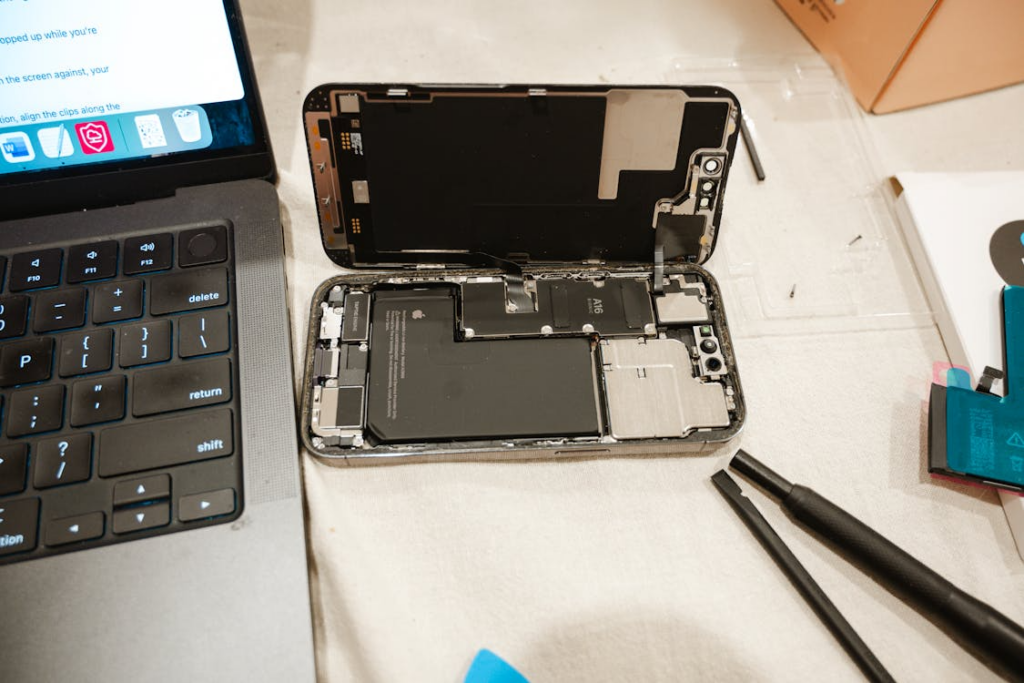
Step-by-Step Guide to Replacing a Samsung Galaxy Tab Screen
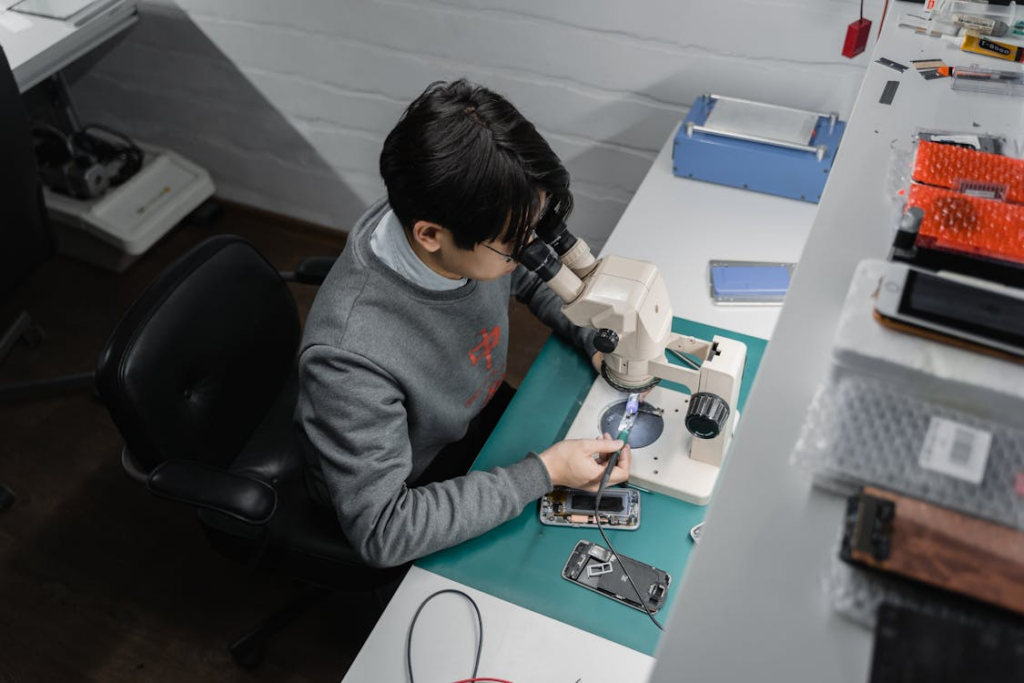
Replacing a Samsung Galaxy Tab new screen requires precision, the right tools, and careful workflow. For repair shops and B2B operations, following a structured process reduces device damage and return rates, ensuring confidence in every repair.
Tools and Equipment Required
Before starting, gather all necessary tools:
- Heat plate or heat gun for adhesive softening
- Precision pry tools and suction cups
- ESD-safe mat and tweezers
- Industrial-grade adhesive strips
- Isopropyl alcohol (99%) for cleaning
- Display tester module for post-install checks
Having professional-grade equipment ensures a smooth replacement and reduces the risk of cracking AMOLED or Soft OLED panels.
Step 1: Remove the Damaged Screen
- Power off the device and disconnect the battery if possible
- Gently heat the edges of the screen to soften the adhesive.
- Use a suction cup and pry tools to carefully lift the cracked screen.
- Disconnect the flex cables and remove the screen completely.
- Inspect internal components for dust or damage.
This step is crucial. Even minor bending or excess heat can damage features like touch sensors or backlight layers.
Step 2: Install the New Screen
- Clean the frame thoroughly and remove old adhesive residue
- Place the new screen carefully, aligning flex cables and edges.
- Apply even pressure and secure with adhesive strips.
- Reconnect the battery and other components.
Proper alignment ensures the device functions correctly and reduces the risk of cracked edges or uneven touch response.
Step 3: Test and Do Quality Check
- Power on the device and check display brightness, touch responsiveness, and color accuracy
- Test all features, including fingerprint sensors and screen rotation.
- Inspect for dead pixels, flickering, or adhesive gaps.
- Only after successful testing, seal the device fully
Following this process consistently allows repair shops to deliver high-quality service, maintain device reliability, and ensure customers have confidence in the repair.
How Repair Shops Decide Which Screen to Use
For professional repair shops, choosing the right Samsung Galaxy Tab new screen is a strategic decision. The first consideration is OEM vs aftermarket. OEM screens guarantee factory-level brightness, touch sensitivity, and color accuracy, making them ideal for premium devices. Aftermarket screens are more cost-effective, suitable for budget models or high-volume replacements, but require careful testing to ensure reliability.
Shops must balance quality vs cost. High-end devices benefit from OEM panels to protect resale value, while mid-range tablets and phones can safely use high-quality aftermarket options without affecting customer satisfaction.
High-demand models like Galaxy Tab A series or Galaxy S mid-range phones require strategic stock planning. Bulk ordering reduces cost per unit, ensures quick turnaround, and keeps repair workflows efficient. By analyzing demand and testing supplier reliability, shops maintain consistent service while maximizing margins.
FAQs About Samsung Screen Replacement
Can I replace any Galaxy Tab screen with a screen from another model?
No. Each Galaxy Tab model has a specific screen size, display technology, and connector layout. Using the wrong panel can cause touch issues, color inconsistencies, or permanent damage to the device. Always find and order the exact replacement screen for the device model.
How long does a professional replacement take?
For trained technicians, a full Samsung Galaxy Tab screen replacement usually takes 30–60 minutes for mid-range models. Premium AMOLED or Soft OLED panels require extra care, slightly increasing repair time. Preparing the workspace, heating, and adhesive curing are included in this estimate.
Is it safe to use aftermarket screens?
High-quality aftermarket screens can be reliable if sourced from trusted suppliers. They offer cost savings for bulk replacements but may have minor differences in brightness or touch response. Testing each device thoroughly post-installation is essential to maintain service confidence.
Do hard OLED screens last longer than soft OLEDs?
Not necessarily. Hard OLED panels are more rigid and resistant to minor scratches, but they are more prone to cracking under impact. Soft OLED panels are flexible, better suited to premium devices, and handle drops more effectively, but they require careful handling during installation.
Conclusion
Replacing a Samsung Galaxy Tab new screen requires both technical skill and smart sourcing. Repair shops must consider screen type—LCD, AMOLED, Hard or Soft OLED—along with cost, durability, and model compatibility. OEM panels guarantee factory-level performance, while high-quality aftermarket screens offer savings for bulk repairs. Following proper replacement workflows, using the right tools, and sourcing screens backed by SQLCD ensures reliable repairs, faster turnaround, and customer confidence, helping businesses protect margins and maintain a professional reputation.