
A smartphone battery doesn’t last forever. Most modern phones use lithium-ion batteries, which gradually lose capacity after hundreds of charge cycles. If your phone drains quickly, overheats, or shuts down unexpectedly, it may be time for a phone battery replacement. This guide explains how to perform a phone battery health check, recognize battery failure symptoms, and determine when replacing the battery is the best solution.
How Long Does a Cell Phone Battery Last?
A typical smartphone battery lasts 2–3 years or approximately 500–800 full charge cycles, depending on usage habits and charging conditions.
Factors that affect battery lifespan include:
- Frequent fast charging
- High operating temperatures
- Heavy gaming or video streaming
- Charging to 100% continuously
- Using low-quality chargers
Proper charging habits can significantly extend battery life and maintain performance.
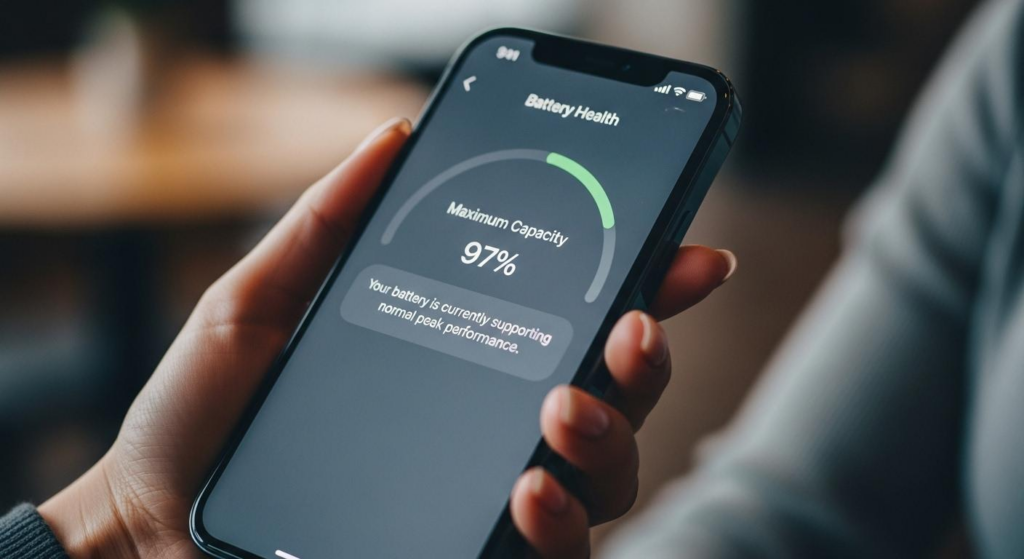
How to Check Your Phone Battery Health
Performing a phone battery health check helps determine whether a replacement is necessary.
For iPhone
- Open Settings > Battery > Battery Health & Charging
- Check Maximum Capacity
- Review any battery service recommendations
For Android
- Open Settings > Battery
- Use the manufacturer’s diagnostic tools if available
- Some brands provide battery health information through device care apps
If your battery health falls below 80%, performance and battery life may noticeably decline.
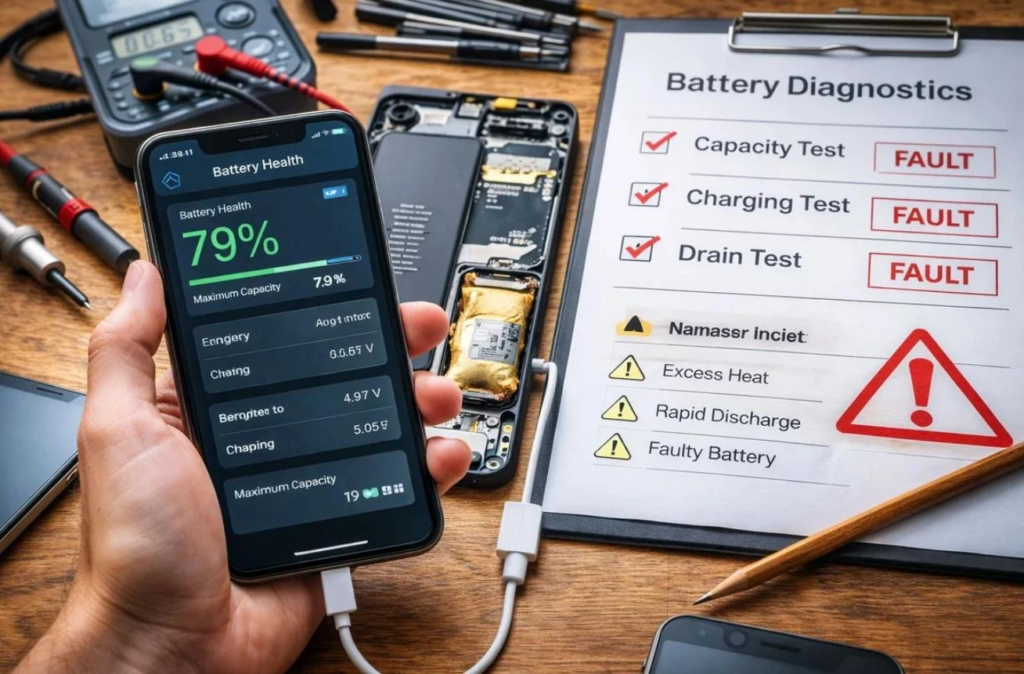
Signs You Should Replace Your Phone Battery
Your phone battery may need replacement if you notice:
- Battery drains unusually fast
- Phone shuts down unexpectedly
- Battery overheats during normal use
- Charging becomes very slow
- Battery starts swelling
- Performance becomes sluggish because of battery degradation
Ignoring these warning signs may lead to unreliable performance or additional hardware damage.
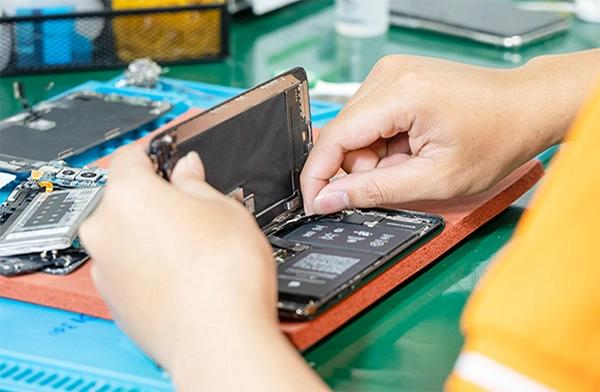
OEM vs Premium Aftermarket Batteries
Choosing a high-quality replacement battery is just as important as replacing it at the right time.
| Feature | OEM Battery | Premium Aftermarket Battery |
|---|---|---|
| Quality | Original manufacturer specifications | High-quality alternative |
| Cost | Higher | More affordable |
| Availability | Limited | Widely available |
| Performance | Excellent | Reliable when sourced from trusted suppliers |
Professional repair shops often use premium aftermarket batteries from reputable suppliers to provide excellent performance while controlling repair costs.
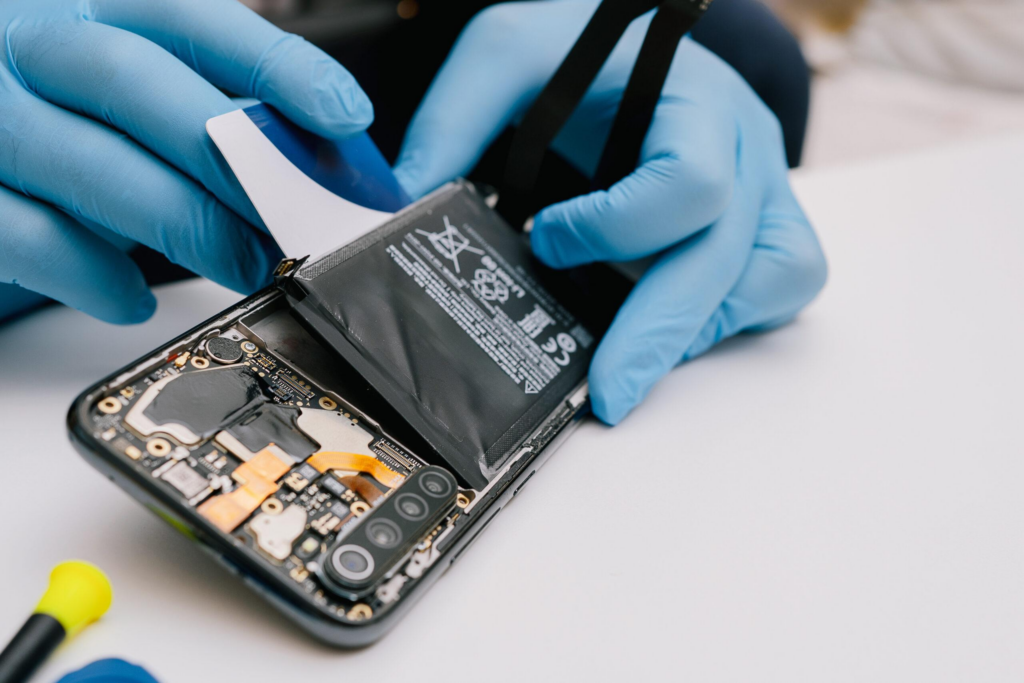
Tips to Extend Battery Lifespan
You can maximize battery longevity by following these best practices:
- Avoid exposing your phone to excessive heat.
- Use certified chargers and cables.
- Keep your software updated.
- Enable battery optimization features.
- Avoid letting the battery regularly drop to 0%.
- Remove unnecessary background apps that consume power.
These habits help reduce battery wear and improve overall device performance.
Conclusion
Knowing when to replace your cell phone battery can save money and extend the life of your smartphone. If your device experiences rapid battery drain, overheating, unexpected shutdowns, or battery health below recommended levels, replacing the battery is often the most cost-effective solution.
For phone repair shops, wholesalers, and distributors, using high-quality replacement batteries ensures reliable repairs, longer battery life, and greater customer satisfaction. Partnering with a trusted supplier like SQLCD helps deliver consistent quality for every repair.