
If your iPad displays the “Not Charging” message, it doesn’t always mean the battery is defective. The issue can be caused by an incompatible charger, a dirty charging port, battery degradation, or hardware failure. Understanding the root cause can help you solve the problem quickly and avoid unnecessary repairs.
Whether you’re an iPad user, phone repair technician, or mobile parts wholesaler, this guide explains the most common iPad charging issues and how to fix them.
Why Does My iPad Say “Not Charging”?
Several factors can trigger the “Not Charging” warning, including:
- Low-power USB ports that don’t supply enough current
- Damaged Lightning or USB-C cable
- Faulty charging adapter
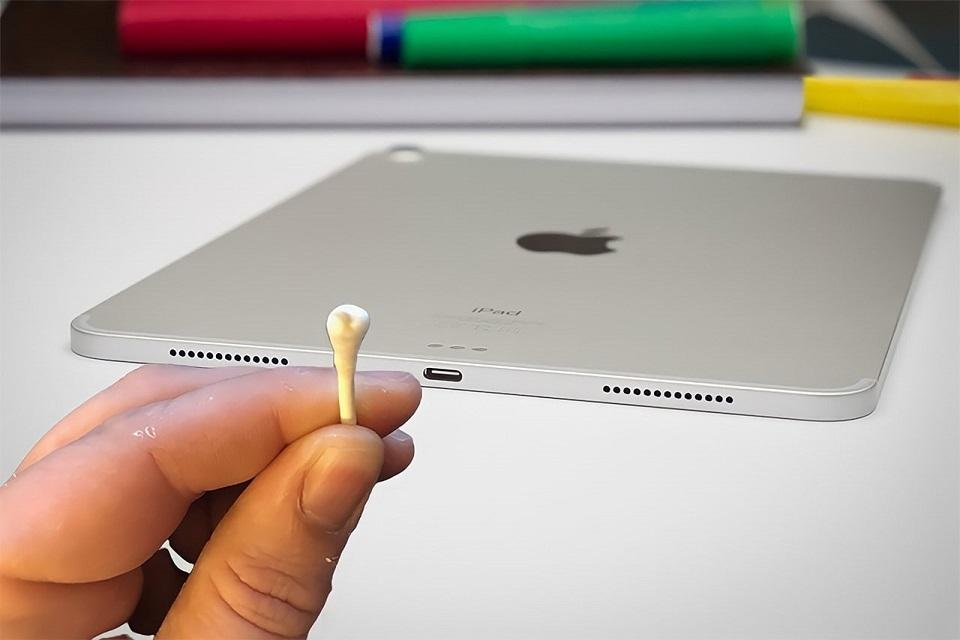
- Dust or debris inside the charging port
- Software glitches after an iPadOS update
- Aging or damaged battery
- Charging IC or motherboard issues
Before replacing any parts, it’s important to identify the actual cause.
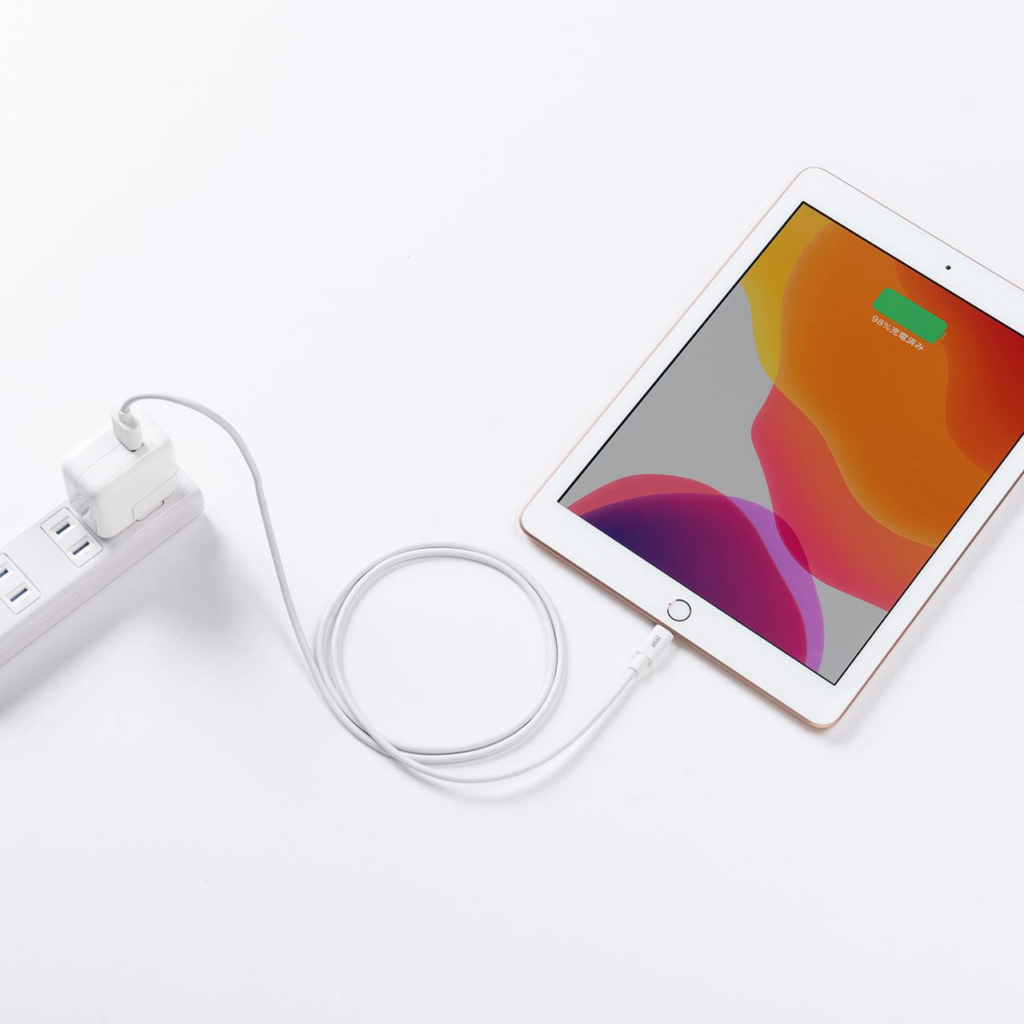
How to Fix an iPad That Is Not Charging
Try these troubleshooting steps before seeking professional repair:
- Use an Apple-certified charger with sufficient power output.
- Inspect the charging cable for damage or fraying.
- Clean the charging port carefully using a soft brush or compressed air.
- Restart the iPad to eliminate temporary software issues.
- Update iPadOS to the latest version.
- Test another charger or power outlet to rule out accessory failure.
Many charging problems are resolved by replacing a faulty cable or cleaning the charging connector.
When Does an iPad Need a Battery Replacement?
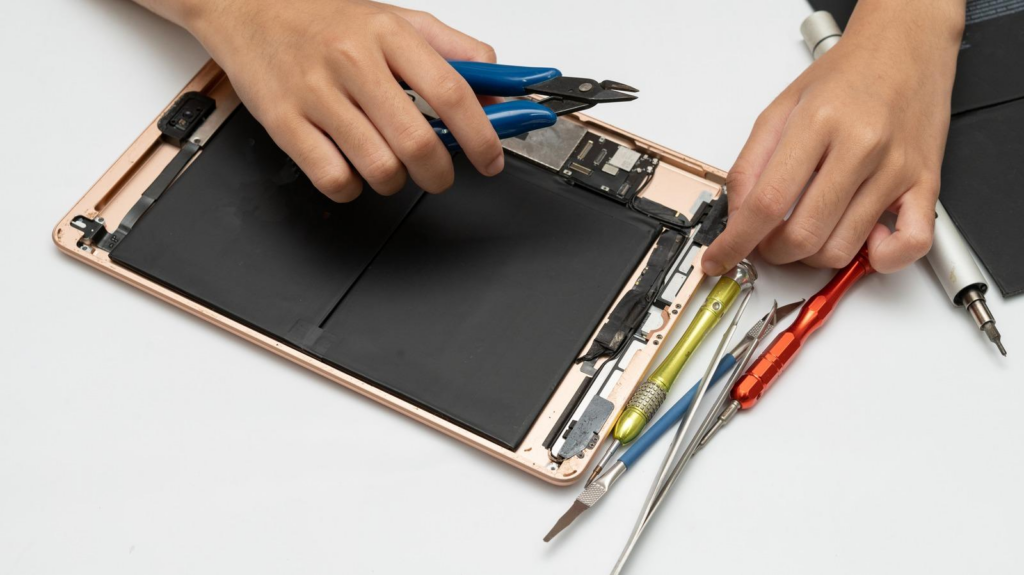
If your iPad still won’t charge after troubleshooting, the battery may have reached the end of its lifespan.
Common signs include:
- Battery drains very quickly
- Unexpected shutdowns
- Battery swelling
- Extremely slow charging
- Device only works while plugged in
Replacing an aging battery restores battery life and charging performance without replacing the entire device.
Common iPad Charging Issues for Repair Shops
For professional repair technicians, diagnosing charging problems involves more than checking the battery.
Typical inspection items include:
- Charging port damage
- Flex cable condition
- Battery connector
- Charging IC (power management chip)
- Logic board faults
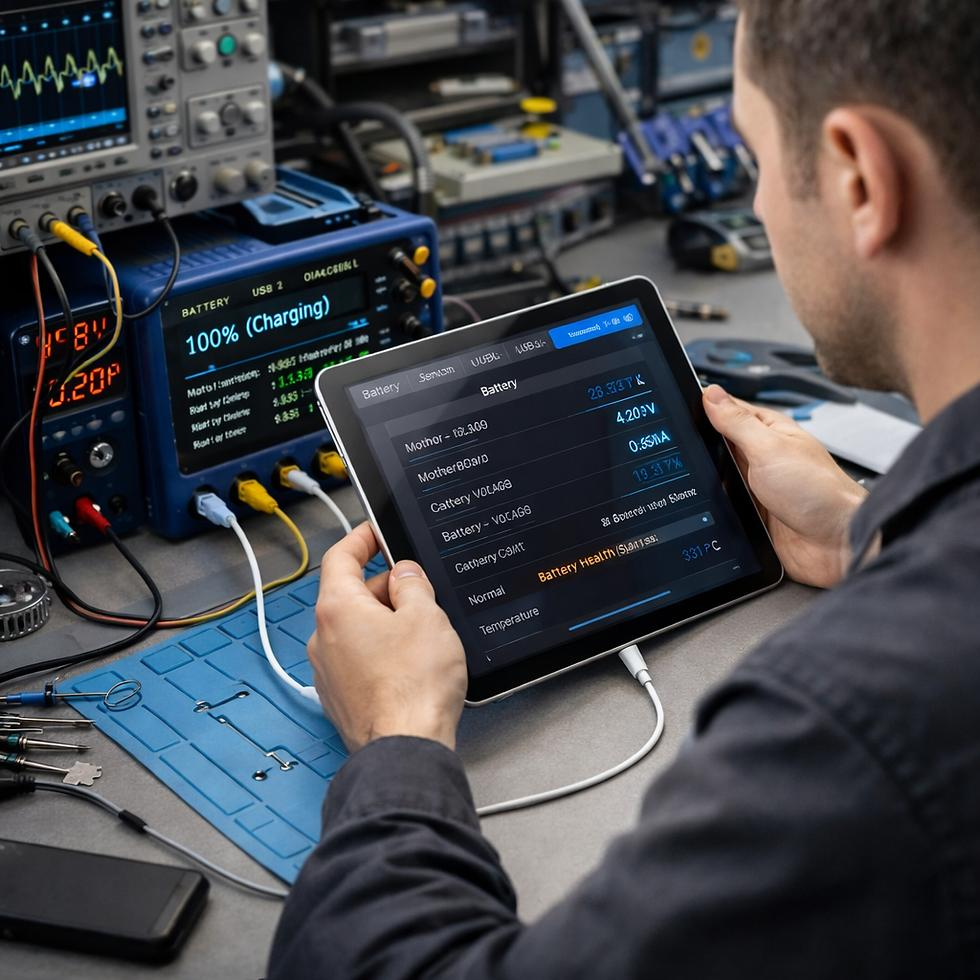
- Power consumption testing
Using high-quality replacement batteries and charging components reduces repeat repairs and improves customer satisfaction.
OEM vs Aftermarket iPad Batteries
When replacing an iPad battery, selecting the right component is essential.
| Feature | OEM Battery | Premium Aftermarket Battery |
|---|---|---|
| Capacity Consistency | Excellent | High |
| Performance | Original specification | Comparable quality |
| Cost | Higher | More affordable |
| Availability | Limited | Widely available |
Professional repair shops often choose premium aftermarket batteries from trusted suppliers to balance quality, reliability, and cost.
Conclusion
If your iPad displays the “Not Charging” message, don’t assume the battery is immediately at fault. Start by checking the charger, cable, charging port, and software. If the issue persists, a worn battery or damaged charging components may require professional repair.
For phone repair businesses and wholesalers, sourcing reliable replacement batteries and charging components is essential for delivering safe, long-lasting repairs. High-quality OEM or premium aftermarket parts help ensure consistent performance and customer satisfaction.