
If your Android battery draining fast complaints are increasing, you’re not alone. Many Android users report rapid battery depletion, phone dying quickly, or significant drain even after a full charge. But not every Android battery drain issue is caused by the battery itself.
For repair shops and wholesalers, understanding the real reasons Android batteries drain quickly is critical. Fast battery drain can result from background apps, screen brightness settings, mobile data usage, outdated software, or deeper hardware issues affecting the Android device’s battery.
In this professional guide, we’ll break down the diagnosis of Android battery drain, explain when battery replacement is necessary, and provide data-driven insights to help repair businesses reduce repeat complaints and improve battery life outcomes.
Understanding Android Battery Drain
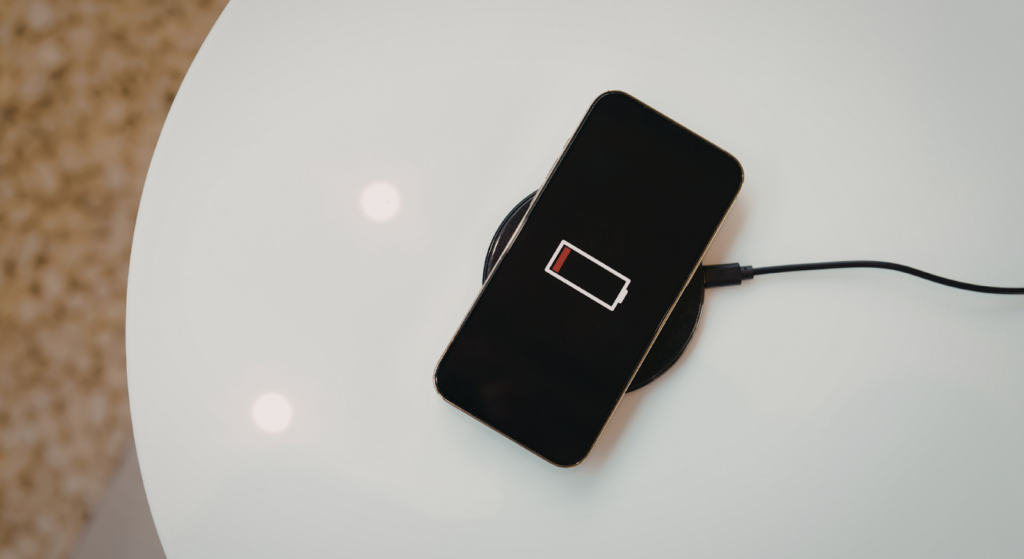
Before assuming a battery replacement is needed, repair shops must understand how Android evaluates battery health and usage behavior. Unlike some systems, many Android devices do not display a direct battery health percentage. Instead, the operating system tracks battery usage, app consumption, screen activity, and charging patterns to estimate the Android phone’s battery performance over time.
Most Android phones use lithium-ion batteries, which degrade gradually over their lifecycles. As battery age increases, capacity declines. This directly affects the device’s battery life and can lead to faster battery drain, reduced standby time, and inconsistent battery power.
It’s important to distinguish between normal usage and true Android battery drain. High screen brightness, extended gaming sessions, mobile data usage, or heavy Google Maps navigation will naturally consume most battery.
That is not the same as an Android battery draining quickly while idle. Rapid battery depletion during standby, overnight drain, or significant drain with minimal usage indicates deeper Android battery issues that require diagnosis.
Reasons Android Battery Drains Fast
Understanding the reasons Android batteries drain quickly allows repair shops to differentiate software-related drain from hardware failure. In many cases, the battery itself is not the root cause.
App and Background Activity
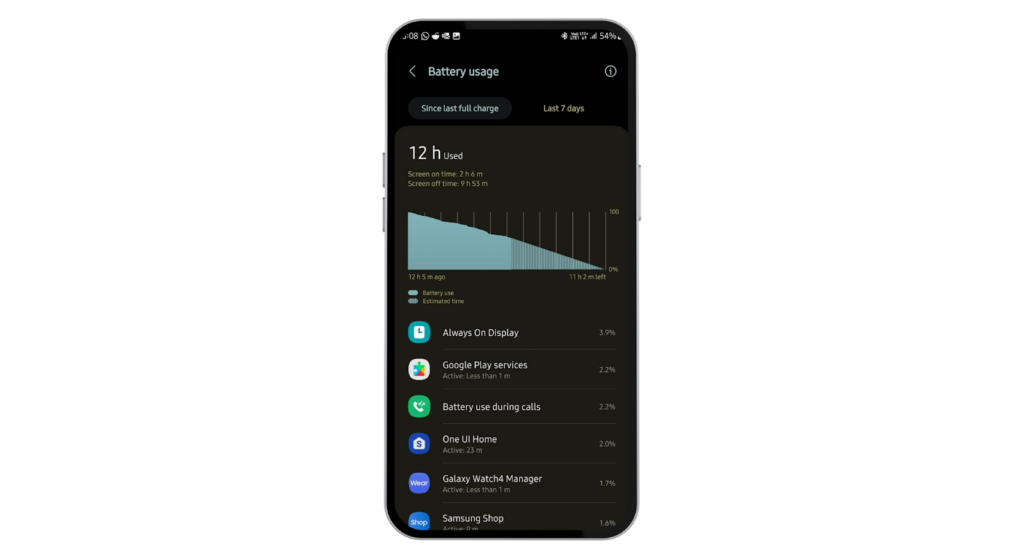
One of the most common causes of Android battery drain is apps running in the background. Many Android devices allow background apps, background data, auto sync, and push notifications to remain active even when the screen is off.
Highly battery-consuming apps downloaded from the Google Play Store can continuously drain power through background services. Social media apps, navigation apps like Google Maps, streaming platforms, and messaging apps often generate too many push notifications. This keeps the phone’s operating system active and drains your battery faster.
Repair technicians should review battery usage reports by tapping apps in the battery section of phone settings and identifying any specific app responsible for significant drain.
System Settings
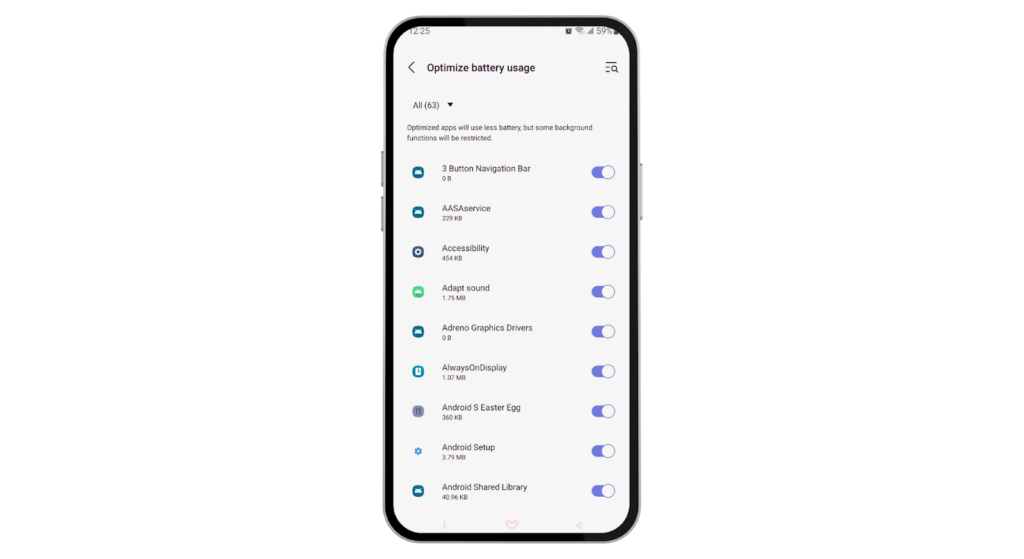
System configuration heavily affects the battery life of an Android device. High screen brightness, long screen timeout settings, and always-on display features significantly increase battery drain. Many Android users overlook how screen timeout and ambient light adjustments impact battery usage.
Location services, Wi Fi constantly searching, Bluetooth scanning, and mobile data running continuously also increase power consumption. If battery saver mode or battery optimization features are disabled, the phone’s battery will deplete more quickly.
Encouraging clients to enable battery saver, reduce screen brightness, use dark mode where applicable, and manage app permissions can help conserve battery and save battery life without immediate replacement.
Hardware Issues
When Android battery issues persist despite software adjustments, hardware must be evaluated. Lithium-ion batteries naturally degrade over time. As battery age increases, internal resistance rises, resulting in faster battery drain and unstable power delivery.
Faulty charging circuits, damaged connectors, or defective power management ICs can also cause the Android battery to drain quickly even after a full charge. In these cases, Android battery drain diagnosis should include DC power supply testing and thermal monitoring.
If the phone’s battery life continues to decline and the device shows signs of dying quickly, a battery replacement is the most reliable solution.
Environmental Factors
Extreme temperatures significantly affect battery longevity. Exposure to hot environments, such as leaving an Android phone in a car, accelerates lithium-ion battery degradation. Cold environments may temporarily reduce performance, but heat causes permanent damage.
Charging habits also impact battery health. Frequent fast charging, keeping the phone plugged in for too long, or constantly charging from very low levels to 100 percent increases wear. Over time, these habits shorten battery life and lead to rapid battery depletion.
For repair shops and wholesalers, understanding these environmental and behavioral factors helps reduce unnecessary battery replacement while improving long-term client satisfaction.
How to Diagnose Android Battery Drain?
Accurate diagnosis of Android battery drain is critical before recommending a battery replacement. Many Android battery issues are caused by software behavior, background apps, or configuration errors rather than a failing cell.
For repair shops, a structured diagnostic process prevents unnecessary replacements and reduces repeat complaints about Android batteries draining fast.
Using Built-in Android Tools
Every Android device provides battery usage data inside phone settings. Technicians should review battery usage reports to identify which apps are using the most battery power. By tapping apps in the battery section, you can see app-specific consumption, background data usage, and screen-on time.
Look for signs of significant drain caused by background apps, too many push notifications, location services, mobile data constantly searching, or high screen brightness. Apps like Google Maps, streaming services, or social platforms may continue running in the background even when the phone appears idle.
Checking screen timeout settings, battery saver mode, battery optimization settings, and background app refresh equivalents helps determine whether the faster battery drain is behavioral rather than hardware-related.
If battery saver or airplane mode dramatically improves the device’s battery life during testing, the issue is likely software-driven.
Third-Party Diagnostic Tools
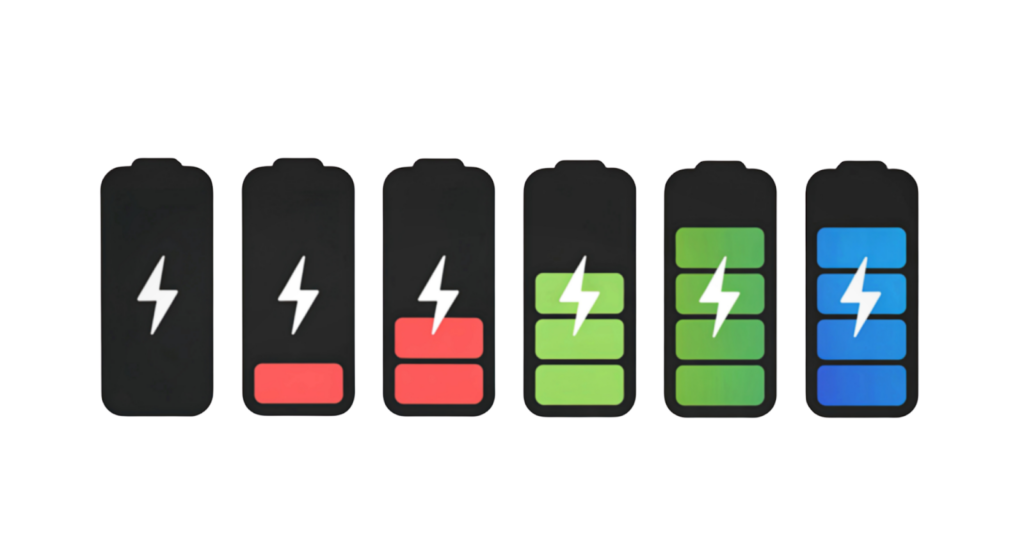
For professional repair operations, built-in tools are only the starting point. Advanced diagnostic apps available through the Google Play Store allow technicians to log battery health trends, track charge cycles, and analyze battery age over time.
Professional diagnostic platforms help monitor lithium-ion battery voltage stability, discharge curves, and abnormal battery-drain patterns. These tools can detect whether the Android battery drains quickly due to cell degradation or excessive background data and auto sync activity.
Logging battery performance over days or weeks provides valuable insight into long-term battery life and helps identify persistent Android battery issues before recommending replacement.
Professional Repair Assessment
When Android battery issues persist after software optimization, a deeper hardware assessment is required. Repair shops should use a DC power supply to monitor power draw behavior. If rapid battery depletion occurs even under controlled testing conditions, the battery may be defective.
Technicians must also evaluate charging circuits and connectors. Faulty power management components can mimic Android battery-drain symptoms even if the lithium-ion battery itself is functional.
The key is differentiating between operating system issues, outdated software, background apps running, and true hardware-related battery degradation. Accurate diagnosis protects customers and builds trust in the repair business.
Android Battery Replacement
When optimization and diagnostics confirm hardware degradation, battery replacement becomes necessary. Understanding the cost of Android battery replacements and sourcing high-quality components is essential for repair shops and wholesalers.
When Replacement is Needed?
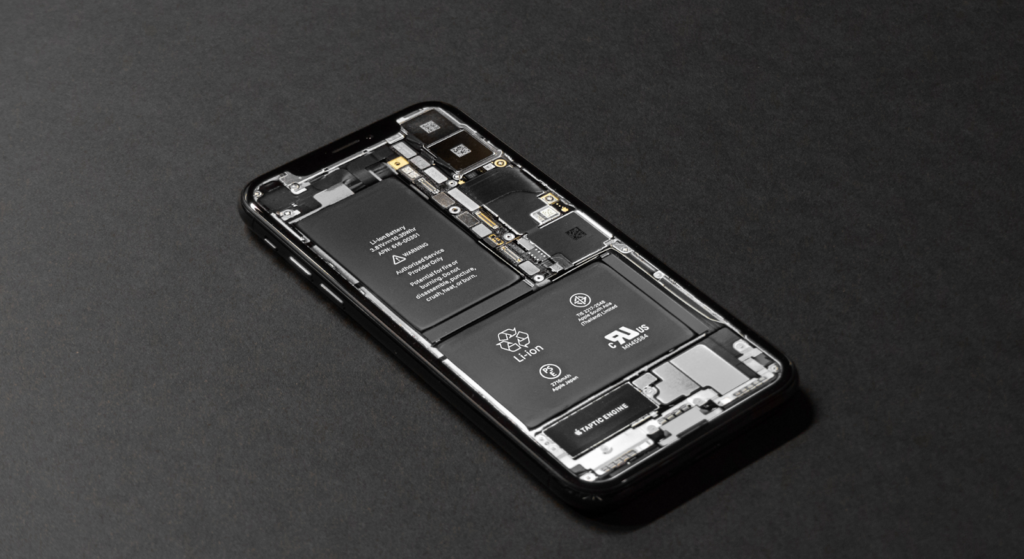
Replacement is recommended when battery health falls below acceptable thresholds or when battery age significantly reduces the phone’s battery life. Persistent Android battery drain, despite disabling background apps, adjusting screen brightness, limiting location services, and enabling battery saver mode, indicates deeper cell wear.
If the phone is dying quickly, overheating, or unable to hold a full charge even after optimization, replacement is the most reliable solution.
OEM vs Aftermarket Batteries
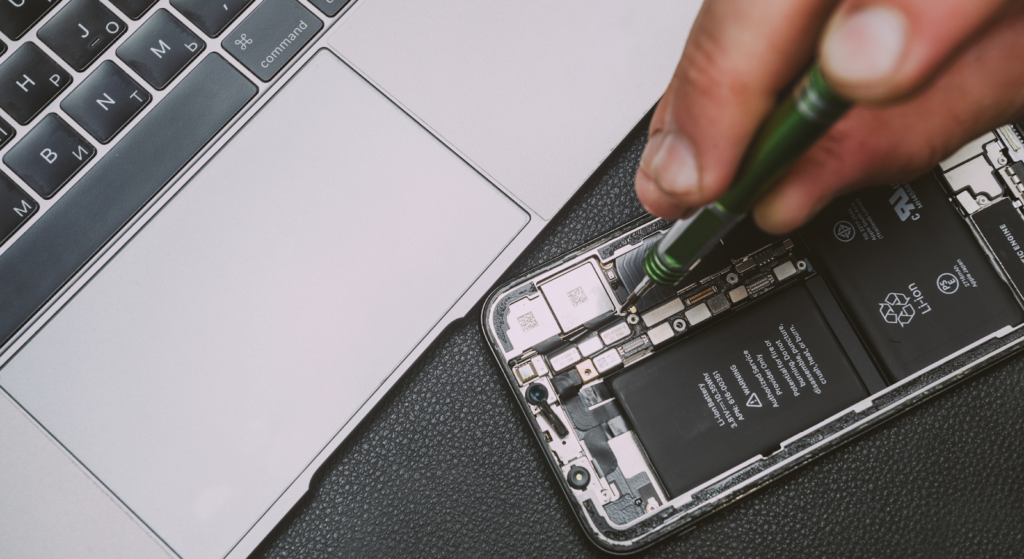
Repair shops must carefully evaluate OEM versus aftermarket Android battery options. OEM batteries generally offer better stability, longer lifespans, and a lower risk of rapid battery drain. They align closely with device manufacturer specifications.
Aftermarket batteries vary widely in quality. Lower-grade cells may initially restore battery life but degrade more quickly, leading to repeat complaints of battery drain. However, high-quality aftermarket suppliers offering tested lithium-ion batteries can provide cost-effective alternatives for bulk replacements.
For wholesalers, bulk purchasing requires balancing cost, performance consistency, and return rate risk. Quality control and supplier reliability directly impact long-term profitability.
Replacement Cost Estimates
Android battery replacement cost varies by phone model and complexity. For mid-range Android devices, replacement typically ranges between $40 and $80 for parts and labor. Premium models or sealed-frame designs may reach $90 to $150, depending on screen removal complexity and adhesive labor.
Labor workflow efficiency also affects cost. Devices requiring full-screen removal increase technician time and risk.
For B2B operations, bulk pricing significantly reduces the per-unit cost of battery replacements. Wholesalers supplying high-volume repair shops benefit from negotiated pricing, reducing repeat repair expenses while improving customer satisfaction and device performance.
Ultimately, accurate Android battery-drain diagnosis, combined with professional-grade battery replacement, ensures sustainable repair outcomes and protects the business’s reputation.
Professional Tips for Repair Shops and Wholesalers
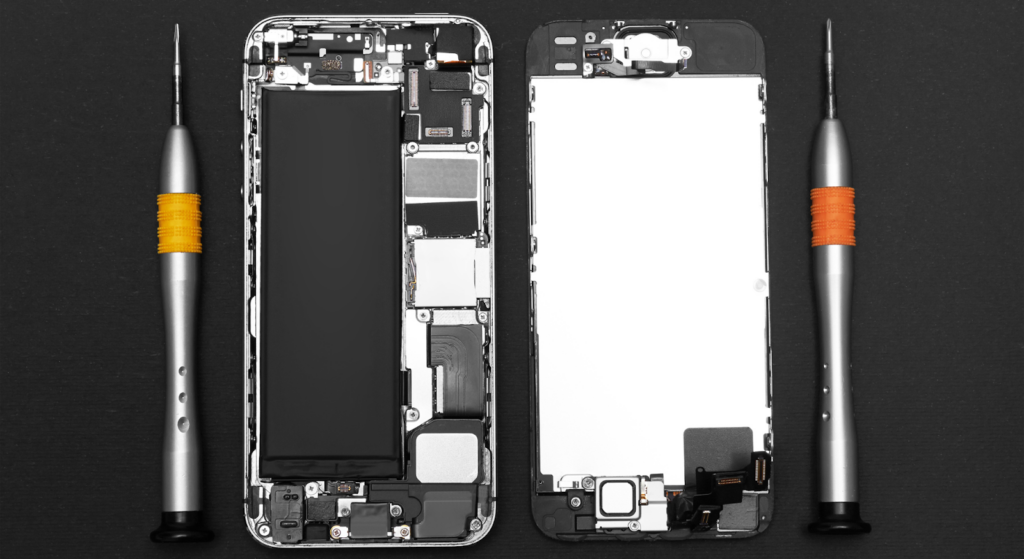
When dealing with complaints about Android batteries draining fast, the solution is not just to replace the battery. Repair shops must focus on correct diagnosis, proper component selection, and controlled workflow execution to prevent recurring Android battery issues.
Choosing the Right Replacement Battery
Not all lithium-ion batteries perform the same. Always verify battery health specifications, rated capacity, and compatibility with the Android device’s battery management system. A low-grade battery may initially improve battery life, but rapid battery depletion often returns within months.
Choose replacement batteries that meet the device manufacturer’s voltage standards and safety protections. High-quality cells reduce overheating, stabilize battery power delivery, and extend the life cycle of the Android phone’s battery. For wholesalers, consistency matters more than the lowest price. Stable supply reduces return rates and protects long-term business relationships.
Reducing Repeat Complaints with Quality Components
Many Android battery-drain cases are linked to inferior batteries, improper installation, or unresolved background apps.
Using tested components helps prevent faster battery drain, unstable charging, and unexpected shutdowns. Quality batteries handle screen brightness peaks, mobile data usage, background data sync, and heavy app permissions without significant drain.
Repeat complaints often damage a shop’s reputation more than the replacement cost. Investing in reliable components reduces warranty claims and increases customer trust.
Best Practices for Professional Battery Replacement Workflow
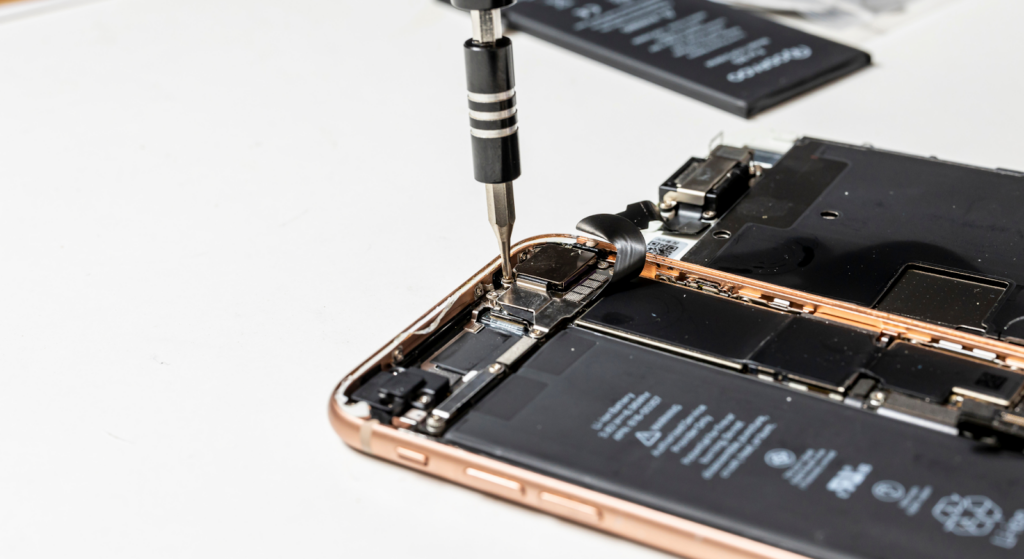
A structured workflow protects both the device and the technician. Always power off the Android phone and disconnect the battery safely before proceeding. Avoid excessive heat when removing adhesive to prevent damage to delicate components.
After installation, test the phone’s battery life under controlled conditions. Monitor battery usage, enable battery optimization features, and confirm stable charging performance.
Verify that battery saver mode, airplane mode, and screen timeout settings function normally. Finally, review system updates and background apps to ensure no hidden causes of battery drain remain. Professional workflow discipline directly improves phone performance and reduces Android battery issues that persist, complaints weeks later.
FAQs
Why does my Android battery drain overnight?
Overnight Android battery drain is usually caused by background apps running, auto-sync, push notifications, mobile data, or Wi-Fi constantly searching for a signal. Battery saver mode and limiting background data often reduce this issue.
Can a software update fix fast battery drain?
Yes. A software update can resolve bugs, optimize power management, and improve the phone’s operating system efficiency. However, if battery age is advanced, hardware replacement may still be required.
How long does a replacement battery last?
A quality replacement lithium-ion battery typically lasts 2 to 3 years, depending on usage habits, charging behavior, and exposure to extreme temperatures. Proper care helps maximize battery life and reduce rapid battery depletion.
Is it safe to use third-party batteries?
It can be safe if sourced from a reputable supplier with proper testing and protection circuits. Poor-quality batteries may cause overheating, battery drain, or unstable battery power output.
How can repair shops identify battery vs software issues?
Technicians should review battery usage reports, disable background apps, check battery optimization settings, and test with a known-good battery. If Android battery issues persist after optimization, hardware replacement is likely necessary.
Conclusion
A single factor rarely causes Android battery-draining problems. App activity, background data, screen brightness, charging habits, extreme temperatures, and battery age all influence the Android device’s battery life.
Accurate Android battery drain diagnosis protects repair shops from unnecessary replacements and builds credibility. When hardware degradation is confirmed, professional battery replacement with high-quality lithium-ion batteries ensures stable performance and a longer lifespan.
For repair businesses and wholesalers, the priority is clear: combine proper diagnostics, a disciplined workflow, and a reliable battery supply to deliver consistent results and reduce repeat battery-drain complaints.