
Phones that stop charging are one of the most common problems seen by repair shops. Sometimes the issue is as simple as a damaged charging cable. In other cases, battery degradation, charging IC failure, or motherboard damage may be responsible.
For repair businesses, wholesalers, and technicians, understanding the root cause of a phone charging issue helps reduce misdiagnosis, improve repair efficiency, and increase customer satisfaction.
This guide explains how to fix phone not charging problems, common causes, and when professional battery replacement or hardware repair becomes necessary.
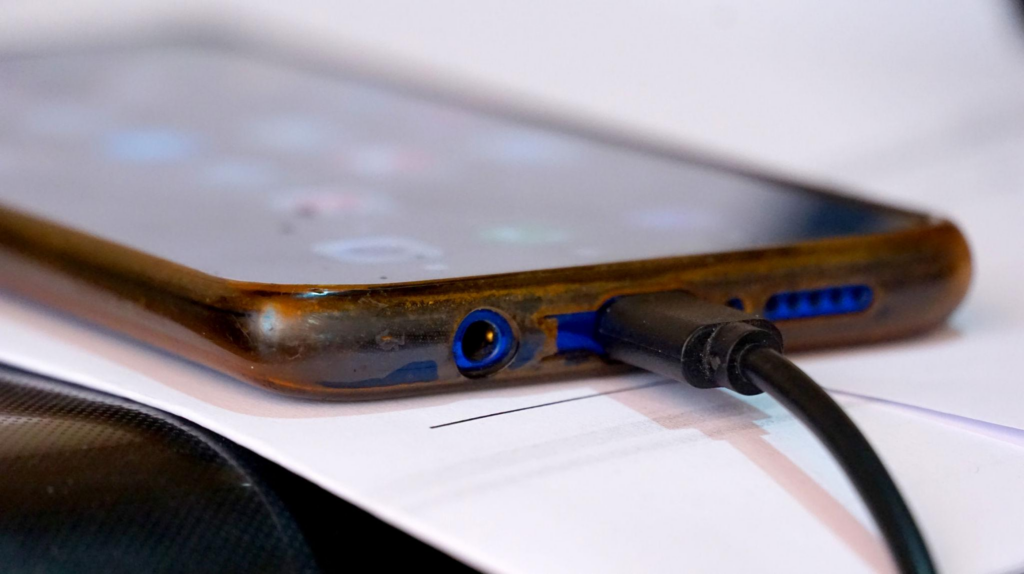
Why Is My Phone Not Charging?
Charging failures generally fall into four categories:
- Accessory problems
- Damaged cable
- Faulty charger
- Low-quality adapters
- Charging port problems
- Dust buildup
- Corrosion
- Bent charging pins
- Battery problems
- Aging battery cells
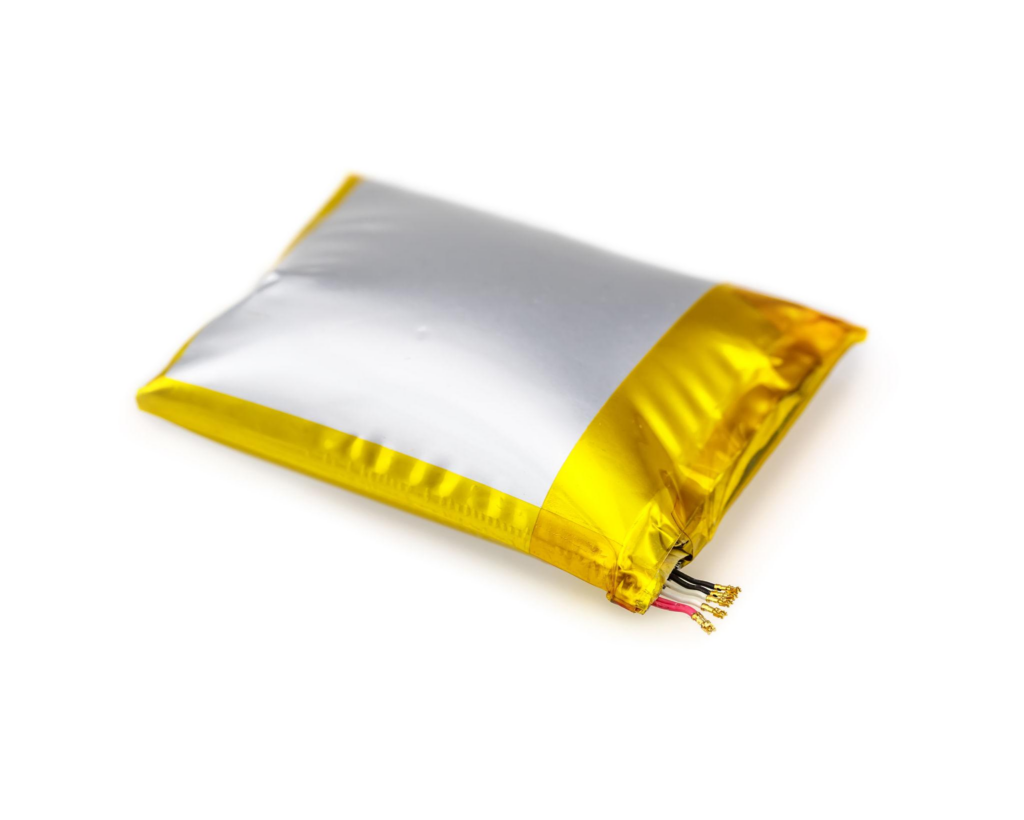
- Battery swelling
- Severe degradation
- Internal hardware/software faults
- Charging IC failure
- Motherboard damage
- System glitches
Identifying the correct category prevents unnecessary part replacement.
Step 1: Check the Charging Cable and Adapter
Before opening the phone, inspect external accessories.
Common signs of charger failure:
- Frayed cable insulation
- Loose connectors
- Overheating adapter
- Intermittent charging
Quick test:
Try:
- Another certified charging cable
- A different power adapter
- Another wall outlet
- Wireless charging (if supported)
If charging resumes normally, the phone itself may not be defective.
Repair shop tip:
Low-quality aftermarket chargers often create recurring customer complaints. Recommend certified or OEM-grade accessories whenever possible.
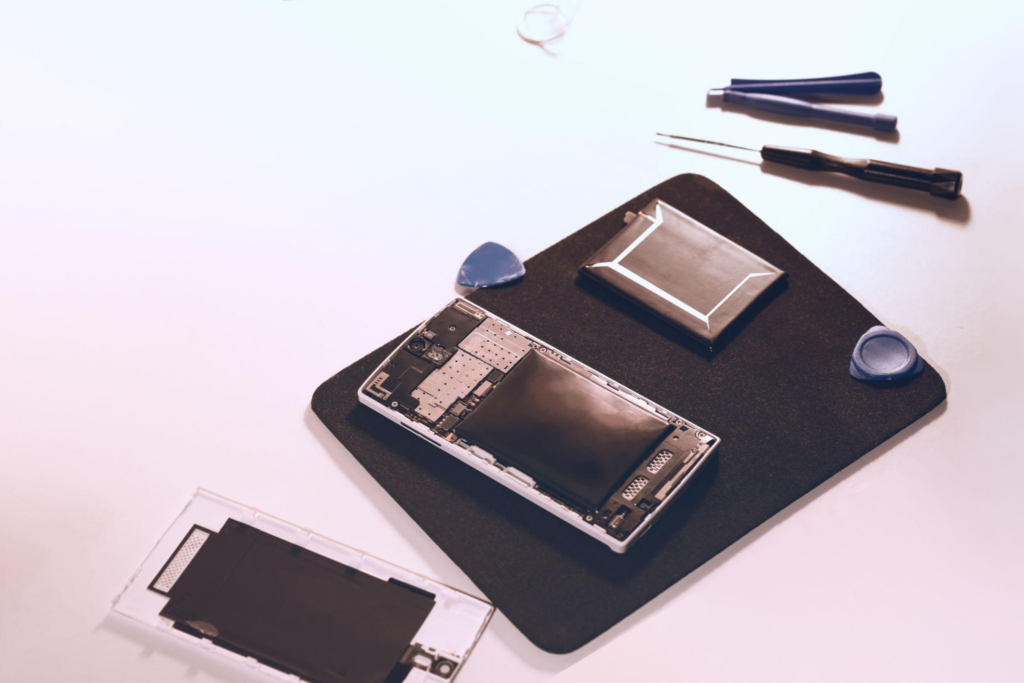
Step 2: Inspect and Clean the Charging Port
A dirty charging port is among the most overlooked causes of charging problems.
Lint, dust, and debris can block connector contact.
Symptoms include:
- Cable feels loose
- Charging only works at certain angles
- Slow charging
- Charging disconnects frequently
How to clean safely:
- Turn off the phone
- Use compressed air or a soft brush
- Remove visible debris carefully
- Avoid metal tools that may damage pins
Never use excessive force.
Step 3: Restart the Device and Update Software
Software bugs sometimes interrupt charging functions.
Try:
- Restarting the phone
- Installing system updates
- Resetting settings
- Booting into safe mode (Android)
Some charging problems appear after operating system updates.
If charging resumes after rebooting, hardware replacement may not be necessary.
Step 4: Check Battery Health
Battery degradation becomes common after hundreds of charge cycles.
A worn battery may show:
- Fast battery drain
- Random shutdowns
- Excessive heating
- Slow charging
- Swelling
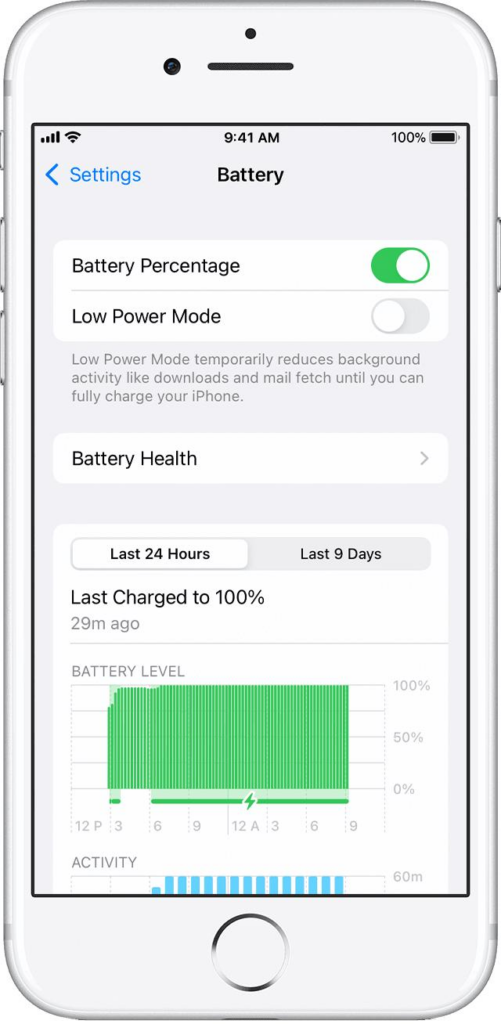
On iPhones:
Go to:
Settings → Battery → Battery Health
Low battery health often indicates replacement need.
Many technicians recommend replacement near 80% maximum capacity depending on performance symptoms.
Step 5: Determine Whether Battery Replacement Will Fix Charging Problems
One important keyword users search is:
battery replacement fix charging
The answer:
Sometimes, but not always.
Battery replacement may solve charging issues when:
✅ Battery is degraded
✅ Battery is swollen
✅ Phone powers off unexpectedly
✅ Battery cannot hold charge
Battery replacement may NOT solve charging problems when:
❌ Charging port damaged
❌ Charging IC failure
❌ Motherboard corrosion
❌ Water damage
Proper diagnosis is critical before replacing parts.
Common Phone Charging Solutions by Problem Type
| Problem | Possible Solution |
|---|---|
| Dirty charging port | Clean connector |
| Damaged cable | Replace charger |
| Battery degradation | Replace battery |
| Software bug | Update or restart |
| Swollen battery | Immediate replacement |
| Water damage | Internal repair |
| Charging IC failure | Component repair |
This troubleshooting sequence helps reduce unnecessary replacement costs.
When Should Repair Shops Recommend Battery Replacement?
Recommend replacement when customers report:
- Battery health below expected performance
- Rapid drain
- Device shutdowns
- Swelling
- Charging instability
Offering both OEM and aftermarket batteries can serve different customer budgets.
Prevent Future Charging Problems
Customers can reduce charging failures by following simple habits:
Use quality chargers
Cheap accessories increase charging instability.
Avoid extreme temperatures
Heat accelerates battery degradation.
Keep charging ports clean
Dust accumulation is a common repair issue.
Avoid deep discharge frequently
Repeated 0% battery cycles shorten lifespan.
FAQs About Phone Charging Issues
Why is my phone plugged in but not charging?
Common causes include damaged cables, dirty charging ports, battery degradation, or charging IC problems.
Can a bad battery stop a phone from charging?
Yes. Severely degraded or swollen batteries may prevent normal charging.
Will replacing the battery fix charging issues?
Only if the battery is the root cause. Diagnostic testing is recommended.
How do I know if my charging port is damaged?
Loose cable fit, intermittent charging, and visible corrosion are common signs.
Should repair shops replace batteries before testing charging circuits?
No. Proper diagnosis reduces unnecessary repairs and return rates.
Conclusion
Understanding how to fix phone not charging problems requires systematic troubleshooting. Charging failures can originate from accessories, charging ports, batteries, software, or internal components.
For repair shops and wholesalers, accurate diagnosis is essential to reduce costs and improve customer satisfaction.
Start with simple checks—chargers, ports, and software—before moving to battery replacement or board-level repair. A structured repair workflow leads to faster solutions and more reliable outcomes.