
When shopping for phone displays or choosing the right screen for a repair, brightness is more important than many people realize. That’s where nits come in. Nits are the standard way to measure how bright a display can get. They directly affect outdoor visibility, user experience, and even battery performance.
Whether you’re comparing OLED vs LCD screens or deciding how many nits are “good enough” for a smartphone, understanding this simple brightness metric helps you make smarter sourcing and repair decisions.

What Is Nits in Display Technology?
Starting with the most obvious question, what is nits? When people talk about how bright a smartphone screen looks, they are really talking about nits. In display technology, nits are the standard way to describe how much light a screen produces and how clearly you can see it in different lighting conditions, especially outdoors.
Definition of Nits
Simply put, nits measure brightness. One nit equals one candela per square meter (cd/m²), which is a scientific unit used to measure luminance, or how much visible light is emitted from a surface. In smartphones, this refers to how much light the screen emits directly toward your eyes.
Nits are used instead of watts because watts measure power consumption, not visible light. A display can consume more power without necessarily appearing brighter. Nits focus on light output, which is what actually matters for visibility, color clarity, and real-world use. This is why display manufacturers rely on nits to compare screens across different display technologies like OLED displays and LCD panels.
What Nits Actually Measure on a Screen
Nits measure perceived brightness, not just raw light. This is important because how bright a screen looks to the human eye depends on several factors, including:
- Lighting conditions
- Color accuracy
- Contrast ratio
This is where brightness and contrast often get confused. Brightness (nits) tells you how much light the screen emits. Contrast ratio, on the other hand, describes the difference between the brightest whites and the darkest blacks a screen can produce.
Look at it this way: A display with moderate nits but a high contrast ratio can appear brighter and more vivid than a higher-nit LCD panel in some situations.

Why Nits Matter for Phone Displays
Nits determine how a smartphone screen performs in real-world use, not just peak brightness specifications. They affect visibility, readability, and user comfort across different lighting conditions from indoor to bright outdoor environments. Proper brightness levels ensure clear screen visibility while reducing eye strain and unnecessary battery drain.
Indoor vs Outdoor Visibility
Nits are especially important for sunlight readability, as strong outdoor light can make screens hard to see without sufficient brightness. Higher nits help counter glare and reflections, keeping text and images visible even in direct sunlight.
Indoors, brightness should be lower for comfort, and auto brightness helps balance visibility and eye strain based on the environment.

User Experience Impact
Brightness directly affects eye comfort, especially during extended screen time. Too much brightness in low-light conditions can lead to eye strain, while low brightness in bright conditions forces the eyes to work harder. Properly calibrated nits help maintain visual comfort throughout the day.
For instance, Nits influence:
- Media viewing
- Gaming
- Video playback
Higher brightness enhances perceived brightness, improves clarity in HDR content, and helps colors appear more vibrant and accurate. For gaming and video, sufficient nits ensure consistent visibility, sharper details, and a smoother viewing experience, regardless of lighting conditions.
How Many Nits Is Good for a Phone?
A lot of buyers and wholesalers wonder, How many nits is good for a phone? The answer depends on how and where the device is used. Different brightness levels are suited to different lighting conditions, and choosing the right range directly affects usability, comfort, and battery life.
Recommended Nits Levels
Here’s a brief breakdown:
- For basic indoor use, a brightness range of 300–500 nits is usually sufficient.
- For normal outdoor use, especially in shaded outdoor environments or bright conditions, 600–800 nits is considered a practical sweet spot.
- For strong sunlight and HDR content, phones rated at 1,000+ nits perform best.
Peak Brightness vs Typical Brightness
Manufacturers often advertise maximum or peak brightness, which is not the same as everyday usage. Peak brightness is usually achieved only under specific conditions, such as displaying HDR content or when auto brightness detects intense sunlight. In regular use, phones operate closer to their typical brightness level, which is lower and more consistent.
Auto brightness plays a crucial role here. It dynamically adjusts the brightness level based on lighting conditions, ensuring visibility outdoors while reducing brightness indoors to protect battery life and eye comfort. Understanding this difference helps buyers and repair professionals evaluate real-world performance, not just marketing numbers.
OLED vs LCD Nits – Brightness Comparison
When comparing OLED vs LCD nits, it’s important to understand that brightness behaves very differently across these two display technologies. While both are measured in nits, the way light is produced and sustained directly affects real-world visibility, power usage, and display consistency.
OLED Brightness Characteristics
OLED displays use per-pixel lighting, meaning each pixel emits its own light instead of relying on a shared light source. This allows OLED screens to achieve extremely high peak brightness in small areas, which is especially noticeable during HDR content playback. Bright highlights can appear intense and vivid because the screen emits light only where needed.
However, OLED brightness is often not sustained across the entire screen. To manage heat, power consumption, and long-term panel health, OLED panels typically reduce brightness when displaying a full white screen. As a result, while OLED displays may advertise high nits, those values are usually reached briefly or in limited areas.
LCD Brightness Characteristics
LCD panels rely on a backlight, which shines through the entire screen. This creates certain backlight limitations, but it also allows LCD displays to deliver more consistent brightness across the screen, especially at high brightness levels.
OLED vs LCD Brightness Table
| Feature | OLED | LCD |
| Peak Brightness | Very High | High |
| Sustained Brightness | Medium–High | Stable |
| Outdoor Visibility | Excellent | Good |
| Power Efficiency | Better (dark UI) | Stable |
How to Measure Display Brightness (Nits)
Understanding how to measure display brightness is essential for the smartphone and display industry. Nits measure luminance, or how much light a screen emits per square meter, helping compare devices and verify display performance and manufacturer claims.
Professional Measurement Tools
The most accurate way to measure nits is with luminance meters, also called light meters, which are designed to detect the intensity of light emitted from a screen. These devices provide readings in candela per square meter (cd/m²), giving a precise measure of the screen’s brightness.
In lab testing, professionals often use controlled environments with standardized lighting conditions to measure both maximum and typical brightness, as well as to assess performance under bright sunlight or dark room scenarios.
Manufacturer vs Real-World Measurements
Manufacturers often list peak brightness, which can be significantly higher than the typical brightness users experience during daily use. Peak brightness is usually achieved in limited scenarios, such as small areas of HDR content, while full-screen usage may trigger brightness limits to protect OLED displays from overheating or burn-in.
Real-world conditions, such as outdoor sunlight, reflections, or auto-brightness adjustments, can further affect how bright a display appears to the human eye.
Understanding these differences is critical for repair professionals and B2B buyers, as it highlights the practical usability of the screen rather than just marketing numbers.
Why Brightness Measurement Matters for Repairs
Accurate nits measurement is essential for quality control in repairs and refurbishment, ensuring display brightness meets expected standards. Low-brightness screens may cause customer complaints, reduced satisfaction, and warranty returns. Repair shops use brightness testing to verify OLED/LCD replacements and maintain consistent brightness, contrast, and color accuracy.
For wholesalers and distributors, verified brightness measurements help maintain credibility and reduce post-sale issues.
Nits and Battery Life – What’s the Relationship?
Higher nits directly affect power consumption—the brighter a screen, the more energy it uses. OLED displays are more efficient at lower brightness levels because individual pixels emit light, so dark content consumes very little power. LCD panels, which rely on a constant backlight, draw more energy at high brightness regardless of content.
Auto-brightness optimization helps balance visibility and battery life by adjusting nits based on ambient lighting. This ensures users get sufficient screen brightness in bright sunlight while conserving power indoors, making nits management essential for both user experience and device efficiency.
Display Brightness in Replacement Screens
For repair shops and B2B buyers, understanding display brightness in replacement screens is critical, as not all panels match original performance. Differences in nits between OEM and aftermarket screens can affect visibility, color accuracy, and user experience, often leading to weaker HDR highlights and poor outdoor readability.
Why Brightness Consistency Matters for Repair Shops
Maintaining consistent brightness across replacements is key to user satisfaction. Screens that are too dim or uneven can frustrate customers and reduce confidence in the repair service. Consistency also directly affects the return rate. For instance, replacement devices with low nits or poor contrast often lead to warranty claims or complaints, which increase operational costs.
For B2B suppliers and repair shops, ensuring brightness levels meet original manufacturer standards protects brand reputation and demonstrates technical expertise.
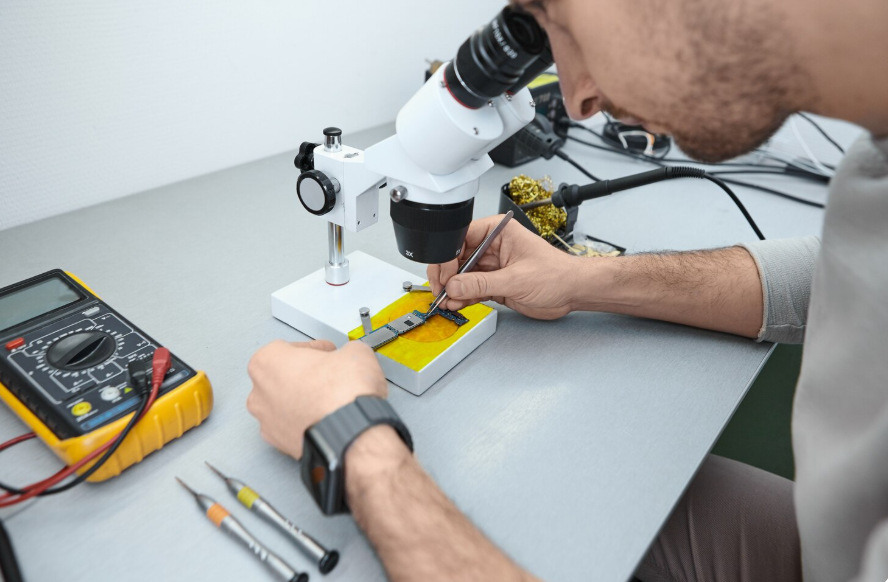
How to Choose the Right Brightness Level for Your Business
When selecting replacement screens or stocking inventory, businesses must balance budget vs premium repairs. Lower-cost panels may be sufficient for basic indoor use, but premium screens with higher nits improve outdoor readability and user experience.
Understanding target customer expectations is also critical. Some users prioritize vibrant colors, HDR content, and strong sunlight visibility, while others are satisfied with standard brightness.
For wholesalers, having a stocking strategy that includes a mix of mid-range and high-brightness panels ensures coverage for diverse customer needs. This approach reduces returns, improves satisfaction, and helps repair shops maintain a professional reputation with consistent screen performance.
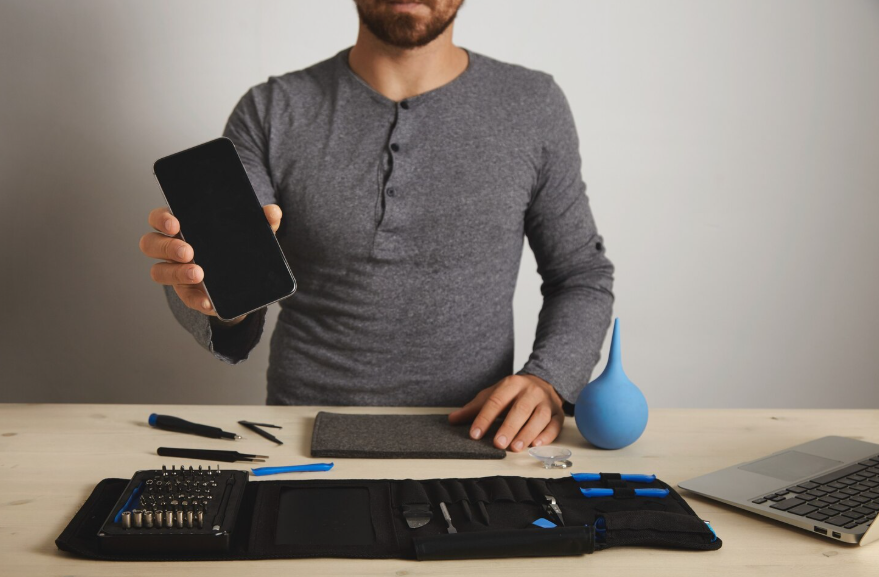
Why Display Brightness Quality Matters When Sourcing Screens
Brightness quality directly impacts the long-term reliability and usability of replacement panels. Panel grading helps distinguish high-quality screens from lower-performing units, ensuring nits meet or exceed original manufacturer specifications.
QC testing standards, including luminance measurements and contrast verification, ensure consistent brightness across the entire display and prevent uneven lighting or dim areas. For wholesalers and repair shops, sourcing screens that maintain accurate and stable nits over time minimizes customer complaints and warranty claims.
Investing in high-brightness, reliable panels safeguards both brand reputation and operational efficiency, ensuring devices perform well in all lighting conditions, from indoor environments to bright sunlight.
Why Repair Shops & Wholesalers Choose SQLCD
SQLCD offers OEM-grade brightness standards across OLED and LCD screens, ensuring each replacement display meets professional quality benchmarks. Our panels maintain stable nits for consistent brightness and accurate color reproduction across the entire screen. Strict QC testing verifies luminance, contrast, and peak vs typical brightness before shipment.
With bulk supply reliability and professional B2B support, SQLCD helps repair shops and wholesalers source high-quality panels confidently, reducing returns and boosting customer satisfaction. Choosing SQLCD means accessing screens that perform like the original, optimized for real-world visibility, HDR content, and long-term durability.
Upgrade your repair inventory with SQLCD’s high-brightness OLED and LCD panels today. Find out more at SQLCD.com.
FAQs – What Is Nits?
What is a good nits level for phones?
For indoor use, 300–500 nits is sufficient. For outdoor use, 600–800 nits ensures readability, while 1,000+ nits is ideal for bright sunlight or HDR content.
Is higher nits always better?
Not always. Higher nits improve outdoor visibility but can increase battery consumption and eye strain indoors. The optimal brightness depends on lighting conditions and user needs.
Do OLED screens have higher nits than LCD?
OLEDs can achieve very high peak brightness in small areas, especially for HDR highlights, but LCD panels often sustain higher full-screen brightness consistently, making them reliable for prolonged outdoor use.
How do manufacturers measure nits?
Nits are measured with luminance meters in controlled lab conditions. Manufacturers test peak vs typical brightness and evaluate performance in different lighting scenarios like sunlight and dark rooms.
Does higher brightness damage screens?
Excessive brightness over long periods can affect OLED longevity due to potential burn-in. LCDs are less prone to damage, but higher brightness still increases power consumption and may reduce overall efficiency.
Conclusion
Nits determine how bright a screen appears and directly affect real-world visibility and user experience. In general, 300–500 nits are suitable for indoor use, 600–800 nits for most outdoor environments, and 1,000+ nits for strong sunlight or HDR content.
For repair shops, wholesalers, and B2B buyers, understanding nits helps ensure consistent brightness, accurate color performance, and lower return rates when selecting replacement screens.
If you are looking for stable OEM-grade LCD and OLED displays with strict brightness QC standards, feel free to contact SQLCD for specifications, samples, or bulk pricing tailored to your business needs.