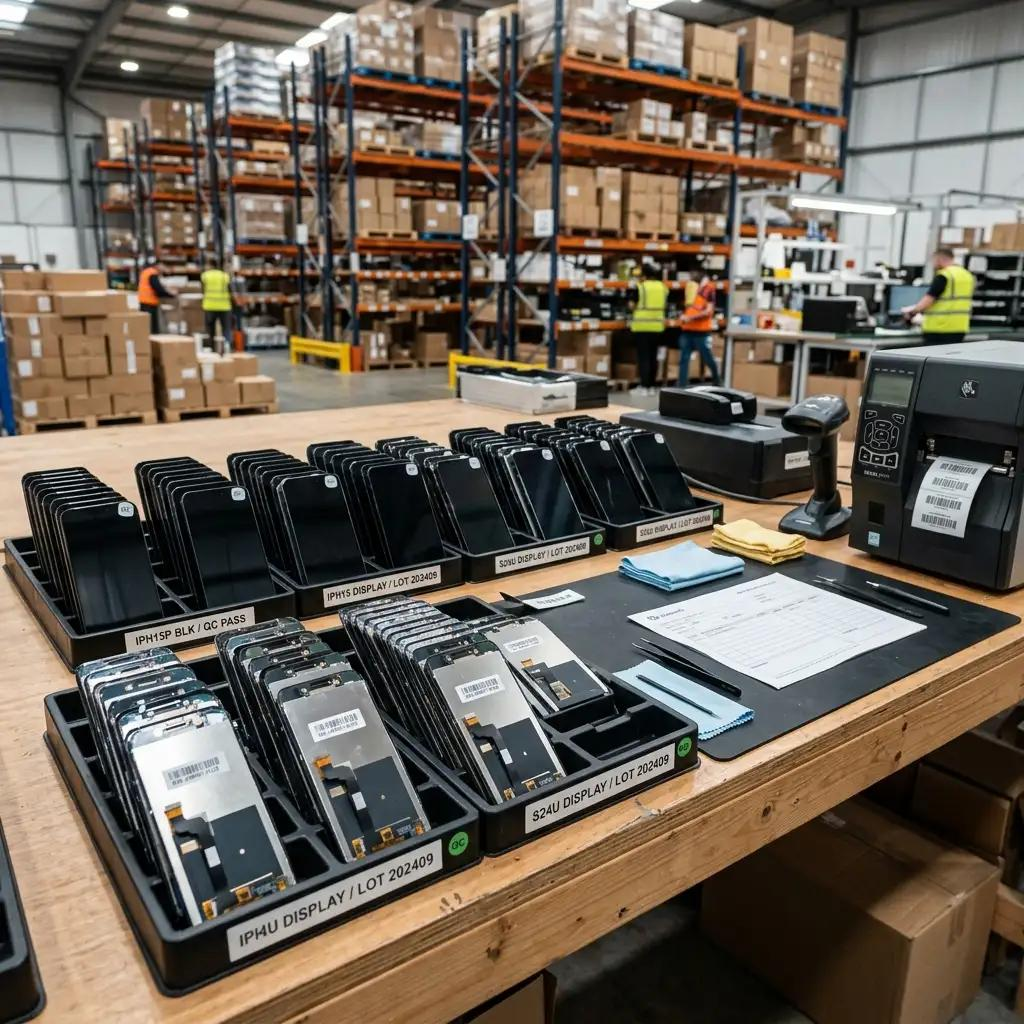
A broke phone can disrupt work, communication, and daily life. Whether you have a cracked screen, an unresponsive touchscreen, or a black display, the first step is identifying the damage. Understanding the problem helps you decide whether basic troubleshooting, professional repair, or a replacement LCD is the right solution.
What to Do If You Broke Your Phone
First, check the phone for sharp glass, a swollen battery, unusual heat, or liquid damage. Stop using it if the battery appears damaged or the device becomes dangerously hot. If the phone is safe and still works, back up important data before arranging a repair. Avoid pressing on cracked glass, as sharp fragments can cause injuries.
Broken Phone Screen: How to Identify the Damage
Not every broken phone screen requires the same repair. A cracked outer glass with a normal image and working touch may need a different solution from a damaged display panel.
Common warning signs include:
- Cracked glass: Visible fractures across the screen.
- Black spots or colored lines: Possible display-panel damage.
- Unresponsive touch: The digitizer or display assembly may be faulty.
- Flickering or discoloration: Possible panel or connection problems.
- Completely black screen: Could indicate display, power, or internal hardware failure.
These symptoms help guide diagnosis, but professional testing may be needed to confirm the cause.
How to Fix a Broken Phone
If the screen is physically intact but temporarily unresponsive, try restarting the phone and removing any case or screen protector that may interfere with touch. If the glass is shattered or the display shows lines, dark patches, or persistent flickering, software troubleshooting is unlikely to repair the physical damage.
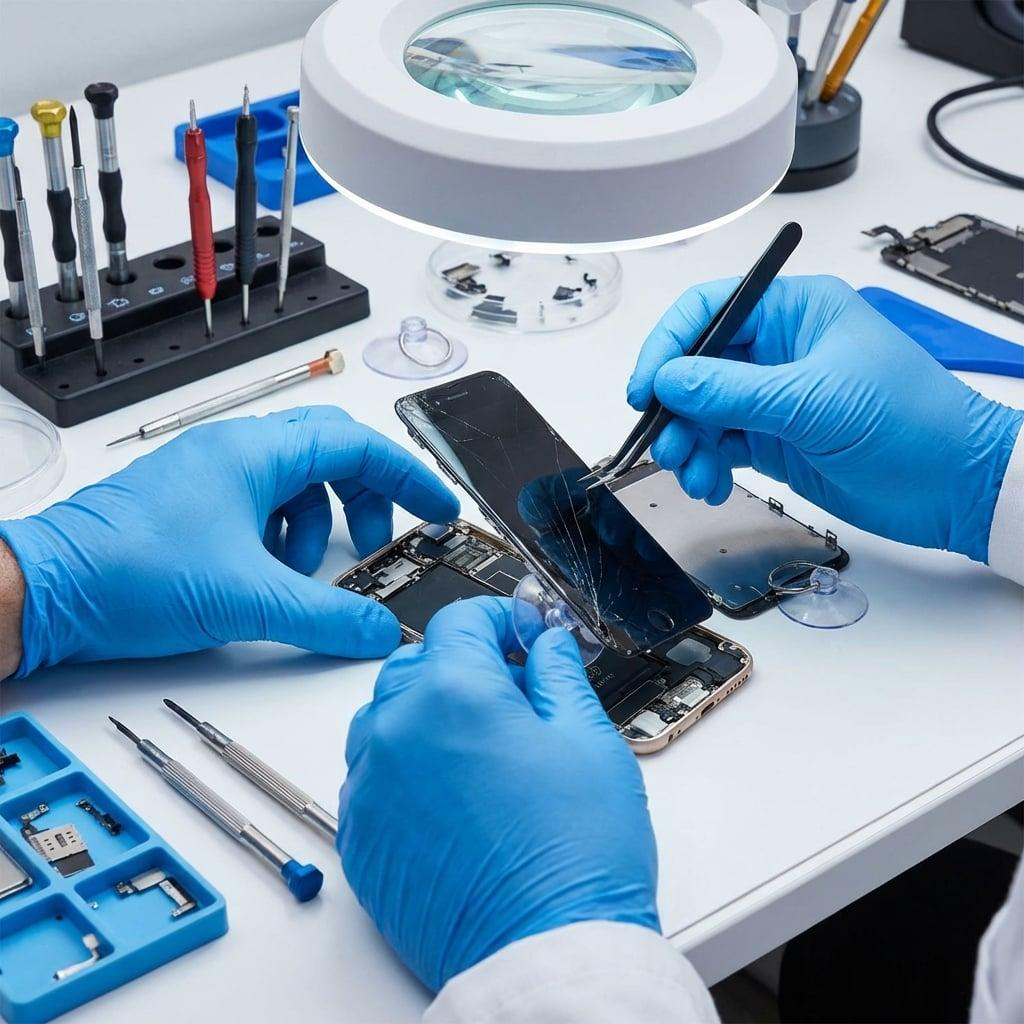
Professional technicians can inspect the screen, connectors, frame, and other components to determine the appropriate repair.
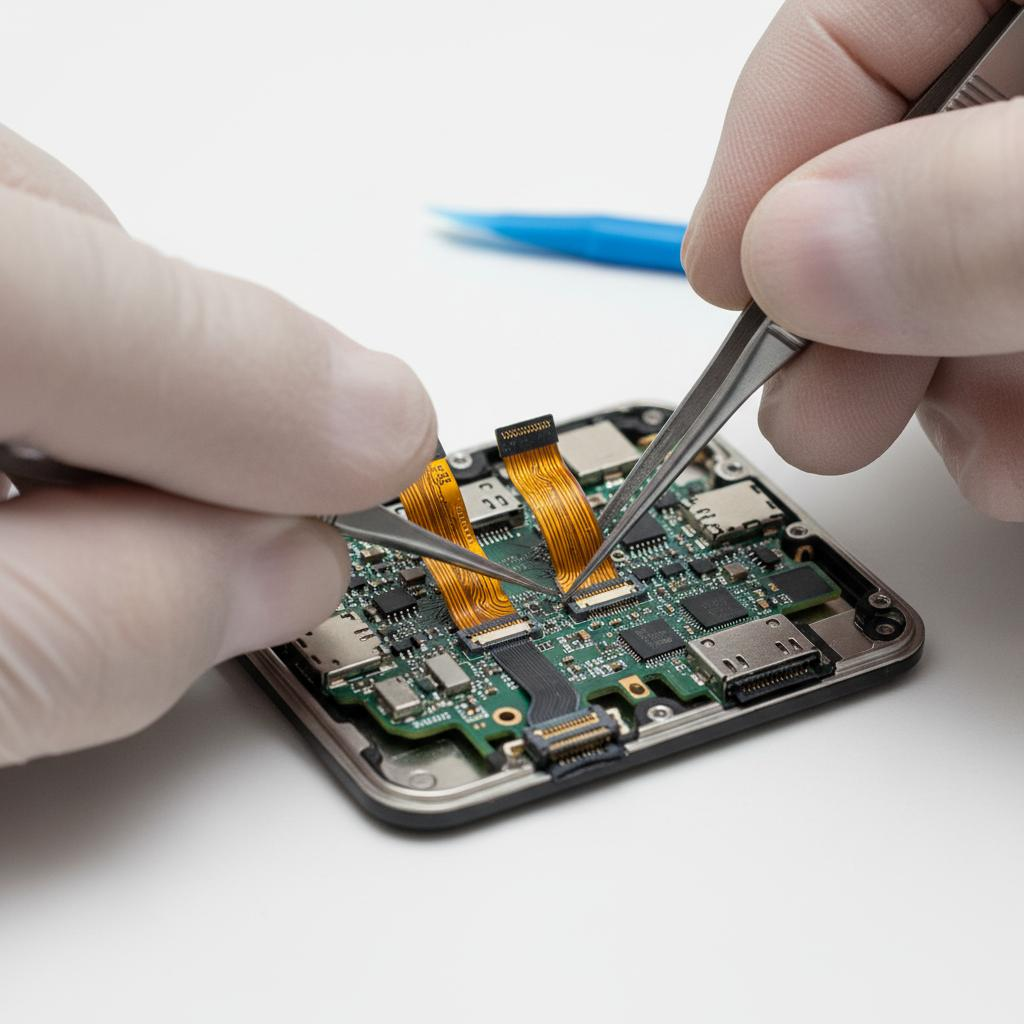
When Do You Need a Replacement LCD?
A replacement LCD may be necessary when a compatible LCD-equipped phone has display damage, dead pixels, image distortion, or backlight failure. Phones using OLED technology require a compatible OLED replacement or another specifically supported assembly.
Before replacing a screen, technicians should identify the exact phone model and determine whether the damage affects only the glass or the complete display assembly.
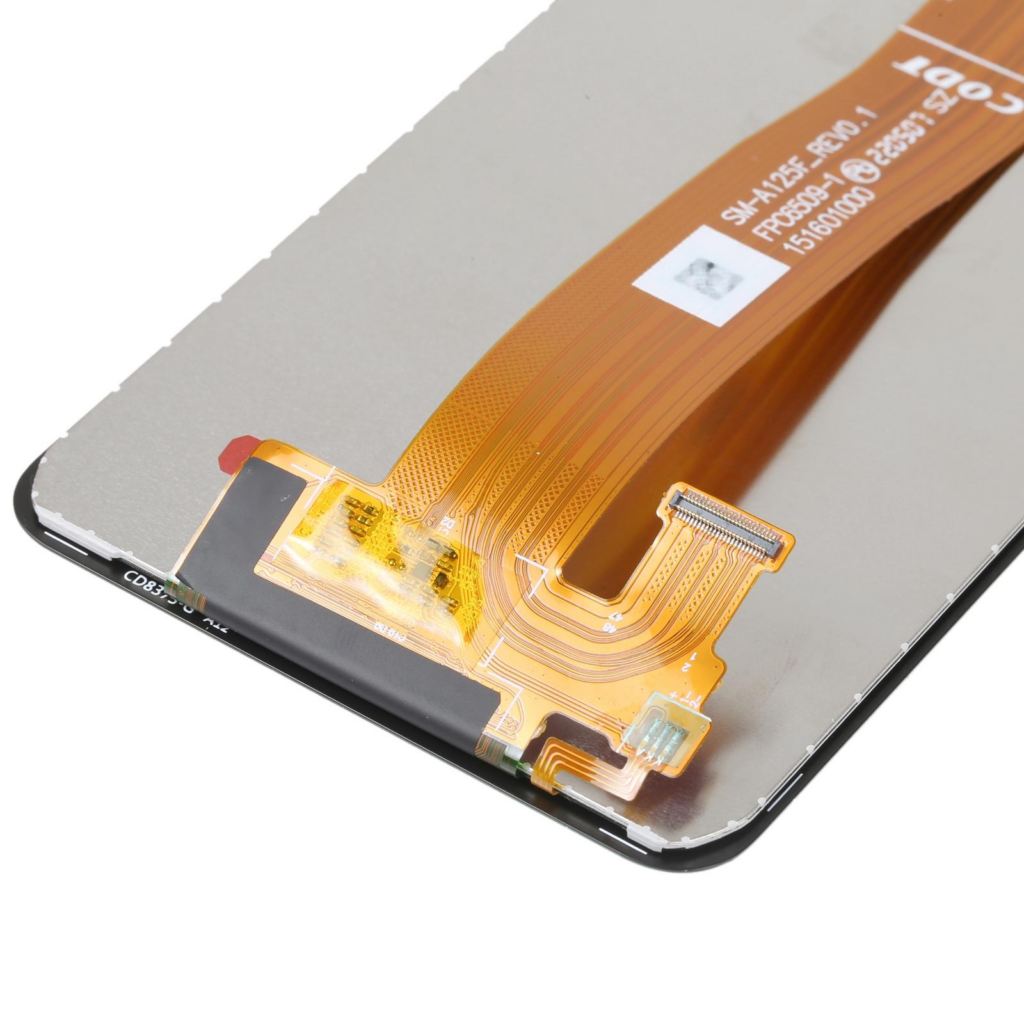
How to Choose a Quality Replacement LCD
For repair shops and wholesalers, choosing the right replacement LCD involves more than comparing prices. Check these essential factors:
- Model compatibility: Confirm the exact model and assembly.
- Display quality: Inspect brightness, color consistency, and pixel defects.
- Touch response: Test touch accuracy across the entire screen.
- Flex cables and connectors: Check for damage and secure connections.
- Frame fit: Confirm correct alignment and mounting.
- Quality control: Test parts before final installation or bulk distribution.
Consistent inspection and accurate SKU management can help repair businesses reduce installation problems and unnecessary returns.
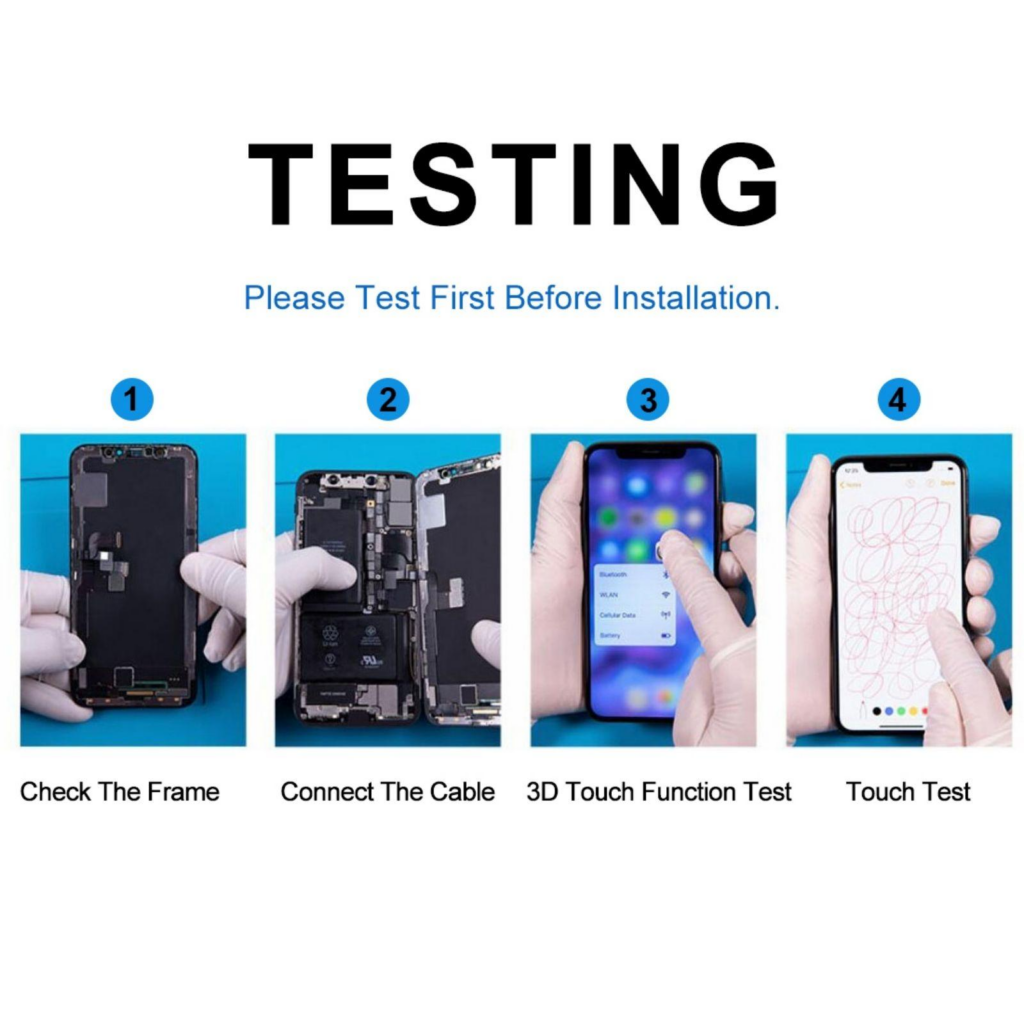
Repair or Replace Your Broken Phone?
Compare repair costs with the phone’s age, condition, replacement value, and availability of compatible parts. A screen replacement may be worthwhile when the phone otherwise functions well. If the device has severe motherboard, battery, or liquid damage, a broader repair assessment may be necessary.
Conclusion
When you have a broke phone, identify the symptoms before choosing a repair. A broken phone screen may require glass repair, a complete display assembly, or further hardware diagnosis. For repair professionals and wholesalers, accurate model identification, reliable replacement LCD quality, and thorough testing are essential for delivering consistent results.