
Most phone screen replacements take between 30 minutes and 2 hours. However, the actual phone screen repair time depends on the device model, screen type, replacement part availability, and technician experience.
Standard LCD screen replacements are usually faster, while OLED screen replacement for newer iPhone and Android devices often requires more time and careful handling. Water-damaged phones may also need additional diagnostics before the screen repair can be completed.
How Does Phone Screen Replacement Work?
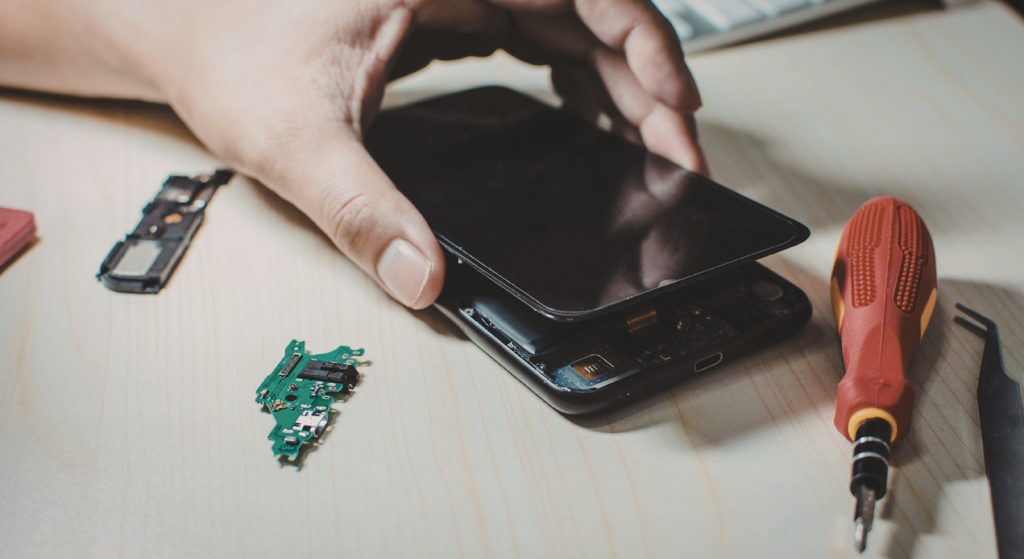
How long a phone screen replacement takes depends on many factors. Simple repairs for common models can take under an hour, while complex jobs on newer iPhones or curved OLED screens may need several hours.
If parts are out of stock, repairs can take a few days. Different phone designs also affect timing — some are easy to open, while others need careful heating, adhesive removal, inspections, and diagnostics to avoid hidden damage.
DIY vs Professional Repair
DIY and professional repairs differ greatly. A first-time DIY screen fix can take hours, risk further damage, and void your warranty or AppleCare.
Professional shops with proper tools and parts finish much faster. Workflow, tool organization, stocked parts, and technician experience all help improve turnaround time while balancing speed, quality, cost, and customer satisfaction.
Average Time to Replace Phone Screens
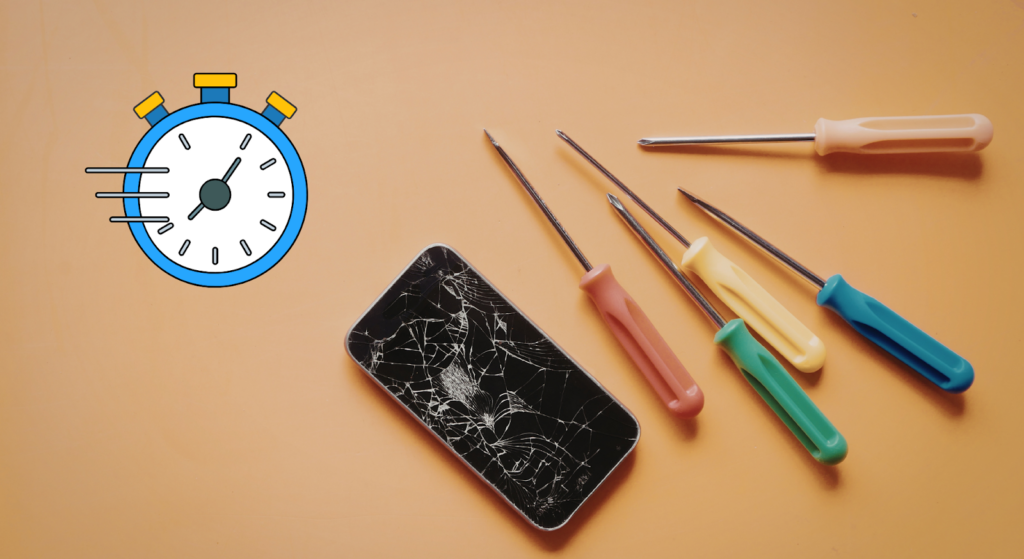
When customers ask how long it takes to fix a phone screen, they expect a simple number. In reality, typical timelines vary based on the phone model, screen type, and part availability. Most screen repairs for common models are completed within 30 minutes to 2 hours. However, more complex cases or limited stock can extend repair time to several hours or even a few days.
iPhone Screen Replacement
If you’re wondering how long it takes to replace an iPhone screen, here’s a realistic breakdown from a professional repair shop perspective:
- iPhone 8 / SE (LCD models): 20–35 minutes
- iPhone X / XR (LCD or early OLED): 30–45 minutes
- iPhone 11 / 12: 30–50 minutes
- iPhone 13 / 14 / 15 (OLED / advanced display assemblies): 35–60 minutes
Why the difference? Screen type plays a major role. LCD replacements are generally quicker because they are less fragile and easier to handle. OLED displays, especially soft OLED panels, require more care during installation. Frame complexity, adhesive strength, and Face ID component handling also affect the time required for the repair.
In many cases, professional technicians can complete most repairs the same day if replacement parts are in stock. However, if a rare iPhone model requires special ordering, the repair may be delayed by several days due to part availability.
Android Phone Screen Replacement
For Android devices, repair time can vary even more. Popular models such as Samsung Galaxy, Google Pixel, or Xiaomi devices usually fall within these ranges:
- Mid-range Android (LCD): 30–50 minutes
- Samsung OLED models: 45–70 minutes
- Curved or edge displays: 60–90 minutes
Android screen repairs often involve stronger adhesive bonding and sometimes require removing the battery before accessing the phone screen. Some models open from the back panel, which adds extra steps to the process.
The difference in screen technology also matters. Certain OLED panels are factory-bonded assemblies, while others require careful transfer of internal components. These factors directly influence how long it takes to replace a phone screen.
Factors Influencing Replacement Time
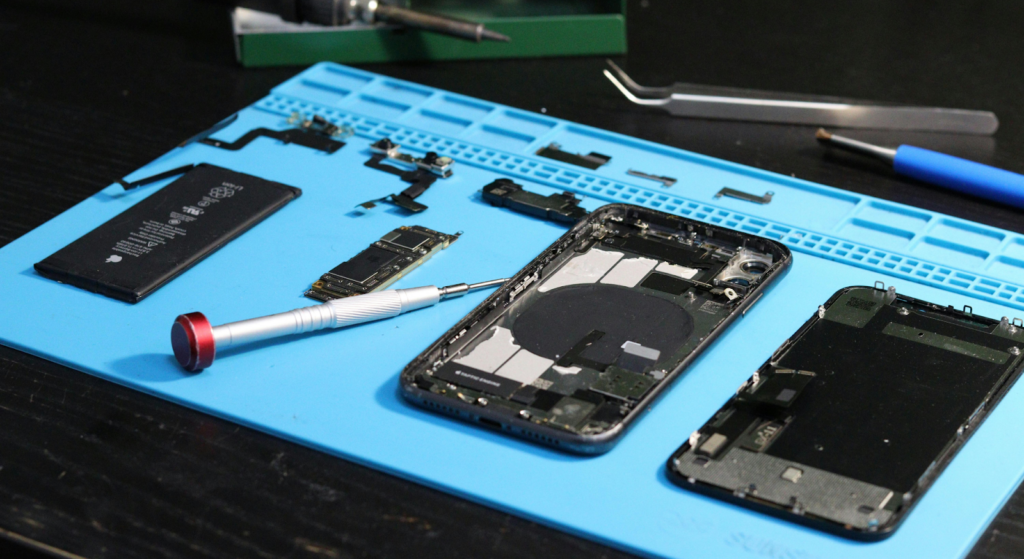
Several key factors determine whether a repair takes under an hour or stretches into several hours:
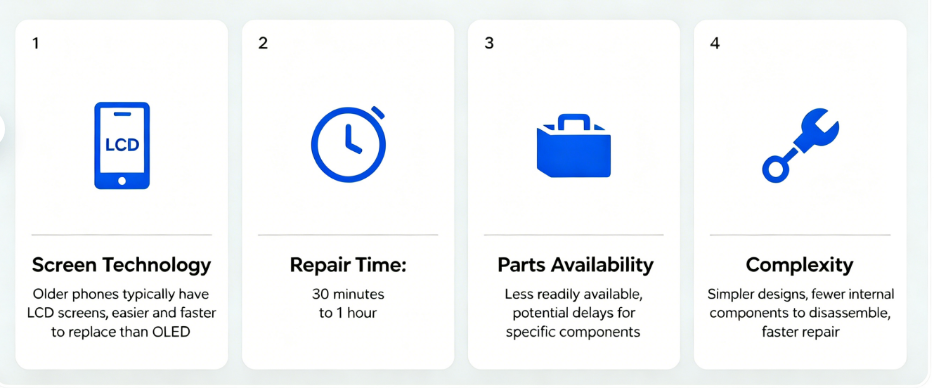
- Screen Type and Repair Difficulty: LCD screens are typically faster to replace than OLED assemblies.
- Battery Removal and Internal Components: Some devices require disconnecting or partially removing the battery before replacing the screen.
- Technician Skill and Experience: Experienced technicians complete repairs more efficiently while reducing the risk of additional damage.
- Tools and Workspace Setup: Organized workstations, heating pads, precision tools, and proper stock management significantly reduce downtime.
Other factors include the severity of screen damage, the condition of the motherboard, and whether additional diagnostics are needed. In many cases, the difference between a quick same-day repair and a delayed one depends on preparation, stock of replacement parts, and workflow optimization within the repair shop.
Why Newer Phones Take Longer to Repair?
Newer smartphones are more difficult to repair because modern OLED displays are thinner and more fragile than older LCD screens. Many devices also use stronger adhesive for water resistance, which increases disassembly time.
Premium phones such as newer iPhones and Samsung Galaxy models often require careful handling of Face ID modules, fingerprint sensors, or curved glass panels during the repair process. These components make screen replacement more time-consuming and increase the risk of accidental damage during removal.
In some cases, technicians also need additional calibration or diagnostic testing after installation, especially on devices with high refresh rate OLED displays.
Risks of Cheap Replacement Screens
Low-quality replacement screens may reduce repair costs initially, but they can create long-term performance issues. Many cheap aftermarket screens use lower-grade display panels and unstable touch components.
Common problems include touch delay, inconsistent brightness, screen flickering, inaccurate colors, and faster battery drain. In some cases, poor-quality screens may also affect Face ID performance or cause overheating during extended use.
Professional repair shops usually recommend tested replacement screens with stable touch response and proper power management to reduce return rates and improve long-term device reliability.
In professional repair environments, screen quality directly affects customer satisfaction, warranty claims, and repeat repair rates.
Essential Tools for Phone Screen Replacement
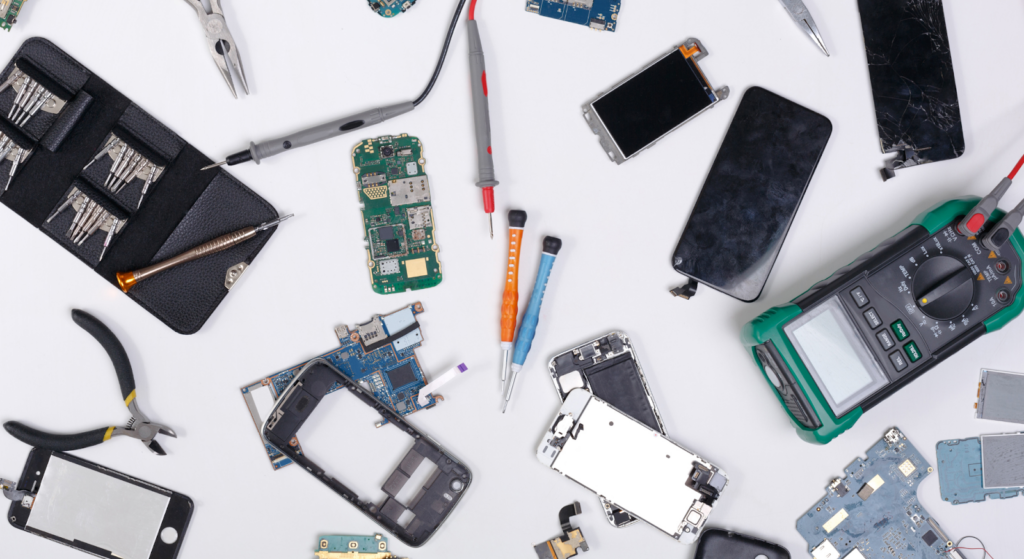
If you’re serious about reducing repair time and delivering consistent service, understanding the tools needed for phone screen replacement is critical. The difference between a 30-minute repair and a two-hour delay often comes down to preparation, tool quality, and part availability.
Professional mobile repair requires proper tools—they directly affect efficiency, safety, and results. A cracked screen may seem simple, but modern iPhones and Android phones use strong adhesive, delicate cables, and sensitive internal parts.
Using the right tools protects the device, speeds up the replacement process, and prevents additional damage that can increase cost or void warranty coverage.
Essential Tools
Every repair shop performing screen repairs should have a standard toolkit ready for common models. These tools form the foundation of most repairs:
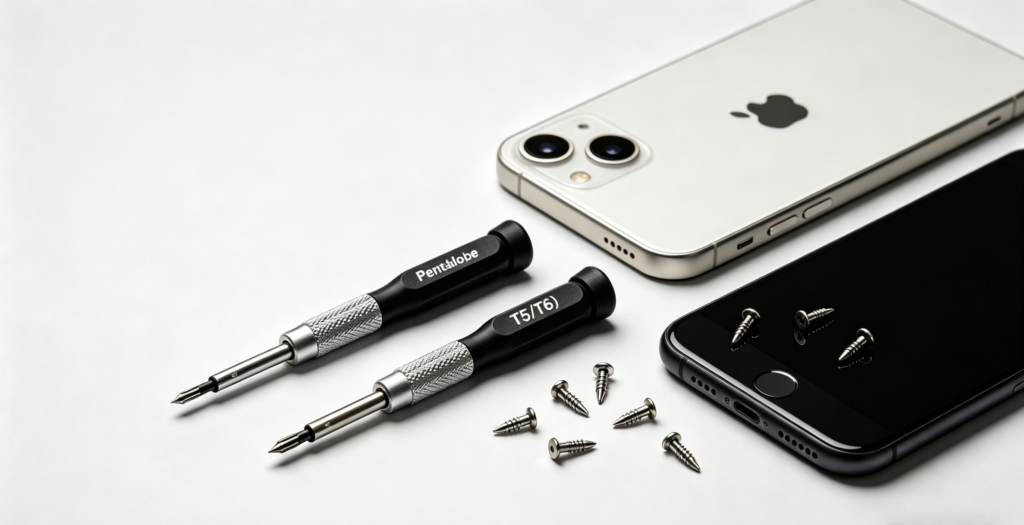
Precision Screwdrivers
Modern phones use different screws: Apple uses Pentalobe, Android often uses T5/T6. Technicians need a full brand-specific screwdriver set to open devices safely. Mismatched drivers damage screws, waste time and raise repair costs.
Suction Cups and Opening Picks
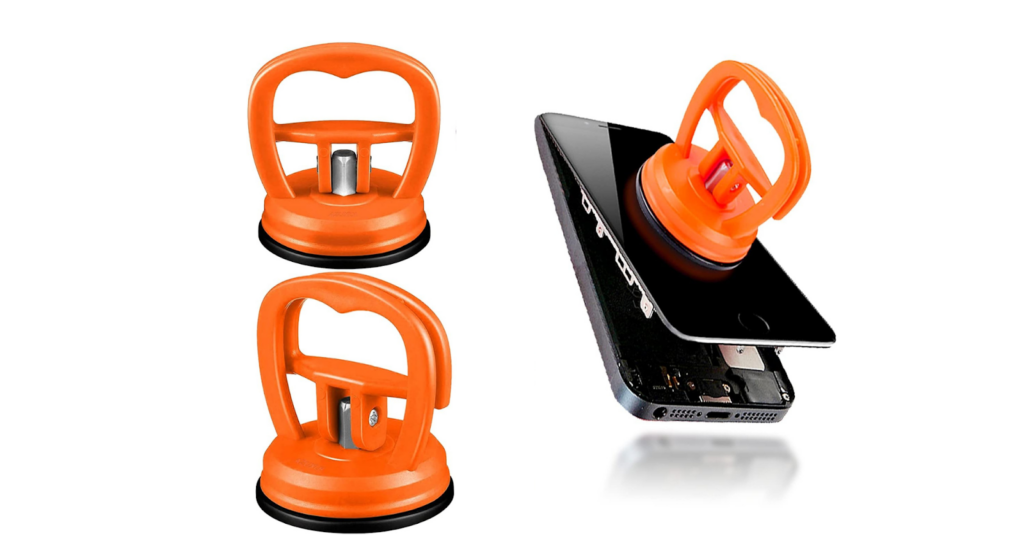
A suction cup lifts the softened adhesive screen in the right size. For iPhone 12, technicians use a small suction cup and spudger, taking extra care around edge cables to avoid damage. Quality picks and spudgers ensure safe separation.
Tweezers (ESD-Safe)
Anti-static tweezers are essential for handling small screws and connectors. Electrostatic discharge (ESD) can cause internal circuit damage, so using proper anti-static tools is critical. These tweezers ensure that both the device and motherboard are protected from static damage, which can impair the functionality of the phone.
Heating Pads and Opening Tools
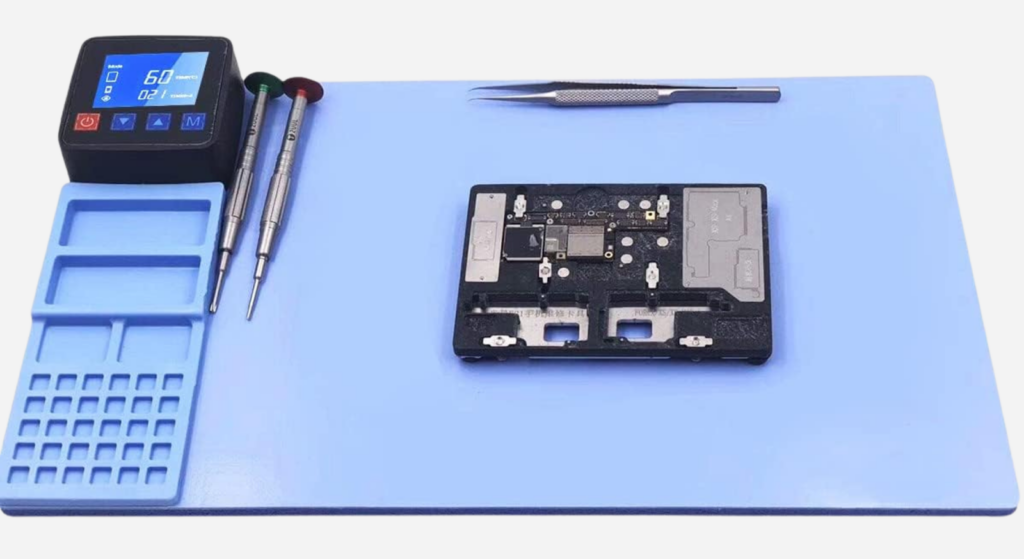
Many modern phones use strong adhesive to secure the screen. Heating pads or controlled heat plates soften the adhesive evenly, lowering the risk of frame bending or glass cracking during removal. The recommended heating temperature is between 60°C and 80°C.
Excessive or prolonged heat can damage the screen, so careful temperature control is essential. OLED displays, in particular, need extra care to avoid permanent damage during the heating process.
Anti-Static Mats and Safety Equipment
Anti-static mats protect internal components from electrical damage, while magnetic screw mats keep screws organized and minimize errors during reassembly.
Technicians should also wear anti-static wristbands and safety glasses to avoid electrical and physical injuries. A clean, tidy workspace is equally important to prevent delays in the repair process.
Optional Professional Tools
High-volume repair shops often invest in advanced equipment to improve efficiency and handle more complex situations.
OCA Laminating Machines
For shops performing glass-only repairs instead of full assembly replacement, OCA (Optically Clear Adhesive) laminating machines allow technicians to bond new glass to the display. While this process can take longer than a full replacement, it reduces the cost of replacement parts for certain phone models.
UV Curing Stations
UV curing tools are used for glass bonding and frame sealing. They ensure proper adhesive curing, especially in curved OLED devices. Poor curing can lead to display separation days later, increasing return rates.
Diagnostic and Testing Equipment
Professional diagnostic tools verify that the new iPhone or Android screen is functioning correctly before final assembly. Testing brightness, touch response, and display output ensures the repair is completed properly. Quick diagnostics also help confirm that screen damage was not masking deeper issues.
Tool Impact on Efficiency
Many repair shops underestimate how tools affect repair time. Proper heating speeds up adhesive removal, organized screw storage avoids delays, and quality opening tools reduce accidental damage.
Professional kits streamline workflow. With ready parts and prepped tools for common models, most screen repairs finish in 30–60 minutes; poor preparation can drag simple jobs to hours.
Overall, repair time depends on both the device and the shop’s tools. Quality equipment cuts errors, lowers labor costs, speeds up service, and boosts customer trust.
How Repair Shops Reduce Phone Screen Repair Time?
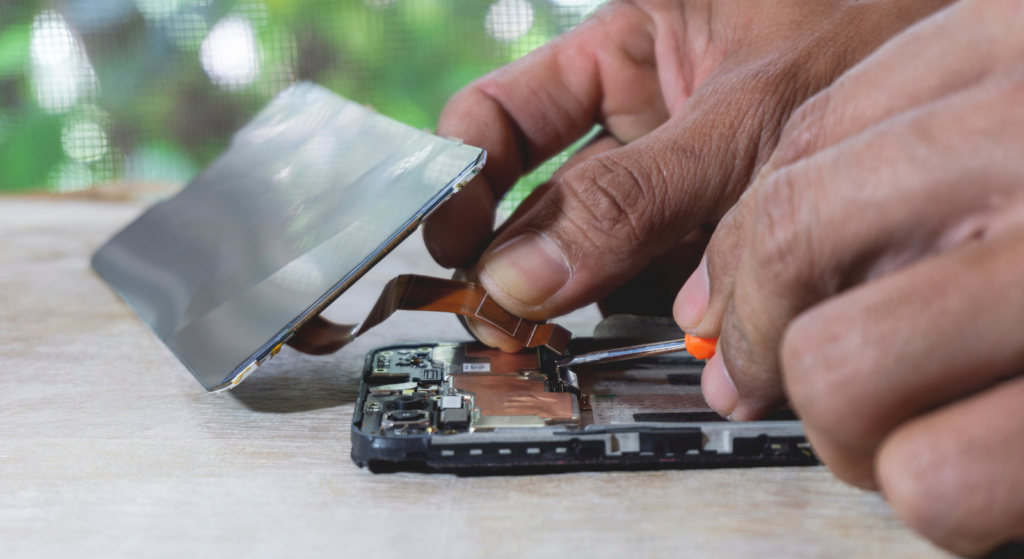
For a repair shop, answering the question of how long it takes to replace a phone screen is not just about giving customers a number. It is about controlling workflow, minimizing delays, and ensuring most repairs are completed efficiently. In many cases, reducing repair time comes down to preparation and process, not speed alone.
Below are proven strategies professional technicians use to handle cracked screen and broken screen cases more efficiently without sacrificing quality.
Pre-Check Battery and Internal Components
Before removing the phone’s screen, technicians should always perform a quick diagnostic check. A cracked display might not be the only issue. In some cases, screen damage can hide deeper problems, such as a swollen battery, loose connectors, or even motherboard stress.
A five-minute diagnostic check helps confirm:
- The device powers on properly
- Touch and display signals respond before full replacement
- There are no underlying issues that could extend repair time
If a battery must be disconnected or partially removed during the process, knowing that in advance prevents delays. Many iPhone and Android models require careful handling of internal components before the screen is replaced.
Organize Tools and Workspace
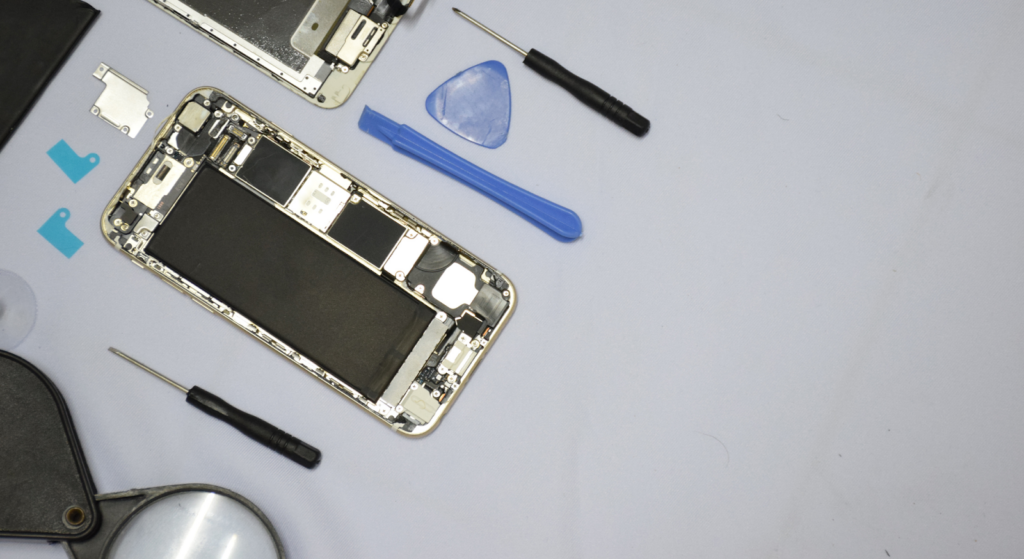
An organized repair shop significantly reduces the time required for the process. Professional technicians keep essential tools, replacement parts, and common model screens in stock and within reach. Magnetic screw mats prevent lost screws.
Heating pads are pre-set to proper temperatures. Screen assemblies for common models are labeled and ready. Small improvements in workspace setup can shave 5–10 minutes off each repair. Over the course of a day, that adds up.
Disorganized benches lead to:
- Searching for tools mid-repair
- Mixing screws between devices
- Increased risk of additional damage
- Extended repair time
For high-volume mobile repairs, efficiency is built into the shop’s layout.
Batch Replacement Strategies for Multiple Devices
When handling several cracked iPhone or Android screen repairs in a single day, batch processing can improve productivity. Instead of completing each phone from start to finish one at a time, technicians may:
- Open multiple common models together
- Soften adhesive in batches using heating pads
- Perform screen removal steps sequentially
- Complete testing and final assembly in grouped phases
This method works best with easily available replacement parts, cutting repetitive setup and boosting technicians’ efficiency.
In high-volume repair shops, technicians often prepare multiple devices at once to reduce downtime and improve same-day repair efficiency. Common replacement screens, adhesive strips, and repair tools are usually organized in advance to speed up workflow and reduce service delays.
Training and Standard Operating Procedures
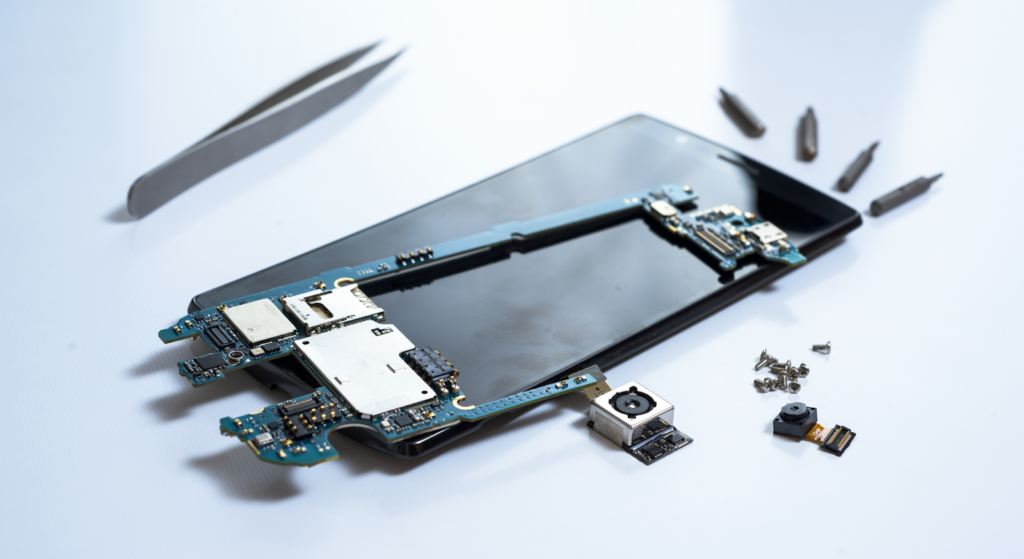
Skill plays a major role in how long it takes to fix a phone screen. Experienced technicians complete most repairs quickly because they follow a consistent process. Standard Operating Procedures (SOPs) should define:
- Opening sequence for each phone model
- Cable disconnection order
- Screen testing protocol before sealing
- Adhesive replacement standards
- Final inspection checklist
Clear procedures reduce guesswork and prevent mistakes that lead to rework or warranty claims. Ongoing training also matters. New iPhones and Android models introduce design changes that affect repair difficulty. Keeping technicians updated ensures repair time remains consistent even as device complexity increases.
FAQs
How can I avoid the need for a screen replacement?
Use a screen protector, invest in a durable case, avoid extreme temperatures, and handle your phone carefully to prevent damage.
How long does it take to repair a screen on a water-damaged phone?
Water-damaged phones take longer. Even if the cracked screen replacement is quick, technicians must inspect the motherboard and internal components first. In many cases, it can take several hours or a few days.
Can repair shops complete multiple replacements per hour?
For common models in stock, experienced technicians can complete multiple screen repairs per hour. Workflow setup, tool availability, and technician skill matter most.
Is it faster to replace the entire screen assembly or just the glass?
Replacing the full-screen assembly is usually faster and safer. Glass-only repair takes specialized tools and more time. Most repair shops choose full replacement for efficiency.
Why do OLED screen repairs cost more?
OLED screen repairs cost more because OLED displays are thinner, more fragile, and more expensive to manufacture than LCD screens. Many OLED assemblies also include advanced components like high refresh rate support or in-display sensors.
Can screen replacement fix touch issues?
Yes, replacing a damaged screen often resolves touch response problems caused by cracked glass or faulty display assemblies. However, touch issues linked to motherboard damage may require additional diagnostics.
Conclusion
Standard screen repairs take 30 minutes to 2 hours, depending on model, parts, damage and technician skill. Using quality replacement parts, proper tools, and efficient repair workflows helps reduce turnaround time and improve repair reliability for both consumers and repair businesses.
For both iPhone and Android, efficient workflow, proper diagnostics and quality parts ensure fast, safe repairs.
For repair shops looking for reliable screen parts and repair tools, SQLCD provides tested components for popular iPhone and Android models.