
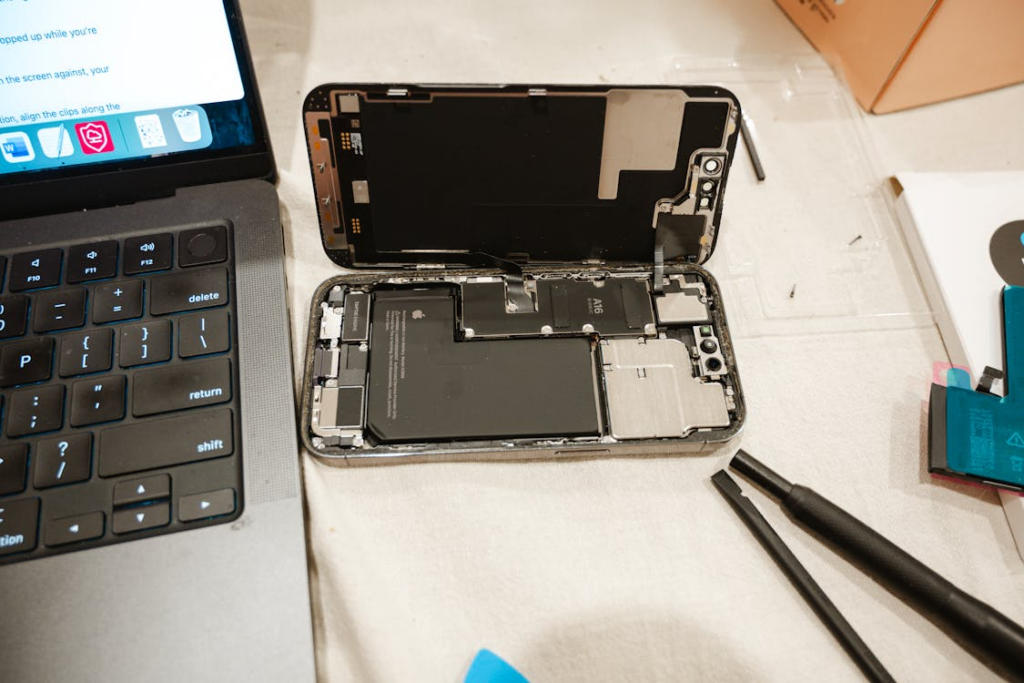
Every iPhone eventually reaches a point where the battery no longer performs like it once did. At first, the changes are subtle — the battery lasts fewer hours on a single charge, or the device needs to be recharged more often during extended periods of daily usage. Over time, performance issues may appear, especially during heavy power demand. For repair shops and refurbishment businesses, understanding iPhone battery health when to replace is not just a technical detail — it is a key factor in maintaining customer satisfaction and protecting long-term device performance.
Battery health directly affects battery life, peak power delivery, and overall stability. Knowing when to replace the battery ensures consistent performance, prevents unexpected shutdowns, and extends the battery’s lifespan under normal and ideal conditions.
Understanding iPhone Battery Health
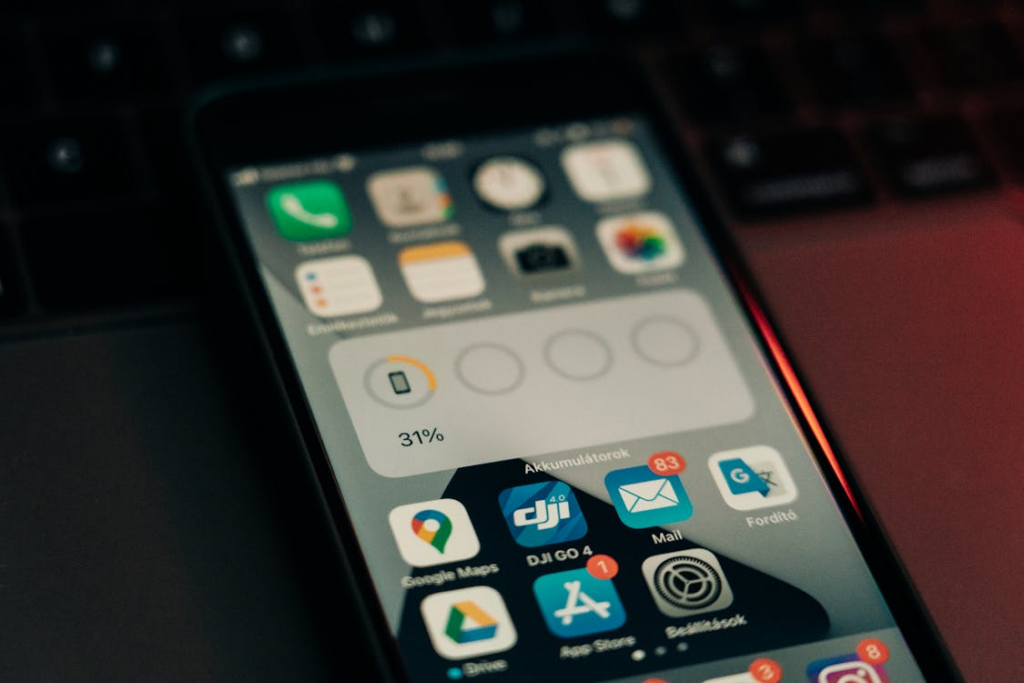
iPhones rely on lithium-ion batteries, which naturally degrade over time. To help users and repair professionals monitor battery performance, iOS provides a battery health screen. This shows maximum capacity as a percentage, indicating the battery’s ability to hold a charge compared to when it was new. A 100% reading means the battery retains full original capacity, while lower percentages indicate gradual chemical aging and reduced energy storage.
Battery health is not just about how long a device lasts on a single charge. It also reflects the battery’s ability to deliver necessary peak power. Over multiple charge cycles, internal resistance increases, causing the battery to struggle under heavy load. Factors like high-temperature exposure, extended usage, and repeated full charges accelerate this degradation.
Does iPhone Battery Health Affect Performance?
Yes — battery health directly impacts iPhone performance. When a battery becomes significantly degraded, iOS may apply performance management protections. This reduces processor speed to prevent unexpected shutdowns during high-power tasks.
Devices with lower battery health may experience:
- Throttling at lower health percentages — apps may open more slowly, or animations may lag.
- Unexpected shutdowns — the device powers off even at moderate charge levels if the battery cannot provide sufficient peak power.
- Slower app loading and responsiveness — tasks that require more energy may be delayed, affecting overall device usability.
For repair shops and refurbishment centers, monitoring both the battery health percentage and real-world performance issues is crucial. A battery at 85% may still perform well under light use, but heavy applications or extended periods of high load can reveal performance limitations. Timely battery replacement restores full performance and ensures consistent battery life for the end user.

iPhone Battery Health Thresholds for Replacement
Monitoring battery health allows repair shops and refurbishment centers to make informed decisions about replacements. Using a clear iPhone battery health threshold helps ensure consistent performance, reduce unexpected shutdowns, and maintain customer satisfaction.
Standard Guidelines
Apple and professional repair workflows generally follow these thresholds:
100–90%: Excellent – The battery retains nearly full capacity and can consistently deliver necessary peak power. Devices in this range typically support full performance and do not require replacement.
89–80%: Acceptable, monitor – The battery shows moderate degradation. It can still support most tasks, but performance management protections may activate under heavy load. Monitoring is recommended, and repair shops may advise customers to expect slightly shorter battery life.
Below 80%: Recommended replacement – At this stage, the battery is significantly degraded. Sudden shutdowns, slower app loading, and reduced responsiveness are more likely. Replacement restores full performance, ensures stable battery life, and removes performance management applied limits.
| Maximum Capacity | Performance Condition | Risk of Sudden Shutdown | Professional Recommendation |
| 100–90% | Excellent, healthy battery | Very Low | No replacement needed |
| 89–80% | Acceptable, monitor closely | Low to Moderate | Monitor usage patterns |
| Below 80% | Significantly degraded | High | Recommended battery replacement |
Repair Shop Practices
Professional repair shops go beyond the general thresholds. They use diagnostic tools to test peak power delivery and check whether performance management is active. These tests allow technicians to determine if a battery still supports normal peak performance or if preemptive replacement is justified.
Preemptive replacements are particularly useful to:
- Prevent repeated customer complaints about battery drain or unexpected shutdowns
- Maintain consistent device performance for heavier users
- Reduce service returns and enhance repair workflow efficiency
By combining threshold guidelines with real-world diagnostics, repair shops can confidently decide when to replace the battery, improving both device longevity and customer satisfaction.
How Repair Shops Decide When to Replace iPhone Batteries
For repair shops and refurbishment centers, deciding when to replace an iPhone battery is more than just checking a percentage on the battery health screen. A professional approach combines technical diagnostics, customer expectations, and operational efficiency. Understanding how repair shops decide when to replace batteries ensures timely service, prevents repeat complaints, and maintains customer trust.
Performance vs Customer Expectations
Battery health impacts performance in ways that may not always be obvious to the end user. Devices with 85–80% battery capacity often continue to operate normally under light usage, but they may struggle with heavier workloads. Repair shops must clearly explain these nuances to customers.
Key considerations include:
Explaining health-related issues: Shops should educate customers about how lithium-ion batteries age, why maximum capacity matters, and the role of performance management in preventing unexpected shutdowns. Clear communication builds trust and prevents frustration when the device experiences slower app loading or reduced responsiveness.
Cost-benefit analysis: Some customers may weigh the cost of battery replacement against purchasing a new device. Professional guidance can help them understand that replacing the battery restores full performance and extends the battery’s lifespan under normal conditions, often making it a more cost-effective solution than upgrading.
Usage patterns: Heavy users—frequent gamers, content creators, or multitaskers—may benefit from earlier replacement to maintain necessary peak power and consistent device performance.
By combining performance diagnostics with user behavior insights, shops can provide informed recommendations that align with customer expectations.
OEM vs Aftermarket Battery Considerations
Choosing between a genuine Apple battery and a high-quality aftermarket option is a critical decision for repair shops. Both options affect replacement frequency and customer satisfaction.
Genuine Apple batteries:
- Offer consistent maximum capacity and reliable support for normal peak performance.
- Lower likelihood of rework or early failure.
- Maintain the device’s original design and warranty compliance.
High-quality aftermarket batteries:
- Can reduce upfront costs for the shop and customer.
- Variation in performance consistency; low-quality units may degrade faster or trigger performance management protections sooner.
- Require careful selection to avoid complaints about reduced battery life or unexpected shutdowns.
Professional repair shops often evaluate battery options based on cost efficiency, expected durability, and operational workflow. Preemptive replacements with reliable aftermarket batteries may be suitable for high-volume repairs if performance and safety standards are met.
Testing and Diagnostics
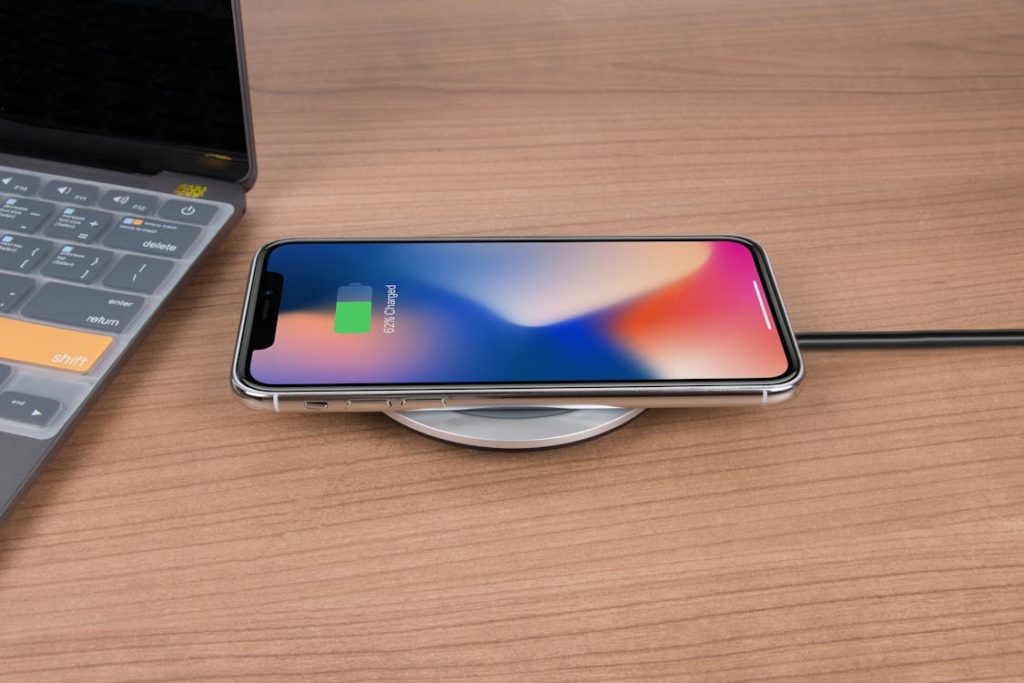
Diagnostics form the backbone of professional battery replacement decisions. Repair shops rely on a combination of iOS reports, third-party testing tools, and trend logging to determine the optimal time to replace. Here’s a brief breakdown:
iOS battery report: Provides maximum capacity, peak performance capability, and whether performance management protections are active. This allows shops to assess whether the battery is performing at full capacity or needs replacement.
Third-party battery testers: Measure voltage stability, internal resistance, and real-time power delivery under load. This helps identify batteries at risk of unexpected shutdowns or poor battery life.
Health trend logging: Tracking battery health across multiple service visits allows shops to predict degradation patterns, schedule proactive replacements, and maintain repeat customer satisfaction.
By combining these diagnostic tools with professional judgment, repair shops can confidently decide whether to replace a battery immediately, monitor it, or schedule a preemptive replacement. This approach minimizes device downtime, reduces customer complaints, and ensures consistent operational efficiency.
Signs of Battery Degradation
Identifying battery degradation early helps repair shops and users avoid performance issues and unexpected shutdowns. Common signs include slow charging or rapid battery drain, even after a full charge. Devices may show fewer hours of use per charge than their original capacity.
Physical indicators are also important. Swelling or overheating can occur when the battery’s internal chemistry is compromised, creating potential safety risks.
Additionally, iOS provides warnings through the battery health screen. Alerts such as “Battery Health Degraded” or notifications that performance management has been applied indicate that the battery can no longer consistently support normal peak power. Recognizing these signs allows shops to proactively advise on replacements, restore full performance, and maintain customer satisfaction.

Professional Recommendations for Repair Shops and Wholesalers
For repair shops and wholesalers, proactive battery management is key to efficient operations and customer satisfaction. Professional recommendations focus on replacement thresholds, stocking strategies, and quality control.
Thresholds for Bulk Replacement
Devices reaching below 80% should be considered for immediate replacement. For high-volume operations, shops may schedule preemptive bulk replacements for devices around 82–78% to prevent performance issues, unexpected shutdowns, and battery drain complaints. Monitoring degradation trends across models allows for timely intervention.
Stocking Decisions Based on High-Demand Models
Certain iPhone models typically require more frequent replacement due to age and usage patterns, including:
- iPhone XR
- iPhone XS / XS Max
- iPhone SE
Wholesalers and repair shops should stock genuine or high-quality aftermarket batteries accordingly. Maintaining adequate inventory ensures quick turnaround and reduces downtime for customers.
Reducing Returns and Complaint Rates
Using quality replacement batteries with consistent capacity and stable cell structure lowers the risk of rework. Proper installation, consistent adhesive, and adherence to performance management guidelines prevent early degradation. Proactive diagnostics, combined with professional-grade batteries, lead to fewer returns, higher reliability, and improved long-term customer trust.

Implement Health Trend Monitoring
Track battery health across repeat customers’ devices. Logging degradation patterns helps predict when replacements will be needed, allowing shops to schedule proactive maintenance.
Educate Staff and Customers
Train technicians to recognize signs of battery degradation, including slow charging, rapid drain, swelling, and iOS battery health warnings. Informing customers about performance management applied builds trust and sets realistic expectations.
Optimize Workflow with Quality Tools
Use professional-grade tools for battery removal and replacement to minimize the risk of damage to connectors or screens. Efficient workflows reduce repair time, lower error rates, and improve overall customer satisfaction.
Prioritize Safety
Dispose of degraded lithium-ion batteries according to local regulations and avoid reusing compromised units. This protects both staff and customers from potential hazards.
FAQs About iPhone Battery Health and Replacement
How often should iPhone battery health be checked?
For most users, checking battery health every 3–6 months is sufficient. Repair shops and refurbishment centers should review battery health during routine diagnostics or when customers report rapid battery drain or performance issues.
Can a battery at 85% health still perform well?
Yes. A battery at 85% maximum capacity can still deliver adequate power for moderate usage. However, under heavy load—such as gaming, video streaming, or extended multitasking—performance management protections may activate, causing slower app loading and responsiveness.
Does replacing the battery restore peak performance?
Replacing the battery with a genuine Apple battery or a high-quality aftermarket alternative typically restores full performance, removes throttling caused by performance management applied, and improves overall battery life.
Is it safe to use third-party batteries?
High-quality third-party batteries can be safe if they meet performance and safety standards. Low-quality replacements may degrade quickly, trigger unexpected shutdowns, or reduce the battery’s lifespan. Repair shops should prioritize reputable suppliers to ensure reliability.
How long does professional replacement take?
Professional battery replacement usually takes 20–45 minutes, depending on the iPhone model and the condition of the device.
Conclusion
Understanding iPhone battery health when to replace is essential for maintaining device performance and customer satisfaction. Battery thresholds provide clear guidance: above 90% is excellent, 89–80% is acceptable with monitoring, and below 80% signals replacement to prevent performance issues and unexpected shutdowns.
Battery health directly affects peak power delivery, responsiveness, and overall battery life. Devices with degraded batteries may experience slower app loading, throttling, or rapid drain, impacting user experience and service outcomes for repair shops.
For repair shops and wholesalers, adopting a structured approach—including diagnostics, monitoring, and proactive replacement—ensures operational efficiency and reduces repeat complaints. Stocking genuine Apple batteries or professional-grade replacements helps maintain full performance, extends device lifespan, and builds customer trust.
By prioritizing high-quality batteries and professional installation, businesses can reliably restore performance, maintain peak performance, and enhance long-term satisfaction. Partnering with suppliers like SQLCD ensures consistency, efficiency, and trusted results.