
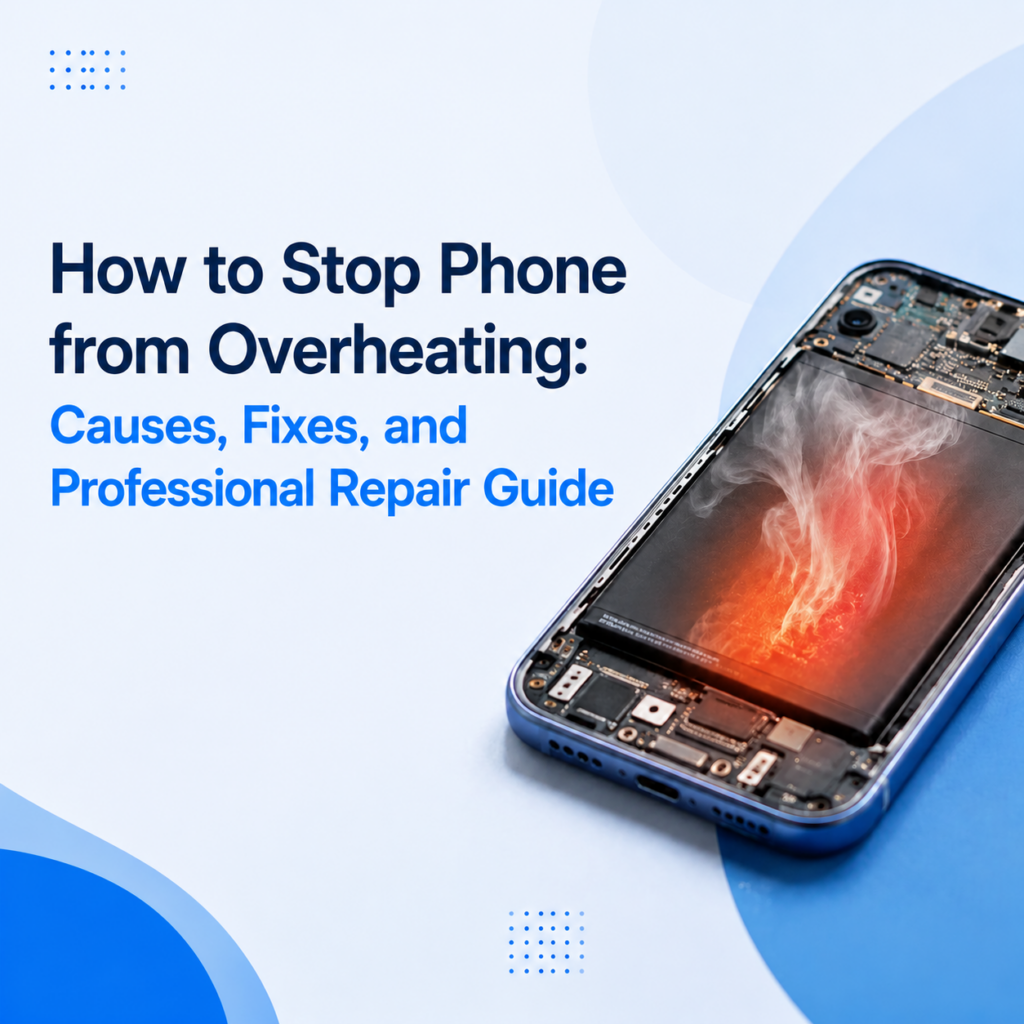
Ever had to switch hands mid-scroll because your phone got too hot to hold? That’s not just annoying; it’s a warning sign. If you have searched how to stop phone from overheating, you might have already faced the problems. The device runs hot, the battery drains faster than usual, and apps start to lag for no clear reason.
This guide walks through the everyday causes, the quick fixes, and the point where a smartphone repair technician really needs to get involved. We will also cover what happens inside the phone when it heats up, so you know if it is a five-minute fix or a real hardware issue. Let’s get started.
Why Is My Phone Overheating?
Phones commonly overheat because of intensive apps, gaming, fast charging, high ambient temperatures, aging batteries, software issues, or hardware faults such as charging IC or motherboard problems. Occasional warmth is normal, but frequent overheating should be diagnosed.
Simply put, a phone that’s warm after a long call or a charging session is normal. But a phone that stays hot even at rest or heats up doing nothing points to a real problem.
Is Phone Overheating Dangerous?
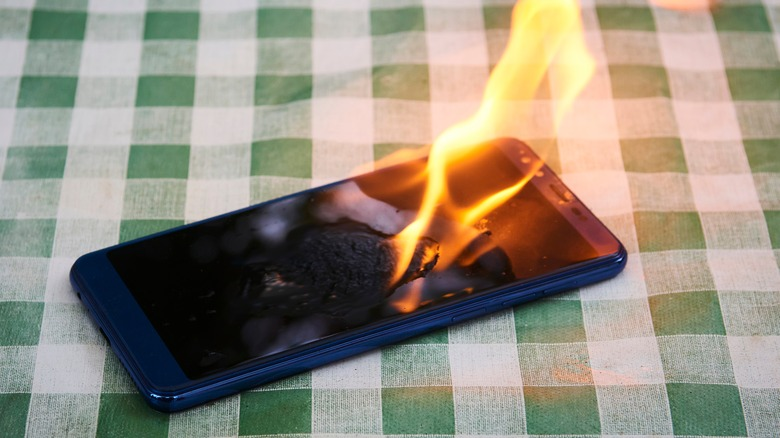
Persistent heat accelerates battery degradation, triggers thermal throttling that slows the processor, and can cause random shutdowns, charging cutoffs, a swollen battery, or display damage.
According to Apple’s guidance on device temperature, using a phone in high heat can permanently shorten battery life. Also, the device may disable charging until it cools down. That protective slowdown is deliberate. Smartphones usually sacrifice speed to protect the components underneath.

How to Stop Phone from Overheating?
Move the phone to a cooler location, close demanding apps, and reduce screen brightness. Also, pause charging, remove the case temporarily, restart the device, and install any available software updates. If the overheating phone continues, the battery or charging hardware may require professional inspection.
Run this checklist in order:
- Remove the case.
- Move to a cooler spot, out of direct sun.
- Close apps that are running in the background.
- Lower screen brightness.
- Turn off Bluetooth, GPS, or hotspot if you’re not using them.
- Unplug the charger and let it cool.
- Restart the phone.
- Install any pending software update.
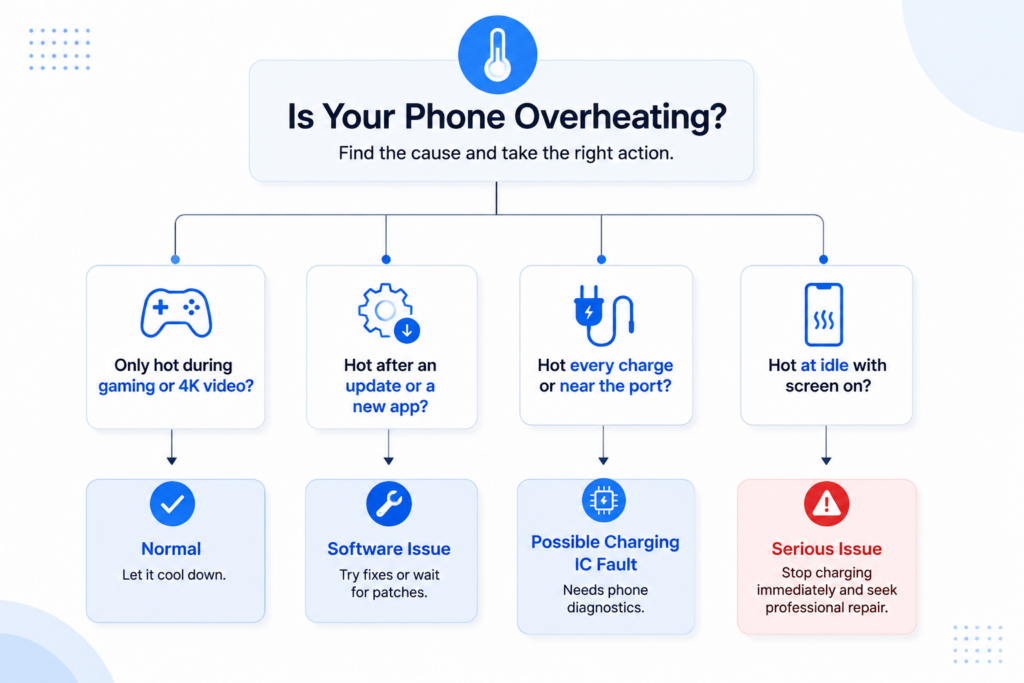
Here’s a quick flow chart:
Phone Overheating Fix: Software Solutions
A fix for phone overheating usually starts with software. Here are some steps to fix software issues that cause phone overheating:
- Update the operating system.
- Remove applications that cause heating.
- Close background apps.
- Optimize battery settings.
Pro tip: If your Android battery drains fast, this Android battery guide can help you. - Reset network settings if heat pairs with a weak signal.
- Factory reset is the last resort, after a backup.
Hardware Problems That Cause Smartphone Heat Issues
If software fixes fail, hardware usually drives persistent smartphone heat issues. These are some steps you can take to investigate the problem. But remember, this is not a confirmed diagnosis:
- Aging battery: You will see fast battery drain and warmth during charging. Below 80% battery health performance might significantly decline, and a replacement is worth considering.
- Swollen battery: A common sign for this is a lifted screen or gap near the frame.
- Faulty charging port: This is noticeable with heat and charging overheating.
- Charging IC failure: This usually happens when the chip that manages charge current fails and causes heat.
- PMIC issues: The Power Management IC (PMIC) regulates voltage. A fault can spread heat across the entire board.
- Motherboard faults: It generally stems from heat at a specific chip during light use.
- Liquid damage: If you dropped your phone in water, it can affect charging ports, batteries, and motherboards. This can directly result in overheating.
- Poor-quality replacement batteries: Have you recently had a battery replacement? Some cheap cells can run hot and drain batteries noticeably fast.
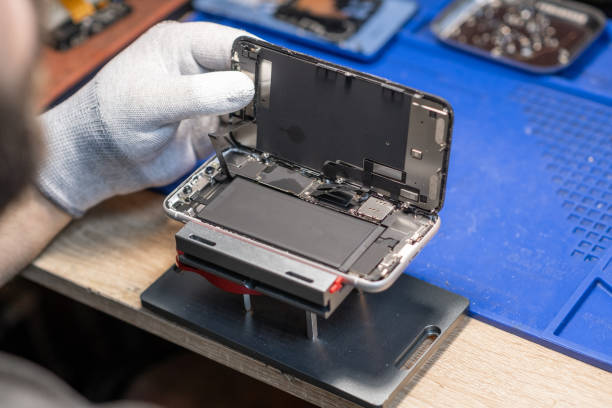
How Repair Shops Diagnose Overheating Phones
Only a system process can find the true source of heat. Here’s what technicians do in phone diagnostics:
- Battery health test
- Battery internal resistance measurement
- Voltage test
- Charging current analysis
- USB power meter test
- Motherboard inspection
- Thermal imaging and thermal camera analysis
- Known-good battery replacement
A good repair technician who tests before swapping parts gets the diagnosis right at first. This can really reduce return rates and protect margins.
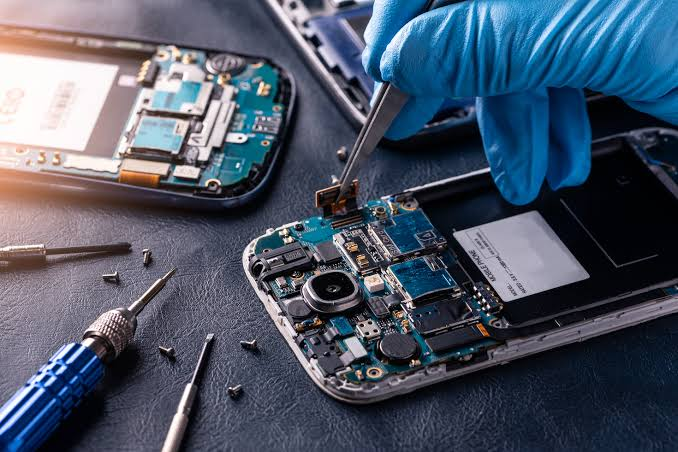
Does Battery Replacement Fix Overheating?
Battery replacement can fix overheating tied to aging cells, high internal resistance, or swelling. But it won’t fix overheating caused by a software bug or a motherboard fault.
A repair shop that skips diagnostics and replaces the battery anyway is just guessing. So, replacing the battery should not be the first step.
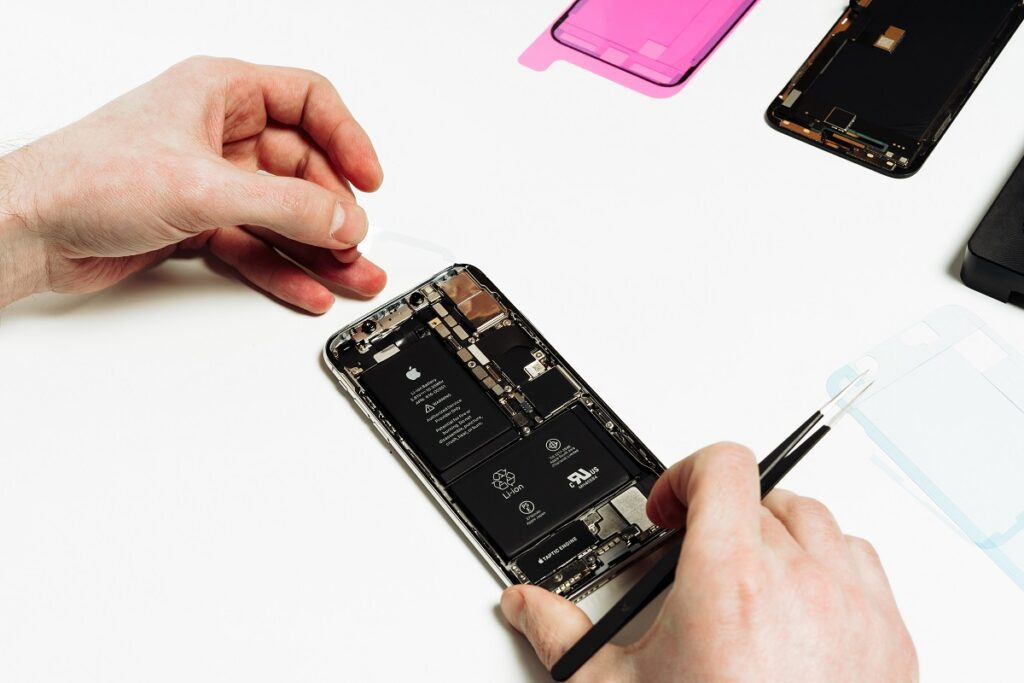
OEM vs Aftermarket Batteries
An OEM battery offers the tightest match to original specs. But a premium aftermarket battery from a reliable supplier gives repair shops a practical, cost-effective option. Here’s a quick comparison of both:
| Feature | OEM Battery | Premium Aftermarket Battery |
| Capacity Accuracy | Excellent | High |
| Safety Protection | Excellent | High |
| Lifespan | Excellent | Good to High |
| Cost | Higher | Lower |
| Availability | Limited | Better |
The U.S Consumer Product Safety Commission warns that poorly made lithium-ion cells carry real fire risk. That’s why it is really important for mobile phone repair businesses to source quality parts.
Preventing Smartphone Heat Issues
These are some steps you can take to avoid smartphone heat issues:
- Keep the phone out of direct sunlight
- Use certified chargers
- Install updates timely
- Don’t play games when your phone is plugged in
- Remove heavy cases during charging
You can also integrate some tips to improve battery life in your routine. That includes partial charging, software optimization, and avoiding extreme temperatures. Even small steps can go a long way to prolong battery life, like reducing brightness and limiting background app activity.
FAQs
Why Does My Phone Get Hot While Charging?
Your phone gets hot while charging because fast charging and wireless charging add heat. And heavy use during charging makes it worse.
Why is My iPhone Overheating?
iPhone overheats because Apple designs the iPhone for ambient temperatures of 0º to 35º C. In fact, very hot conditions can significantly affect iPhone battery health.
Can Overheating Damage My Battery?
Yes, repeated overheating and heat exposure can accelerate chemical aging and capacity loss in the battery.
Should I Stop Using My Phone if It Gets Hot?
Yes, you should stop using your phone if it is uncomfortably hot to hold and let it cool before continuing.
How Do Repair Shops Diagnose Overheating?
Repair shops diagnose overheating through battery health testing, thermal imaging, current analysis, and component-level inspection.
Does Replacing the Battery Fix Overheating?
Replacing the battery can resolve overheating caused by battery degradation, swelling, or high internal resistance. However, it will not fix overheating caused by software bugs, faulty charging circuits, or motherboard damage.
Conclusion
Occasional warmth is normal. But a phone that still won’t cool down isn’t. First, you should work through the basic steps to troubleshoot the problem. Then, you can bring in professional diagnostics if the heating issue persists. If anything needs replacing, go for reliable parts. They make every mobile phone repair more reliable and keep your customers coming back.
Are you a repair technician, wholesaler, or distributor looking for reliable battery replacements? SQLCD has you covered. We have high-quality cells and components built for low defect rates and fast delivery. So, contact us today for a detailed look at our range of replacement batteries and repair parts built for professional repair workflows.