
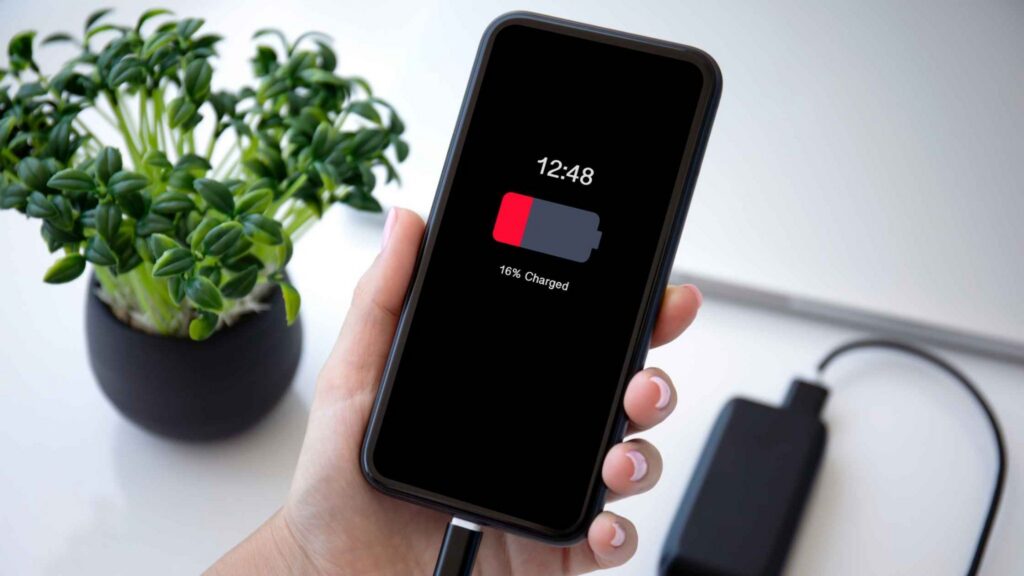
Does your phone lose charge so fast even when you are barely using it? If so, something is, perhaps, consuming more power. This battery draining cause can be high screen brightness, background apps, weak cellular signal, location services, overheating, software issues or an aging battery.
Check your battery usage & health as well as phone temperature before replacing the battery. This guide covers the most common reasons for fast battery drain, how to troubleshoot them, and when battery replacement is the right fix.
Why Is My Battery Draining So Fast?
Why is my battery draining so fast? It is one of the most common questions asked. Rapid power loss usually comes from device settings, software activity, network conditions or battery age. The causes below account for many fast-drain problems.
High Screen Brightness and Screen-On Time
The display is one of the largest power consumers on most phones. According to Google’s official Android battery guidance, screen brightness is one of the biggest sources of drain. Google recommends adaptive brightness and shorter screen timeouts as practical fixes.
Maximum brightness indoors, long screen timeouts, high refresh rates, always-on displays, video streaming and graphics-heavy games can all raise power consumption considerably.
Background Apps
Some apps remain active after you leave them. Social media, navigation, cloud sync, video and messaging apps may refresh data in the background and consume power while the device appears idle.
The battery usage menu can identify applications with unusually high consumption.
Weak Cellular Signal
Poor cellular coverage can raise radio activity because the device needs more power to maintain a network connection. Apple lists low signal and no cell coverage among causes of increased battery drain, per Apple’s battery guidance. Flight mode can reduce unnecessary radio activity in areas without usable cellular service.
Location Services and GPS
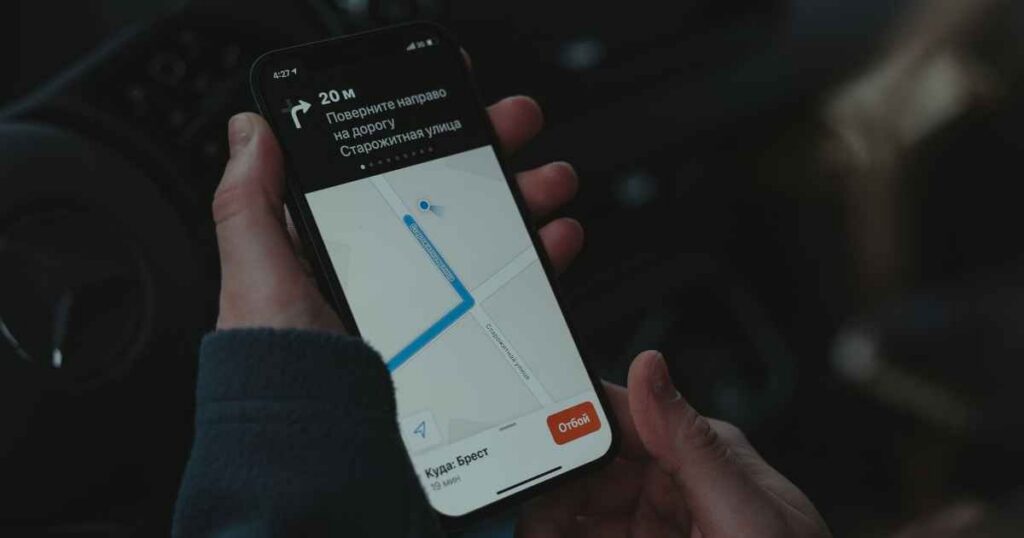
Location-based applications can consume more power when continuous tracking is active. Some common examples of location-based applications are navigation and mapping apps.
Google’s Android guidance recommends limiting GPS use during periods when location tracking is unnecessary. Android and iOS both provide per-app location permissions for finer control.
Notifications and Background Sync
Notifications can activate the display and network radios. Frequent alerts from many applications can raise power consumption noticeably.
Email fetching, cloud backups and background refresh add further activity on top of notifications. Apple’s battery guidance identifies repeated display activation from notifications as a source of avoidable drain.
5G and Network Behavior
Network type can affect battery consumption. But 5G does not always produce higher drain. Device model, carrier, signal quality and data activity all influence power use.
Battery statistics provide a better basis for diagnosis than broad claims about 5G.
Overheating
How to Check What Is Draining Your Battery
Android and iPhone include built-in battery statistics for app and feature consumption. Menu names can vary by manufacturer and operating system version.
Android: Open Settings > Battery > Battery Usage. Google documentation follows the same general path for battery consumption data. Samsung devices also provide more battery information through Battery and Device Care, including apps that use a lot of battery in the background.
iPhone: Open Settings > Battery. Apple provides app-level battery percentages and activity labels such as Background Activity and Location.
Look for the following patterns:
- One application using an unusually high share of power.
- High background activity from rarely used applications.
- Excessive screen-on time.
- A drain spike after an update or new installation.
- The same applications repeatedly appear near the top of battery usage.
How to Stop Android Battery Draining Fast
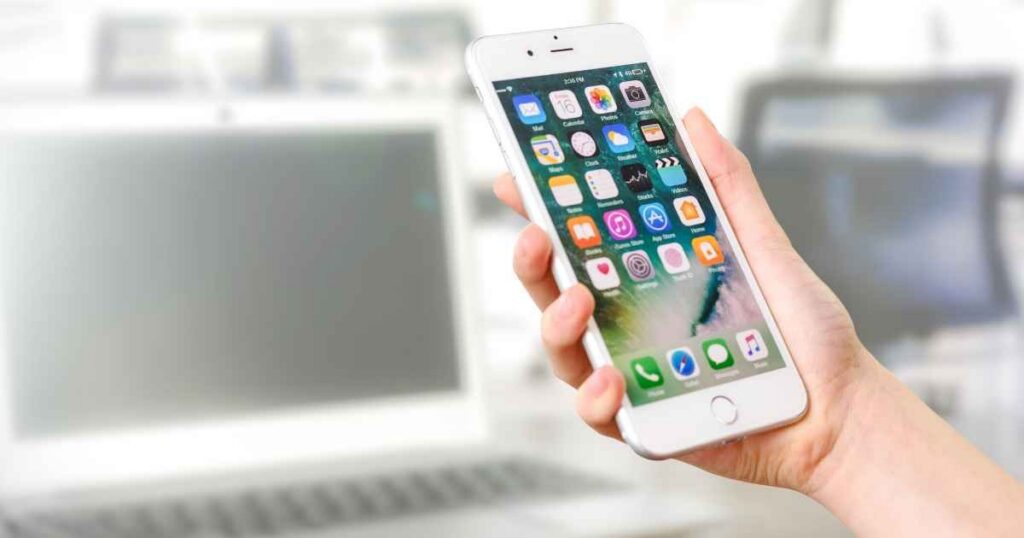
If you’re wondering how to stop Android battery draining fast, start with a simple troubleshooting sequence. Work through each step before replacing the battery.
- Lower the screen brightness or turn on adaptive brightness.
- Shorten the screen timeout.
- Check battery usage and find the apps using the most power.
- Limit background activity for apps that use too much battery.
- Turn off location access for apps that do not need it.
- Reduce unnecessary notifications.
- Activate battery saver when power is low.
- Update Android and install applications.
- Remove applications repeatedly appearing near the top of battery usage.
- Keep the device away from excessive heat.
Avoid RAM cleaner and battery booster applications. Many add background activity without providing a useful battery benefit. Android battery saver restricts background activity and activates dark themes. It makes the built-in feature a better choice for low-power situations, per Google’s guidance.
How to Stop iPhone Battery Drain

iPhone troubleshooting follows similar steps. But the menu locations are different. So, try these steps before replacing the battery.
- Open Settings > Battery and identify high-consumption applications.
- Turn off Background App Refresh for applications without a need for frequent updates.
- Review Location Services and restrict access for every application.
- Lower brightness or activate Auto-Brightness.
- Use Flight mode in areas without cellular service.
- Install the latest iOS update.
- Check Battery Health for signs of degradation.
Apple’s battery guidance connects each area with battery life management.
Is My Battery Dying or Is an App Causing the Drain?
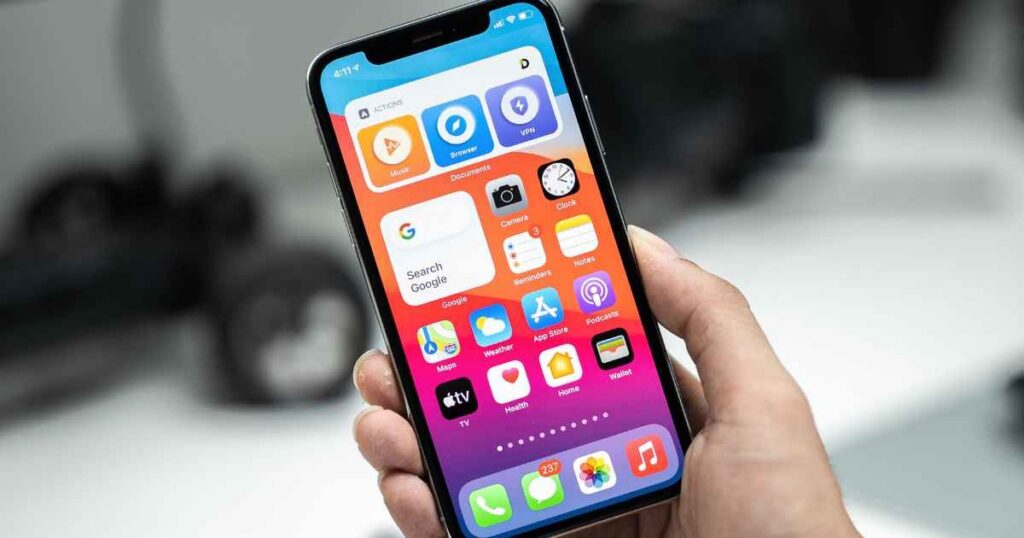
The main question before a battery replacement is whether the problem comes from the battery or another component. Symptoms can overlap, so use the table below as an initial diagnostic reference.
| Symptom | More Likely Cause |
| One app consumes most of the power | App or background activity |
| Battery drains while idle | Background process, network or battery |
| Phone temperature becomes very high | Heavy workload, software or hardware |
| Sudden shutdowns | Battery or hardware |
| Percentage drops unusually fast | Battery degradation or software |
| Normal operation returns when an app is removed | Problematic application |
| Fast drain continues after a factory reset | Hardware or battery issue |
A factory reset can eliminate many software explanations. Persistent drain after a reset points toward hardware diagnosis.
Can an Old Battery Cause Fast Battery Drain?

Yes. Lithium-ion batteries lose capacity as chemical aging progresses and shorter runtime between charges is one common result. According to Apple, lithium-ion batteries in iPhone 14 and earlier models are designed to retain about 80% of their original capacity at 500 full charge cycles under normal conditions. Beyond that point, capacity and peak power delivery can both decline. And because of this, an older iPhone may shut down unexpectedly even when the displayed percentage remains relatively high, as Apple’s support page explains.
Signs of an aging battery include:
- Noticeably shorter time between charges
- The phone shuts down without warning, especially in cold weather.
- The battery percentage changes quickly even when you are not using the phone much.
- You need to charge the phone several times a day.
- The phone slows down during heavy tasks.
There is no single battery health percentage that means every phone needs a replacement. It depends on the phone model and how you have used the battery.
iPhone Battery Replacement: When Is It Necessary?
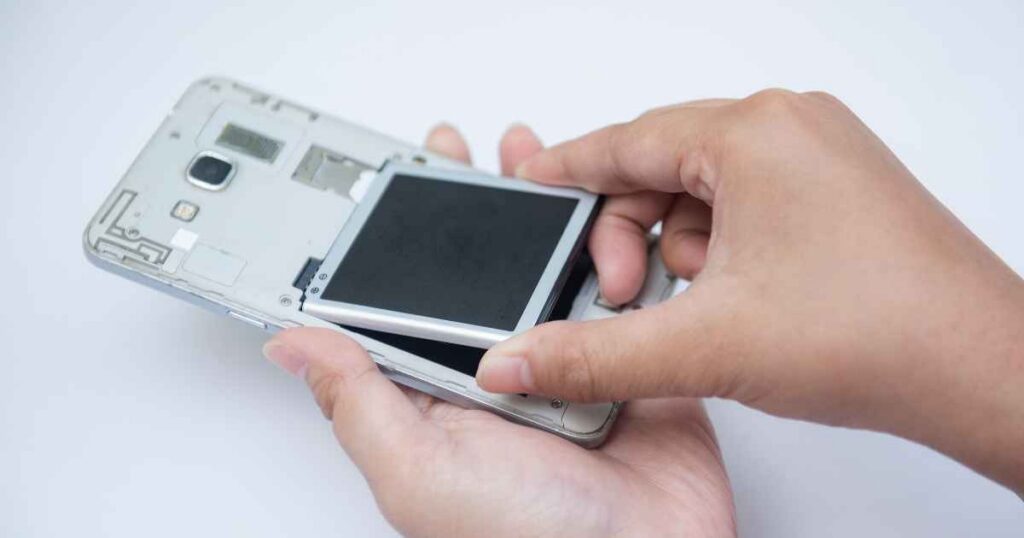
An iPhone battery replacement makes sense when tests show the battery is the problem. It is not a settings or software issue. Apple recommends service when battery health has significantly degraded. iOS can also show a service message when the battery needs replacement.
Consider a replacement when:
- Battery Health shows significant wear.
- The phone shuts down without warning.
- The battery does not last through the day.
- The battery is swollen or damaged.
- Tests show that the battery has failed.
- Diagnostics confirm that the battery has failed.
Safety note: A swollen lithium-ion battery must not be punctured, compressed or handled casually. Professional replacement is required.
Android Battery Replacement: When Should You Consider It?
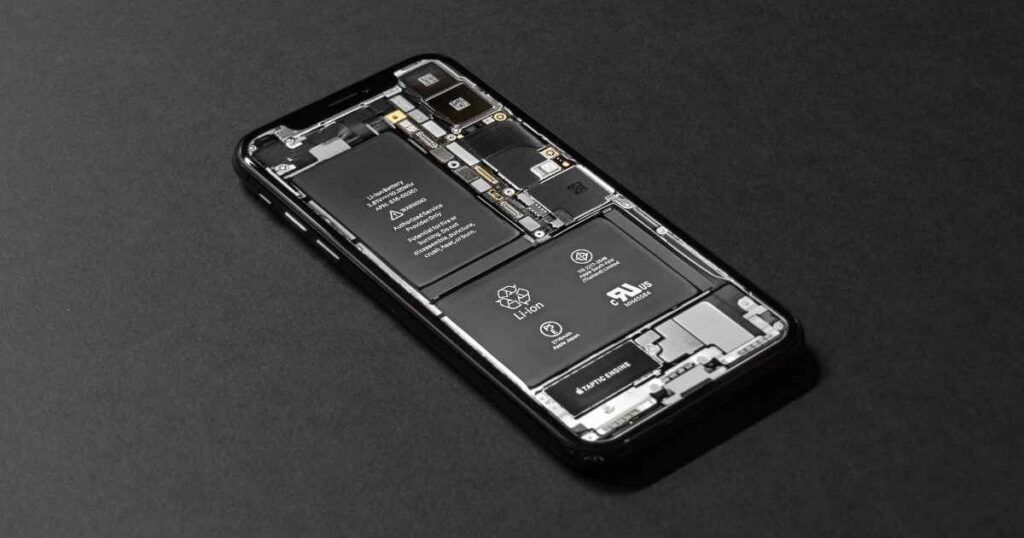
Android battery replacement follows a similar diagnostic process. Weigh several factors before making a decision:
- Battery age and charge cycle count.
- Frequency of unexpected shutdowns.
- Charging speed and behavior.
- Physical signs of swelling.
- Remaining device life and resale value.
- Availability of a quality replacement cell.
For repair shops, diagnosis should come before battery replacement. A battery swap without confirming the fault can create unnecessary costs and returns.
Does Fast Charging Cause Battery Drain?
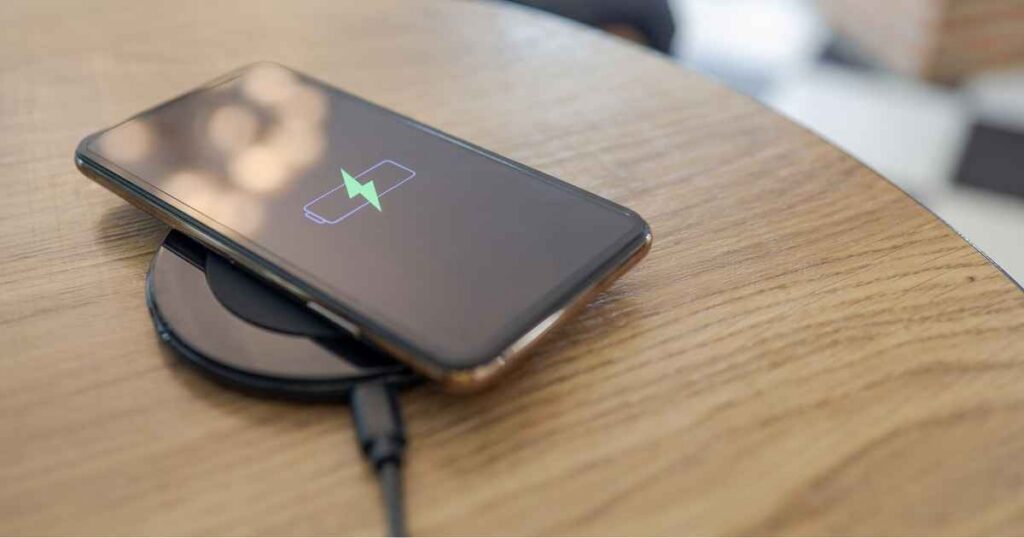
Fast charging does not always make a phone lose power faster during normal use. Battery drain and battery degradation describe different processes.
- Battery drain: The rate at which stored charge decreases during device use.
- Battery degradation: The gradual, permanent reduction in battery capacity over time.
Charging heat can affect long-term battery aging. Apple uses features such as Optimized Battery Charging and charging can pause at high temperatures to protect the cell, as Apple confirms. Fast charging itself is not the direct cause of day-to-day battery drain. Excessive charging heat is the greater concern for long-term battery health.
Does Screen Technology Affect Battery Drain?
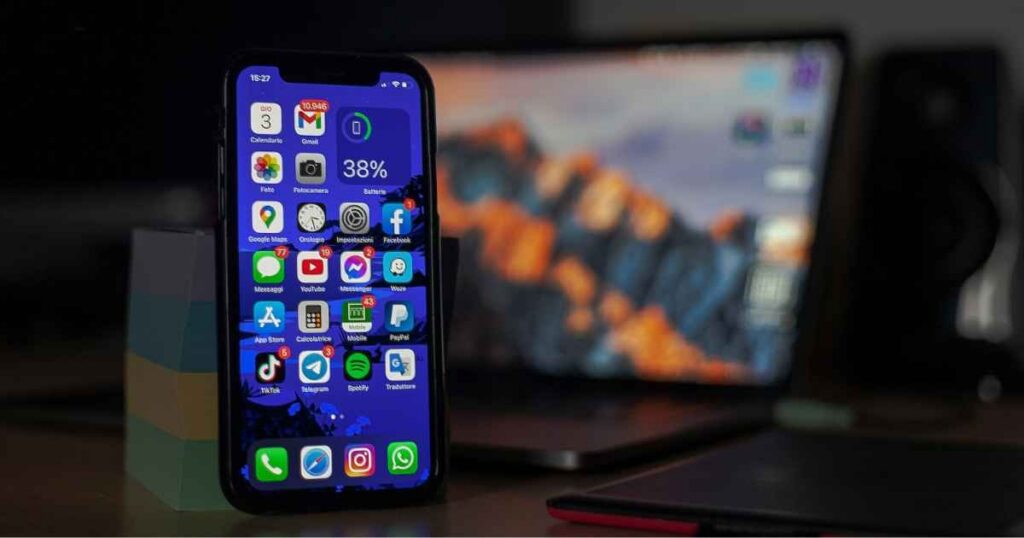
Screen technology can influence power consumption.
OLED: Each pixel produces its own light. Black pixels can switch off completely, so dark content can reduce power consumption on OLED displays, as Google’s Android article notes.
LCD: An LCD uses a backlight behind the panel. Black content does not reduce backlight power in the same way.
Panel type is only one factor. Brightness, refresh rate, screen size, and displayed content all affect battery life. Display drivers, processor efficiency, software, and usage patterns also play a role.
For a closer comparison related to sourcing and repair, see OLED vs IPS, TFT vs IPS Screen, LCD Viewing Angle and What Is IPS Display.
How Repair Shops Diagnose Fast Battery Drain

A repeatable diagnostic process reduces guesswork. Repair technicians can follow the sequence below.
- Reproduce the problem: Find out if drain occurs during active use, idle periods, charging, overnight periods or heavy workloads.
- Check battery condition: Review battery health and inspect the cell for swelling.
- Check temperature: Record device temperature and compare heat levels with power consumption.
- Check software: Review problem applications, system errors, recent updates and unusual background activity.
- Test charging: Check charging current, cable condition, adapter condition, port integrity and charging stability. If the phone also stops responding or refuses to charge, see our Dead Phone Guide.
- Substitute a known-good battery: A replacement test can separate a failing cell from other hardware faults.
OEM vs Aftermarket Replacement Batteries

Replacement battery quality affects repair reliability. A direct comparison can help repair businesses assess sourcing options.
| Factor | OEM | Quality Aftermarket |
| Compatibility | Excellent | Supplier dependent |
| Cost | Higher | Usually lower |
| Availability | Model dependent | Usually broader |
| Capacity consistency | High | Supplier dependent |
| Quality control | Manufacturer controlled | Varies by supplier |
Aftermarket batteries are not automatically inferior. When choosing a replacement, the supplier and battery quality matter a lot. Supplier quality and consistency matter when repair businesses choose replacement cells. A premium cell from a dependable supplier can provide a practical option without the defect rates and callbacks associated with low-quality parts.
When Should You See a Repair Professional?

Some battery problems need a professional check. Visit a qualified technician if:
- The battery is swollen or if it’s damaged.
- The phone gets unusually hot during light use.
- The battery still drains quickly after troubleshooting.
- The phone shuts down without warning.
- Charging keeps stopping or is unstable.
- A new battery does not fix the problem.
- The device has liquid or impact damage.
- Drain continues after software troubleshooting.
Quick Checklist: How to Stop Phone Battery Draining Fast
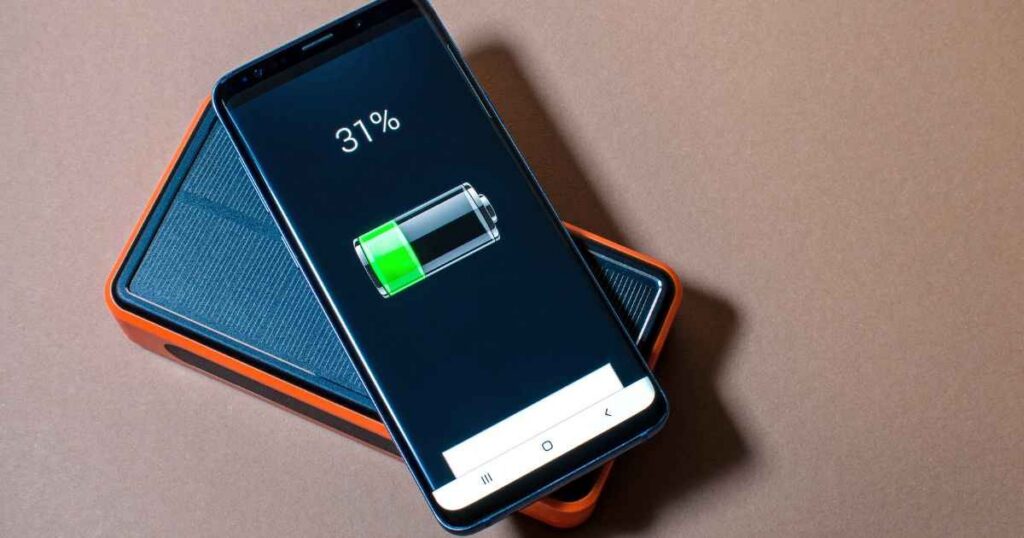
Follow the sequence below before replacing a battery:
- Check battery usage and identify high-drain applications.
- Reduce the brightness of the screen.
- Review and restrict background application activity.
- Audit location permissions per application.
- Remove unnecessary notifications.
- Update the operating system and applications.
- Remove those applications which are repeatedly consuming high power.
- Check for overheating patterns.
- Inspect battery health.
- Test charging accessories for faults.
- Replace the battery only after diagnostics confirm a battery fault.
FAQs
Why is My Battery Draining so Fast?
Most cases of phone battery draining fast come from high screen brightness, background applications, weak cellular signal, location services, and software problems. Heat or an aging battery can also cause faster battery drain. Start with battery usage in Settings to identify the main source.
How Do I Stop My Android Battery from Draining Fast?
You can reduce Android battery draining fast by lowering brightness, restricting background applications, and limiting unnecessary location access. Updating software and activating battery saver also helps, per Google’s support page.
Why Does My Phone Battery Drain Overnight?
Your battery drains overnight because background synchronization, push notifications and weak cellular coverage are common causes. Battery saver or Flight mode can reduce overnight power consumption.
Why is My Battery Draining when I am not Using My Phone?
Background application activity, network searching or battery degradation can cause idle drain. Persistent drain after a factory reset warrants hardware diagnosis.
Can a Bad Battery Cause Fast Battery Drain?
Yes. An aging lithium-ion cell has lower capacity and may produce unexpected shutdowns at higher displayed percentages, as Apple’s support documentation confirms.
Does Screen Brightness Affect Battery Life?
Yes. The display is one of the largest power consumers on many phones, so lower brightness can reduce consumption considerably, per Google.
Does 5G Drain Battery Faster?
Not in every situation. Device model, carrier, signal quality, network activity and data usage all affect power consumption. Battery statistics provide a better indication for an individual phone.
Does Fast Charging Damage Battery Health?
Fast charging does not directly cause day to day battery drain. Charging heat can contribute to long-term battery degradation. And that’s why modern phones use charging management features, as Apple explains.
When Should I Replace My iPhone Battery?
Consider replacement when battery health has significantly degraded, unexpected shutdowns occur, or diagnostics confirm a failing cell.
Is it Worth Replacing an Android Battery?
A battery replacement makes sense when the phone still works well and has plenty of life left. Check the battery first, then compare the replacement cost with the phone’s current value.
Sourcing Batteries You Can Stand Behind
Occasional phone battery draining fast usually comes from settings, software or usage patterns. Drain continuing after troubleshooting can indicate a failing battery or another hardware fault.
For repair shops, wholesalers, refurbishers and distributors, SQLCD stocks OEM-grade and premium aftermarket replacement batteries with consistent capacity and low defect rates. Contact SQLCD to review available options and source replacement cells for repair work.